Assignment 2: Fun with Filters and Frequencies
Published:
Part 1: Fun with Filters
1.1 Convolutions from Scratch
Both implementations flip the kernel and zero pad the image so the output is the same size as the input, matching scipy.signal.convolve2d(img, kernel, mode="same", boundary="fill"). Code: Assignment 2/src/conv.py.
def pad(img, kernel):
    kh, kw = kernel.shape
    return np.pad(img, ((kh // 2, (kh - 1) // 2), (kw // 2, (kw - 1) // 2)))


def conv4(img, kernel):
    k = kernel[::-1, ::-1]
    kh, kw = k.shape
    p = pad(img, k)
    out = np.zeros_like(img)
    for i in range(img.shape[0]):
        for j in range(img.shape[1]):
            total = 0.0
            for u in range(kh):
                for v in range(kw):
                    total += p[i + u, j + v] * k[u, v]
            out[i, j] = total
    return out


def conv2(img, kernel):
    k = kernel[::-1, ::-1]
    kh, kw = k.shape
    p = pad(img, k)
    out = np.zeros_like(img)
    for i in range(img.shape[0]):
        for j in range(img.shape[1]):
            out[i, j] = np.sum(p[i:i + kh, j:j + kw] * k)
    return out
9x9 box filter
Every entry of the 9x9 box filter is 1/81, so each output pixel is the mean of the 9x9 neighbourhood around it:
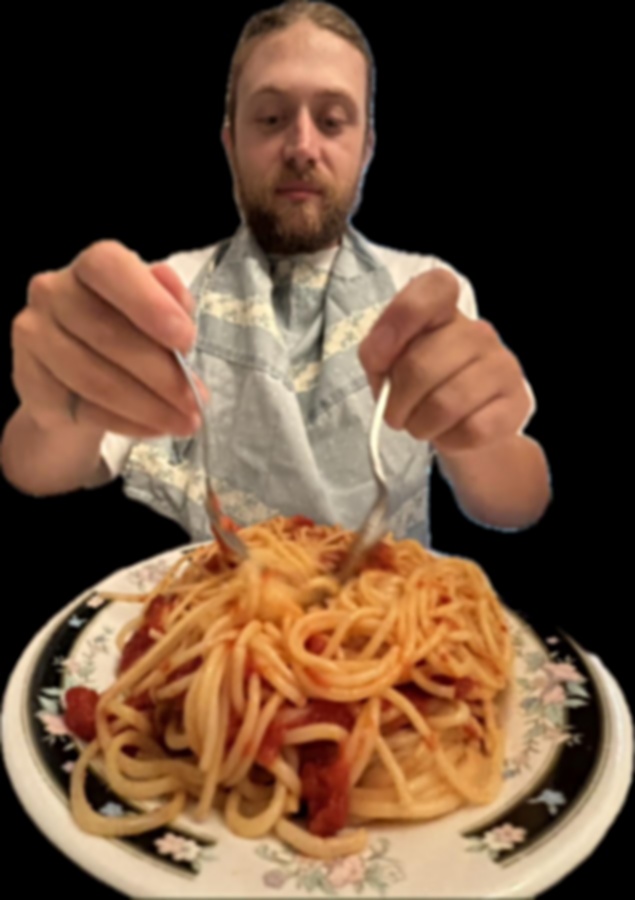
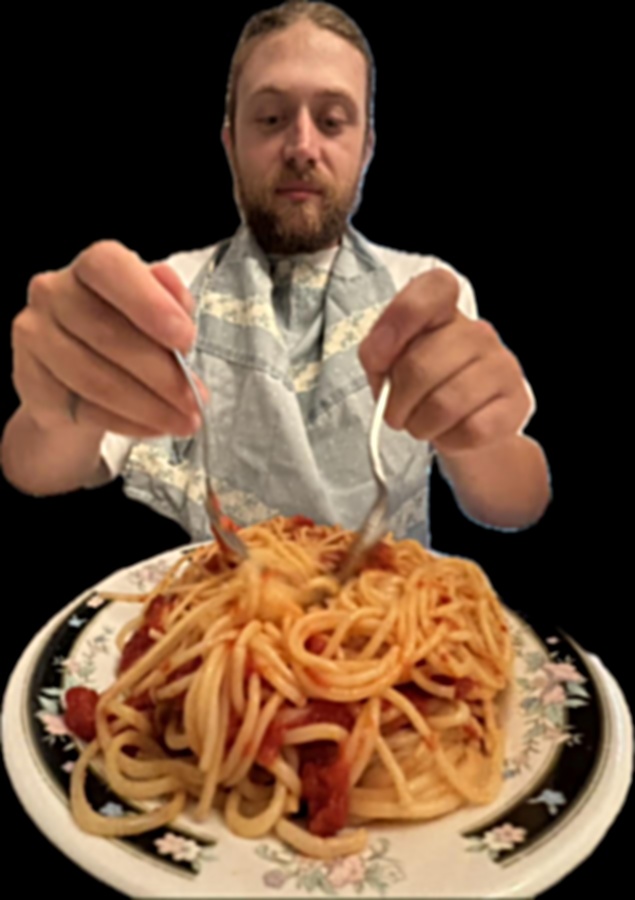
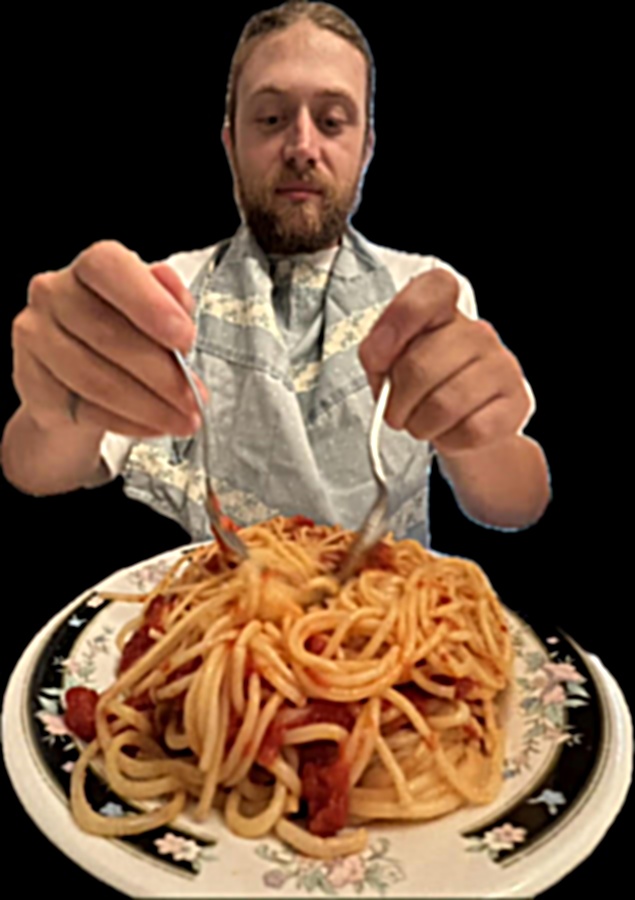
\[B = \frac{1}{81} \begin{bmatrix} 1 & 1 & 1 & 1 & 1 & 1 & 1 & 1 & 1 \\ 1 & 1 & 1 & 1 & 1 & 1 & 1 & 1 & 1 \\ 1 & 1 & 1 & 1 & 1 & 1 & 1 & 1 & 1 \\ 1 & 1 & 1 & 1 & 1 & 1 & 1 & 1 & 1 \\ 1 & 1 & 1 & 1 & 1 & 1 & 1 & 1 & 1 \\ 1 & 1 & 1 & 1 & 1 & 1 & 1 & 1 & 1 \\ 1 & 1 & 1 & 1 & 1 & 1 & 1 & 1 & 1 \\ 1 & 1 & 1 & 1 & 1 & 1 & 1 & 1 & 1 \\ 1 & 1 & 1 & 1 & 1 & 1 & 1 & 1 & 1 \end{bmatrix}\]The filter is applied to a 635 x 900 grayscale picture of me with each of the three methods:
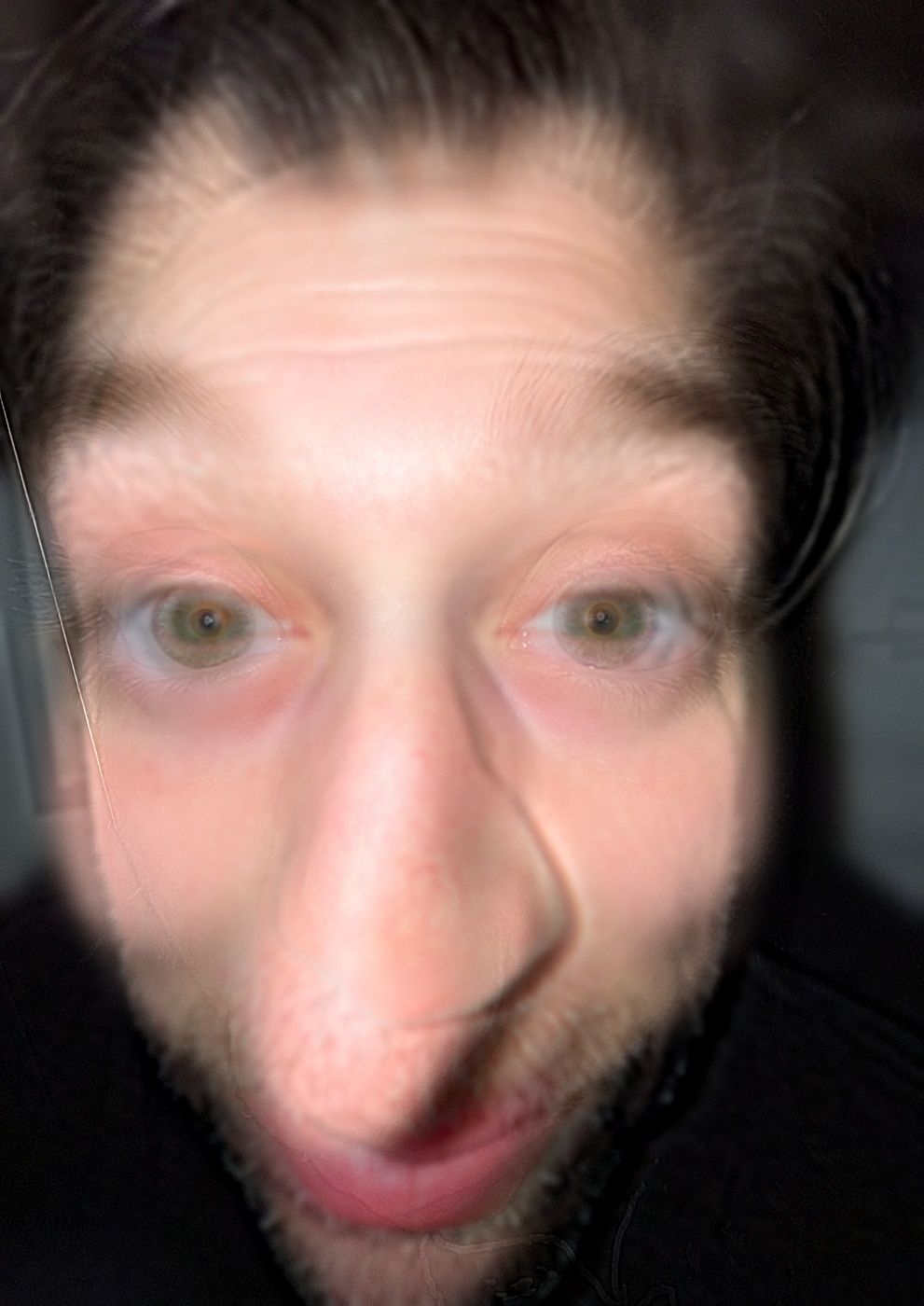
img = load_image(DATA_DIR / "pasta-boy.jpg", gray=True)
box = np.ones((9, 9)) / 81

out_four = conv4(img, box)
out_two = conv2(img, box)
out_scipy = convolve2d(img, box, mode="same", boundary="fill")
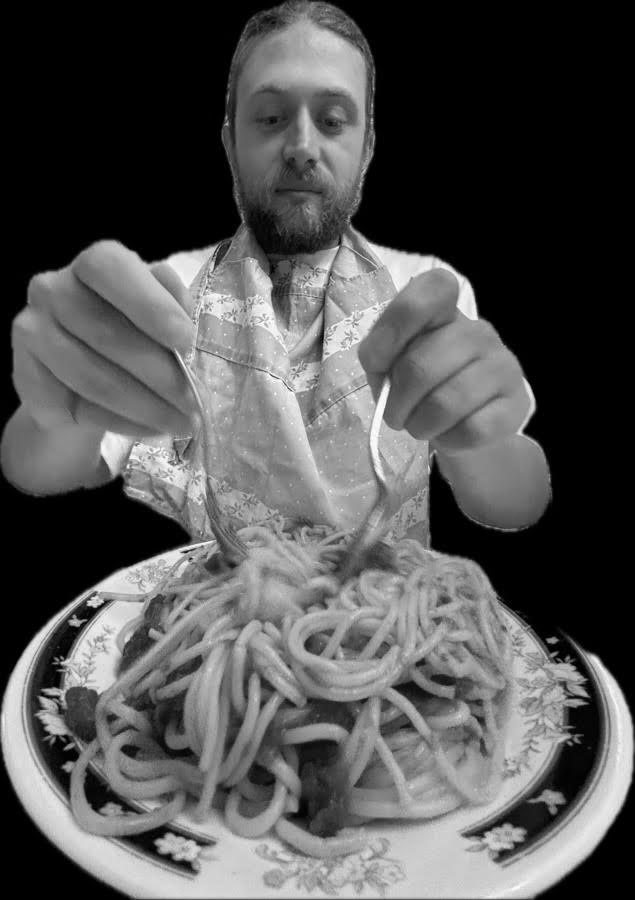
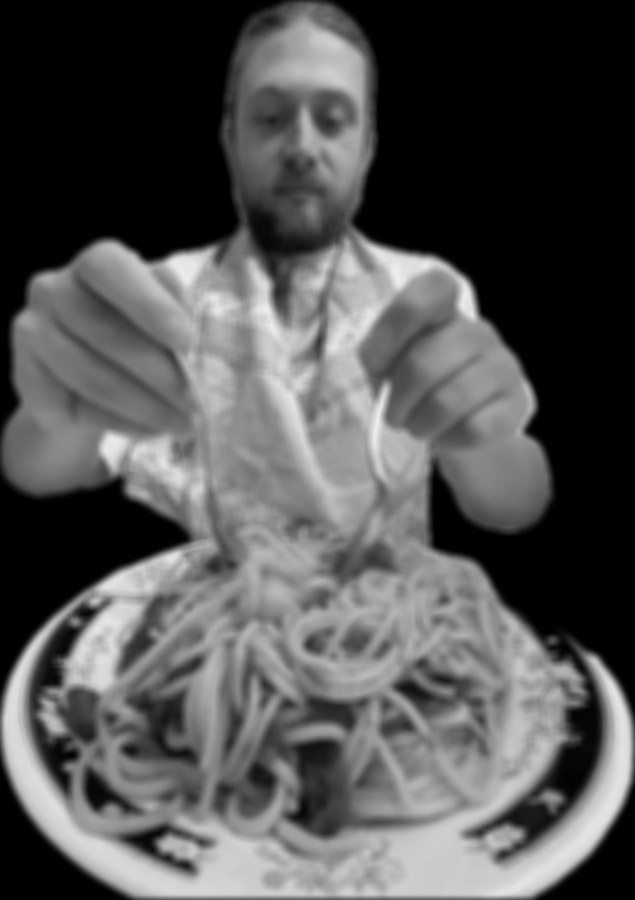
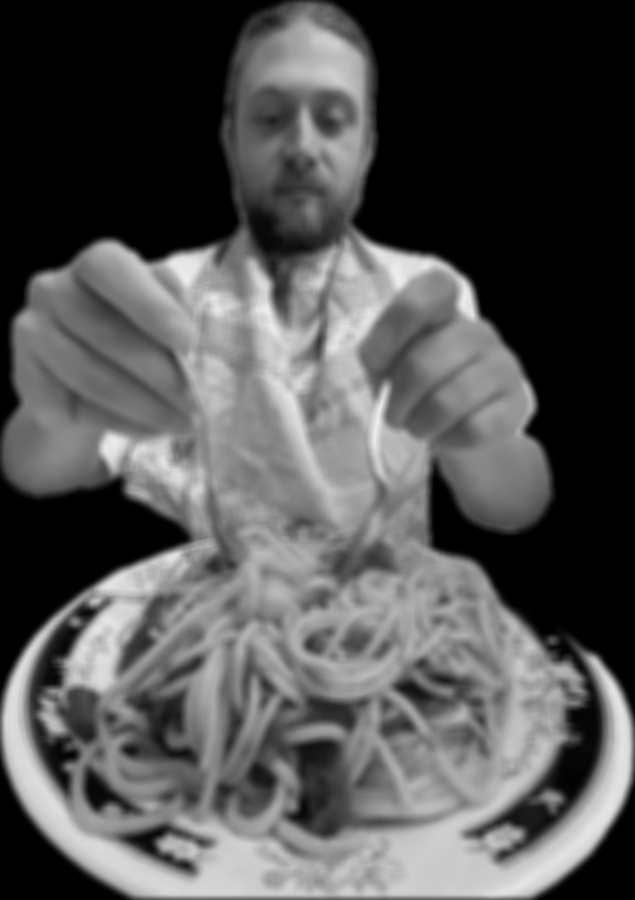
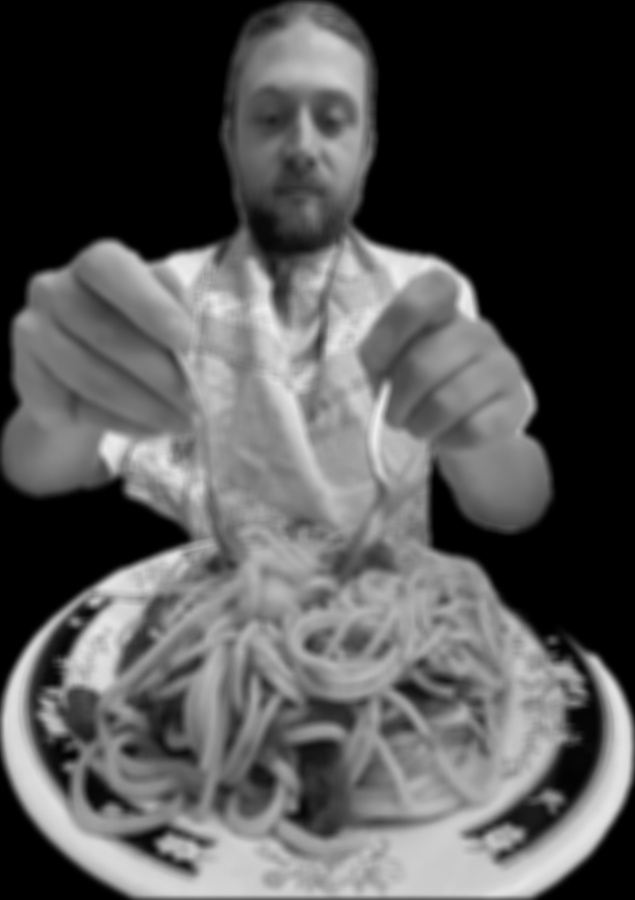
Every method computes the same sum: one multiply-add per kernel entry per output pixel, so \(635 \times 900 \times 81 = 46{,}291{,}500\) multiply-adds. What changes is how many of the loop iterations run in Python.
| Method | Runtime (s) | Multiply-adds | Python loop iterations | Multiply-adds per second | Max abs difference from scipy |
|---|---|---|---|---|---|
| Four loops | 20.70 | 46,291,500 | 46,291,500 | 2.2 million | 2.98e-08 |
| Two loops | 2.98 | 46,291,500 | 571,500 | 15.5 million | 2.98e-08 |
scipy.signal.convolve2d | 0.10 | 46,291,500 | 0 | 463 million | - |
Each method is faster than the last because it reduces the number of loop iterations done in Python. The four-loop version is the slowest because every multiply-add is performed in Python. The two-loop version is faster because the multiplication and summation over each 9x9 window are done by numpy, which runs in C. Its remaining cost is the overhead of each numpy call: each of the 571,500 iterations makes a slice, a temporary product array, and a call for only 81 numbers, so that fixed cost is larger than the maths itself. The scipy convolution is the fastest because it computes entirely within C. Overall, all the algorithms run the same number of multiply-adds; the primary difference is the number of loop iterations that are done in Python.
If the kernel size is increased, the number of multiply-adds grows with \(k^2\) per pixel (441 for a 21x21 kernel vs 81 for 9x9). The four-loop iterations grow with it. The two-loop version still does one Python iteration per pixel, with more work inside each numpy call, and scipy grows with \(k^2\) entirely in C. Measured on a 150 x 150 crop:
| Kernel | Four / two | Two / scipy | Four / scipy |
|---|---|---|---|
| 3x3 | 0.8x | 175x | 147x |
| 9x9 | 6.8x | 32x | 215x |
| 21x21 | 30x | 7.4x | 224x |
So the gap between four and two loops grows, the gap between two loops and scipy shrinks because the fixed per-call cost is spread over more work, and four loops vs scipy stays roughly constant since both scale with \(k^2\).
At the boundaries, all three methods zero pad, so near the edges part of each 9x9 window is filled with black. This darkens the outer 4 pixels on every side of the box-filtered image: the outermost two rows at the bottom come out at an average of 0.27 instead of 0.42 with symmetric padding, about 35% darker. The interior is not affected. scipy.signal.convolve2d also offers boundary="wrap", which takes the missing pixels from the opposite side of the image, and boundary="symm", which mirrors the image at the edge and avoids the dark border.
The largest difference from scipy is 2.98e-08, which is exactly \(2^{-25}\), half the spacing between float32 numbers in \([0.5, 1)\). The image is loaded as float32 and both of my implementations store their output in a float32 array, while scipy returns float64. The sums agree, and the difference is only the rounding of the result to float32.
Finite difference operators
\[D_x = \begin{bmatrix} 1 & 0 & -1 \end{bmatrix}, \quad D_y = \begin{bmatrix} 1 \\ 0 \\ -1 \end{bmatrix}\]The same central difference along the two diagonals:
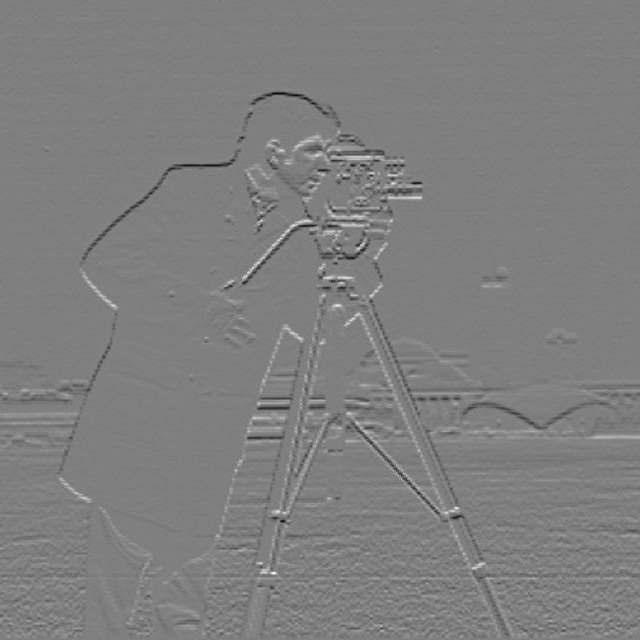
\[D_{45} = \begin{bmatrix} 0 & 0 & 1 \\ 0 & 0 & 0 \\ -1 & 0 & 0 \end{bmatrix}, \quad D_{135} = \begin{bmatrix} 1 & 0 & 0 \\ 0 & 0 & 0 \\ 0 & 0 & -1 \end{bmatrix}\]Computed with the two-loop convolution. Mid grey is zero.
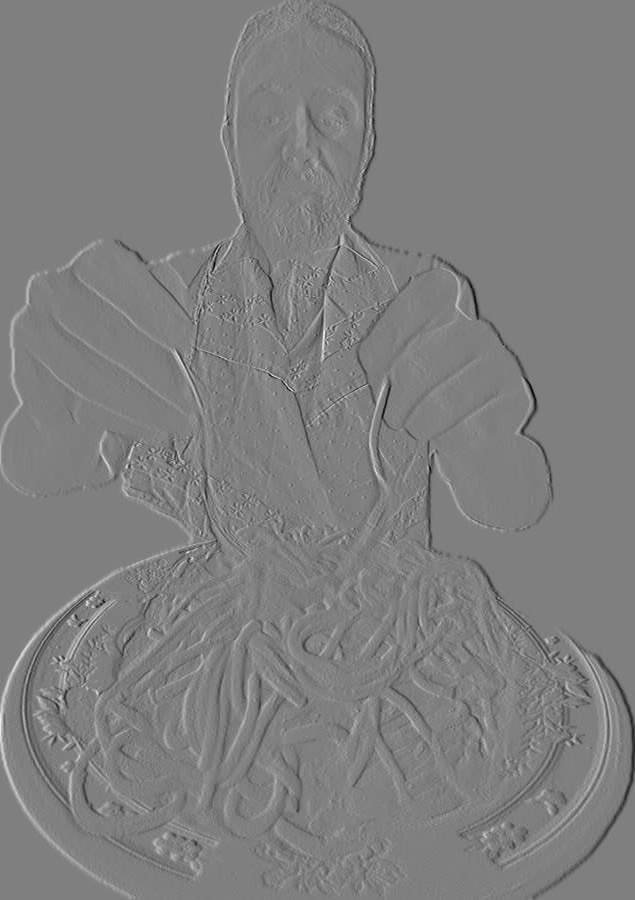
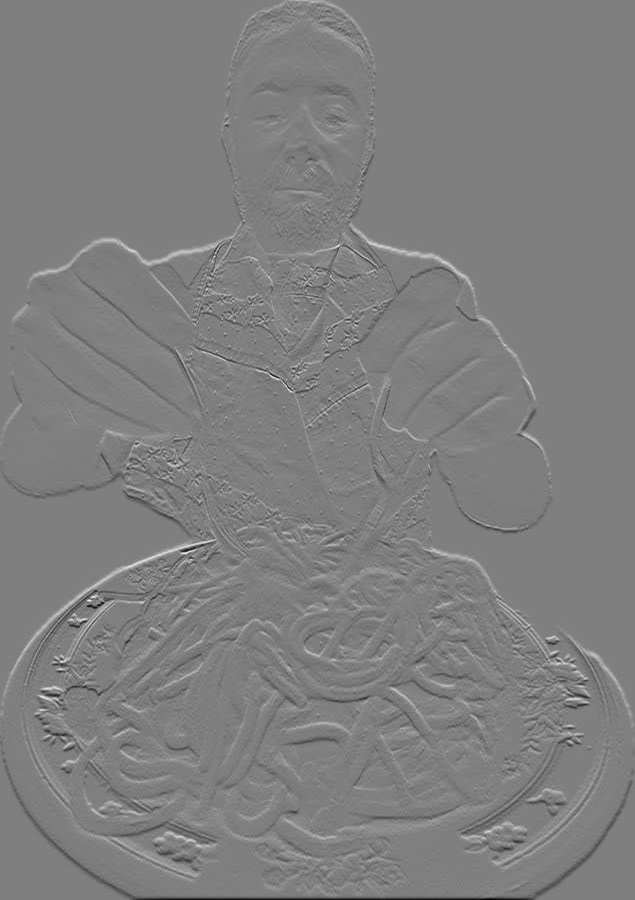
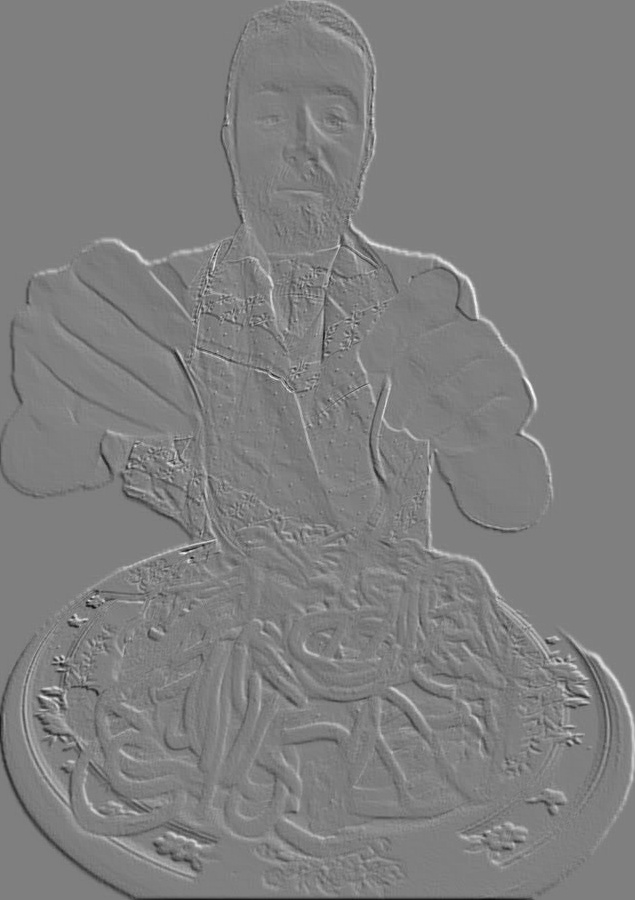
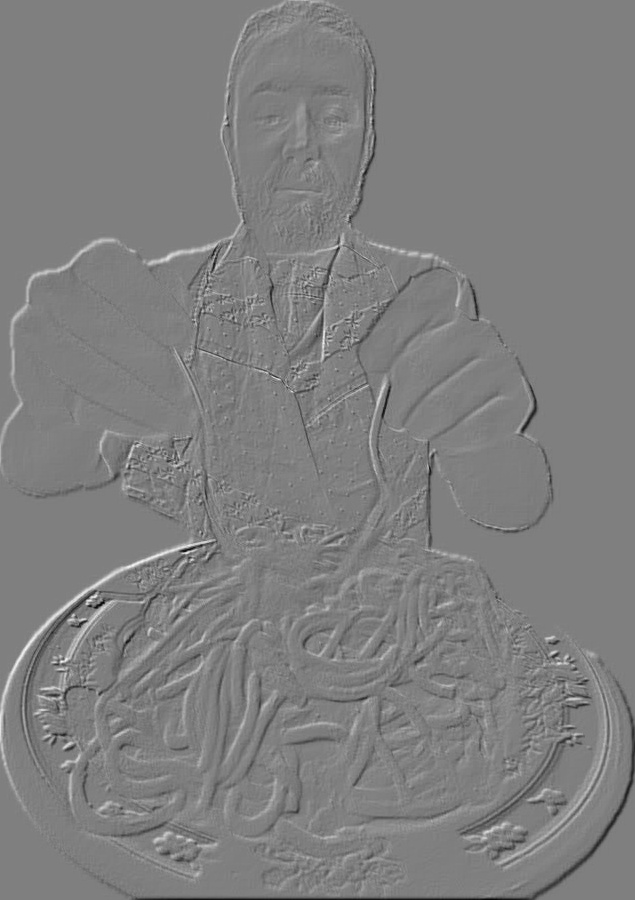
For Dx the vertical edges show up primarily, and for Dy the horizontal edges are more apparent. D45 and D135 show this effect further, picking up the diagonals between Dx and Dy.
The sign shows which side of the edge is brighter. Convolution flips \(D_x\), so the output is \(I(x+1) - I(x-1)\): it is positive (white) where the image gets brighter to the right and negative (black) where it gets darker. \(D_y\) works the same way downward, so a dark object on a bright background gets a black edge on one side and a white edge on the other.
1.2 Finite Difference Operator
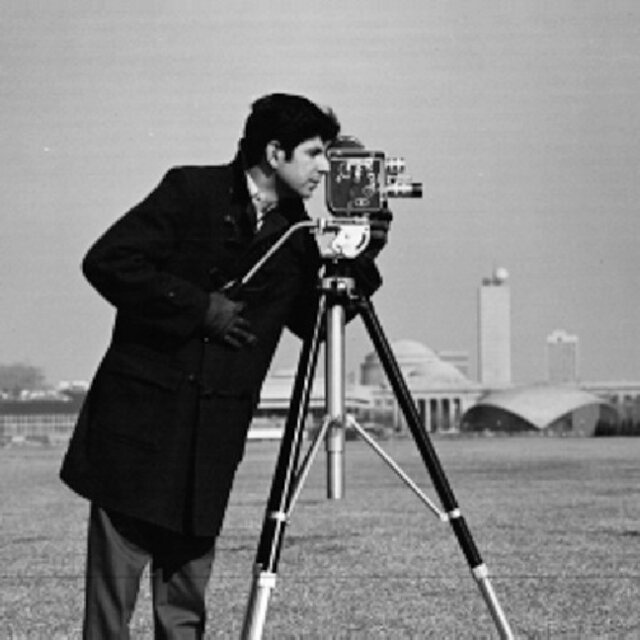
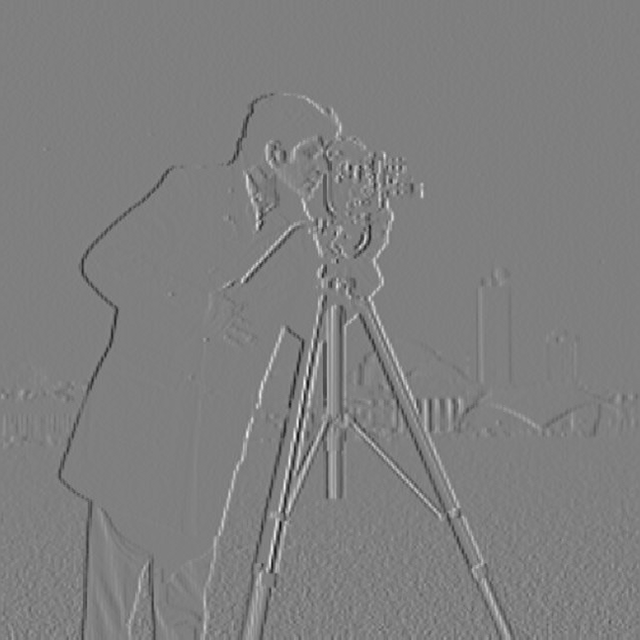
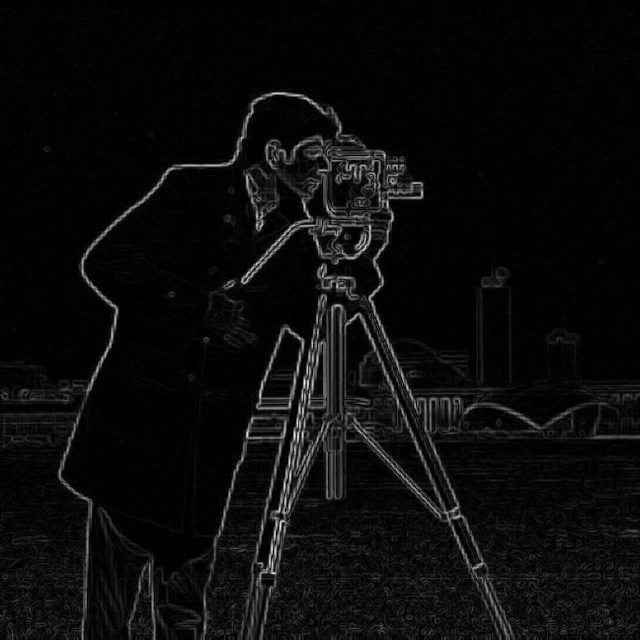
The cameraman image is convolved with \(D_x\) and \(D_y\) using scipy.signal.convolve2d, and the gradient magnitude is computed from the two partial derivatives. The image borders are reflected (boundary="symm") rather than zero padded. The edge image is the gradient magnitude binarized at a threshold. Code: Assignment 2/src/finite_diff.py.
dx = convolve2d(img, DX, mode="same", boundary="symm")
dy = convolve2d(img, DY, mode="same", boundary="symm")
mag = np.sqrt(dx ** 2 + dy ** 2)
edges = mag > threshold
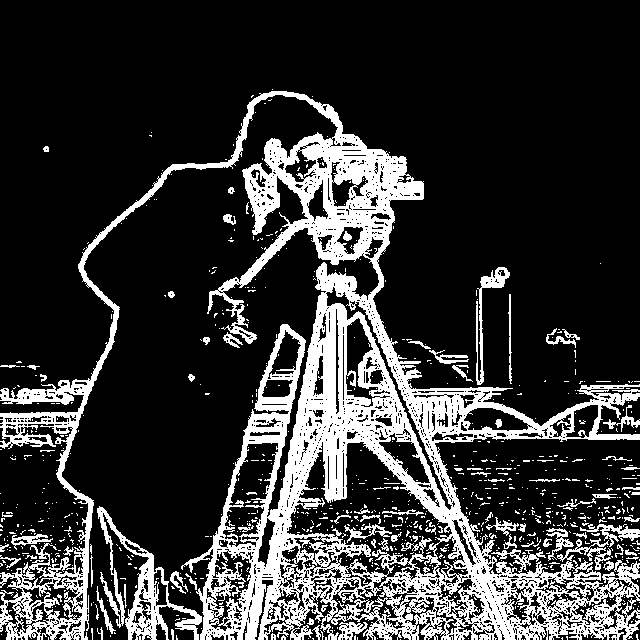
Threshold progression
The gradient magnitude ranges from 0 to 0.86. The median is 0.012 and the 99th percentile is 0.39.
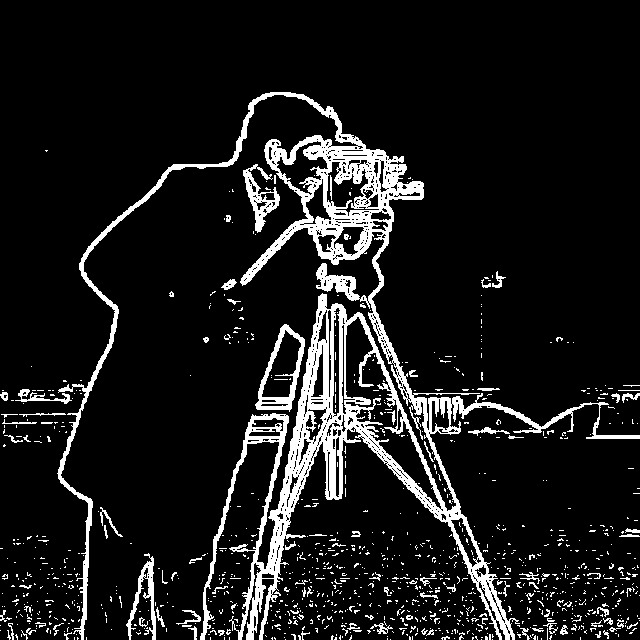
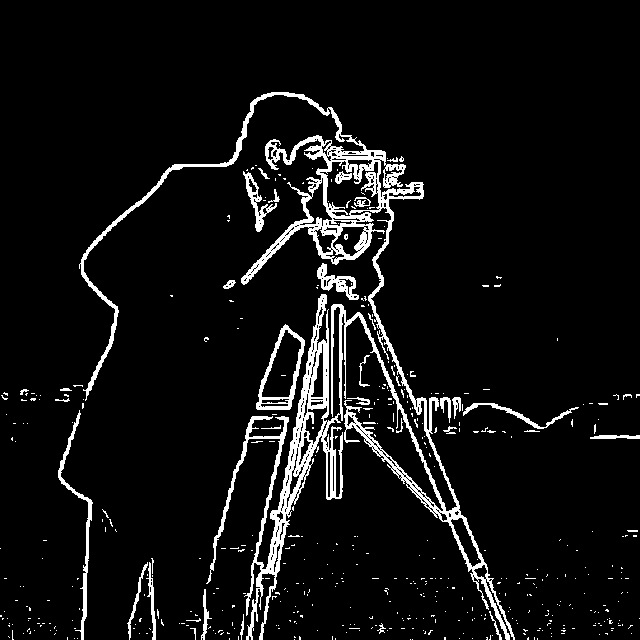
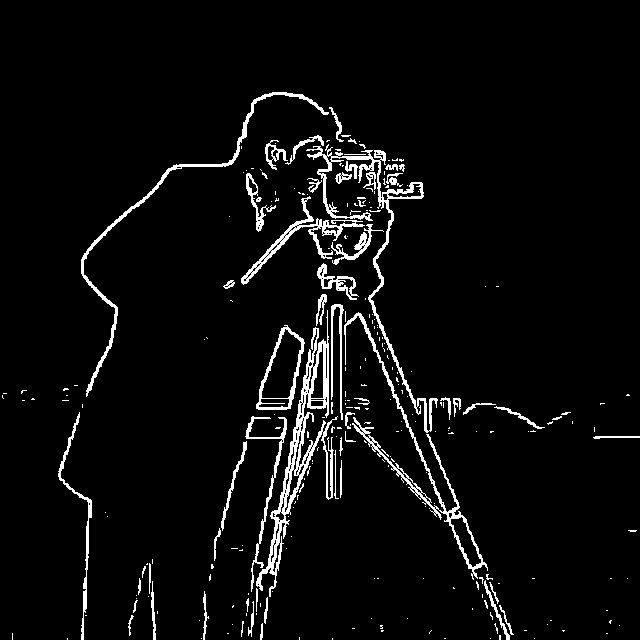
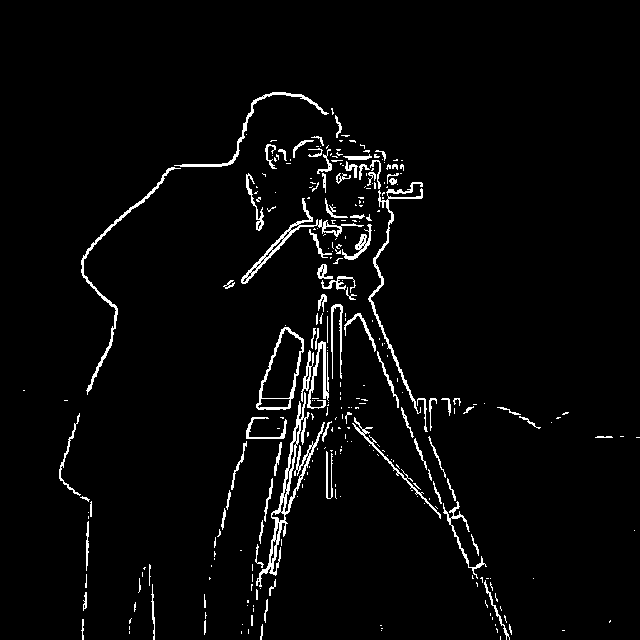
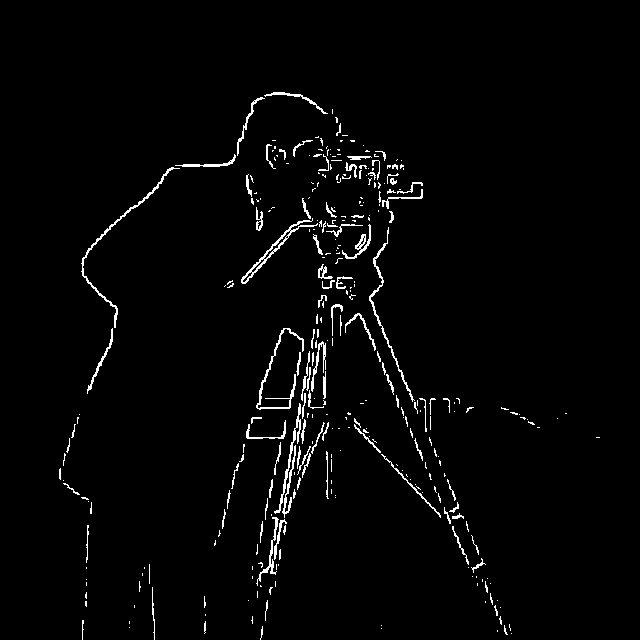
Chosen threshold: t = 0.20
Much of the noise comes from the grass and the texture of the man’s clothing. Small changes in brightness along the surface of the grass create high-frequency signals, which show up as noise in the thresholded image. I chose t = 0.20 as the best tradeoff: most of the noise is gone while the main edges stay.
The low-contrast edges in the background disappear first as the threshold rises. At t = 0.10 the thin tower and the outlines of the buildings are visible; by t = 0.20 the tower is gone and the buildings are faint; by t = 0.30 the buildings and the horizon are mostly gone, and the edges of the tripod legs start to break into dashes. The outline of the man against the sky has the highest contrast and survives every threshold.
1.3 Derivative of Gaussian (DoG) Filter
The 2D Gaussian is the outer product of a 1D kernel from cv2.getGaussianKernel, with \(\sigma = 2\) and a kernel size of \(6\sigma + 1 = 13\). Code: Assignment 2/src/dog.py.
def gaussian_2d(sigma):
    g = cv2.getGaussianKernel(int(6 * sigma) | 1, sigma)
    return g @ g.T
Blur, then finite differences
The cameraman image is blurred with the Gaussian, and then the 1.2 steps are repeated on the blurred image.
blurred = convolve2d(img, G, mode="same", boundary="symm")
dx = convolve2d(blurred, DX, mode="same", boundary="symm")
dy = convolve2d(blurred, DY, mode="same", boundary="symm")
mag = np.sqrt(dx ** 2 + dy ** 2)
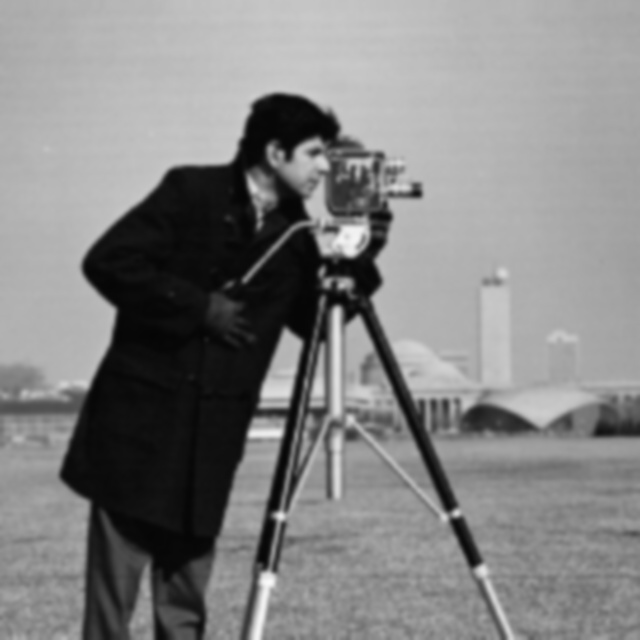
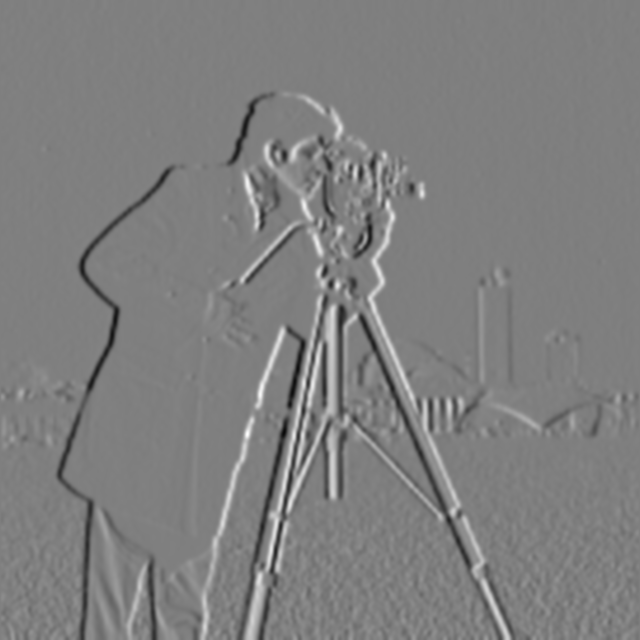
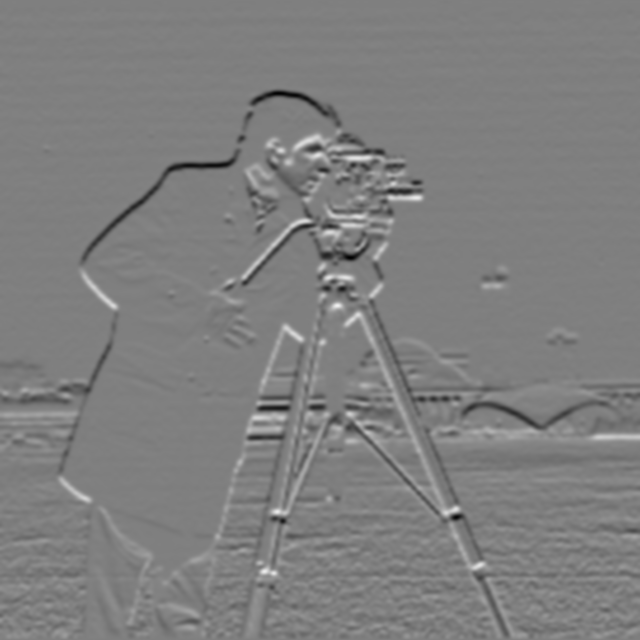
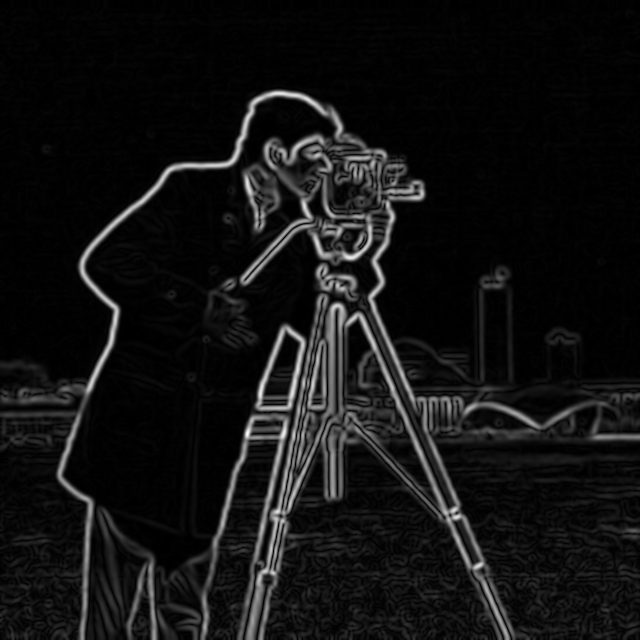
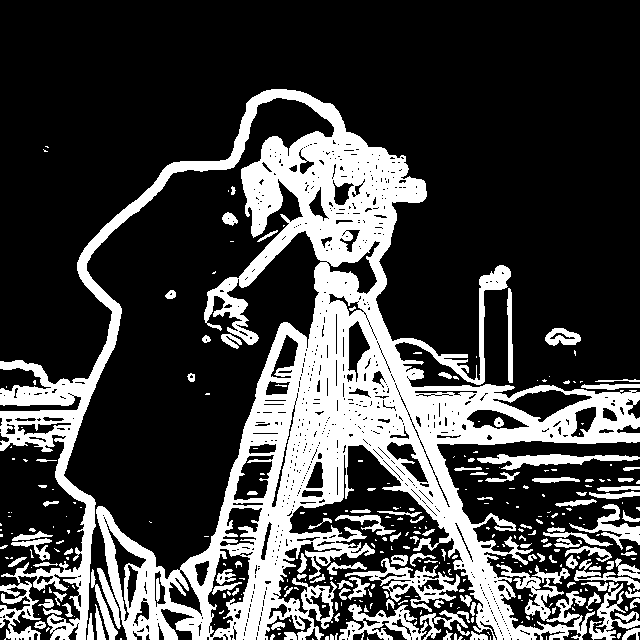
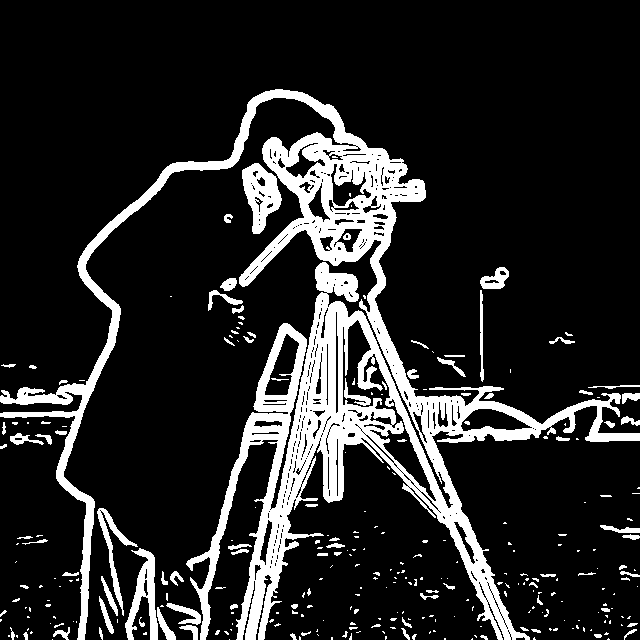
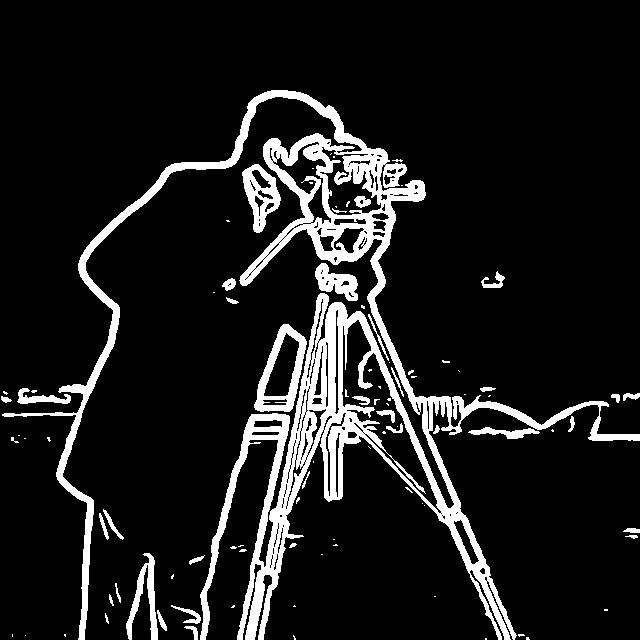
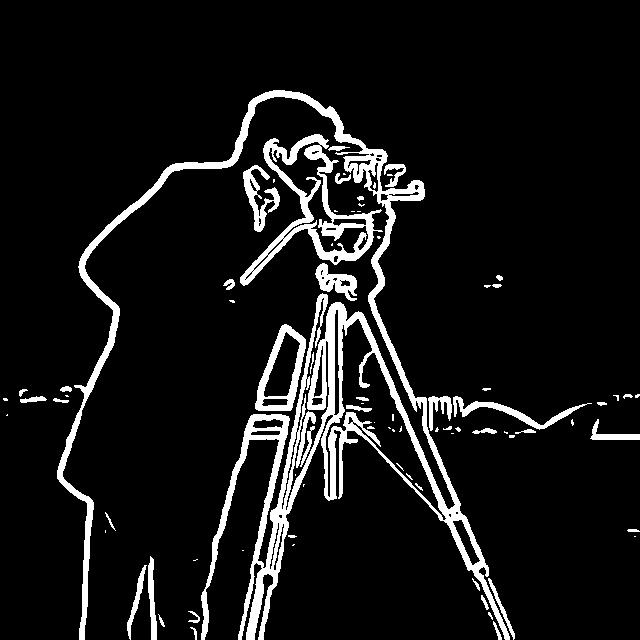
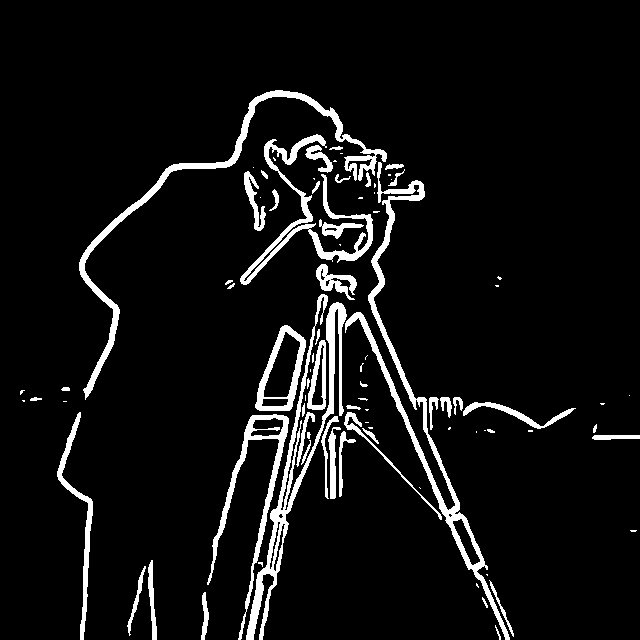
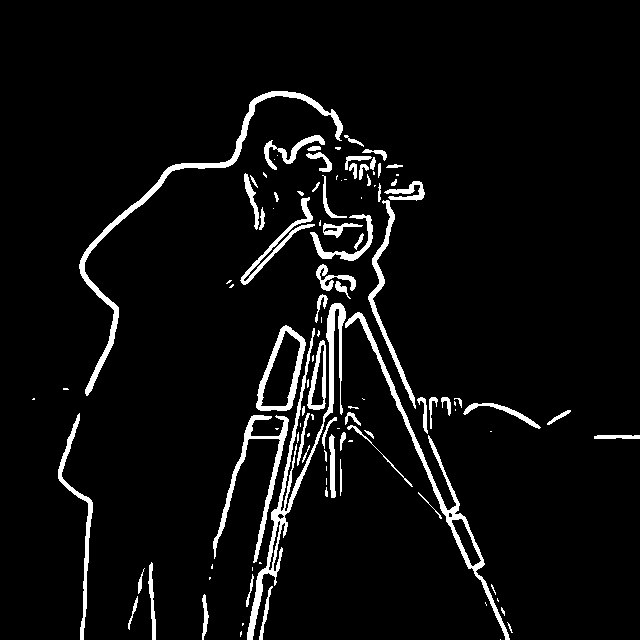
The gradient magnitude of the blurred image goes up to 0.32 (it was 0.86 without blur). The median is 0.005 and the 99th percentile is 0.20, so the thresholds below are lower than in 1.2.
Comparison with the finite difference method
Blurring first removes much of the high-frequency noise, so the noise from the grass and the sky is reduced. However, the blur can also remove information that characterizes textures, since it is typically higher frequency. The edges are also much more pronounced, because blurring increases their thickness. The threshold needed to capture the most edge information is much lower than with the finite difference alone, because of the reduced noise.
The magnitude range shrinks because the blur acts as a low-pass filter, so the maximum magnitude present in the image is reduced.
The cost of blurring is localization and fine detail. The thicker edges make the exact position of each edge less precise, and nearby edges merge: the details of the camera run together into blobs, and the thin tower in the background disappears.
DoG filters
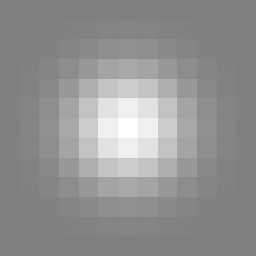
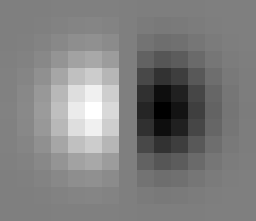
Convolving the Gaussian with \(D_x\) and \(D_y\) gives the derivative of Gaussian filters, so the blur and the derivative become one convolution:
\[(I * G) * D_x = I * (G * D_x)\]dog_x = convolve2d(G, DX)
dog_y = convolve2d(G, DY)
dx = convolve2d(img, dog_x, mode="same", boundary="symm")
dy = convolve2d(img, dog_y, mode="same", boundary="symm")
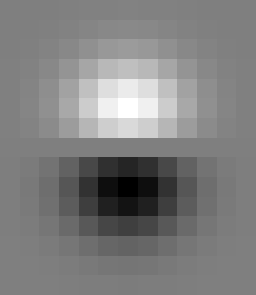
Applying the DoG filters directly to the image:
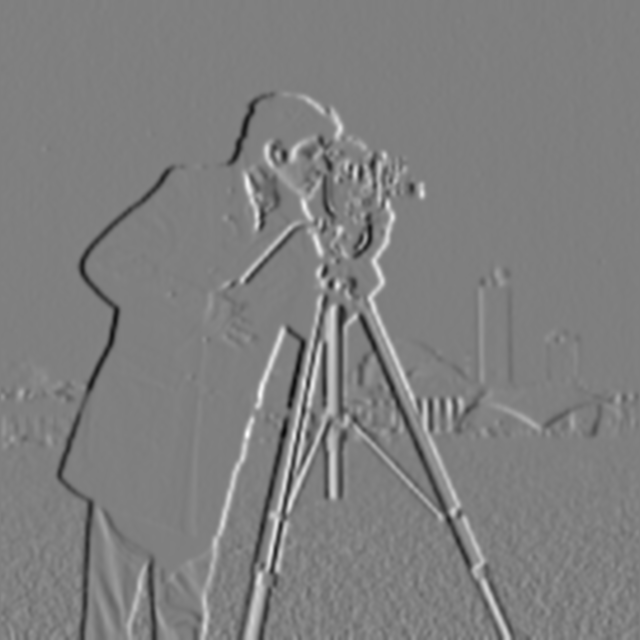
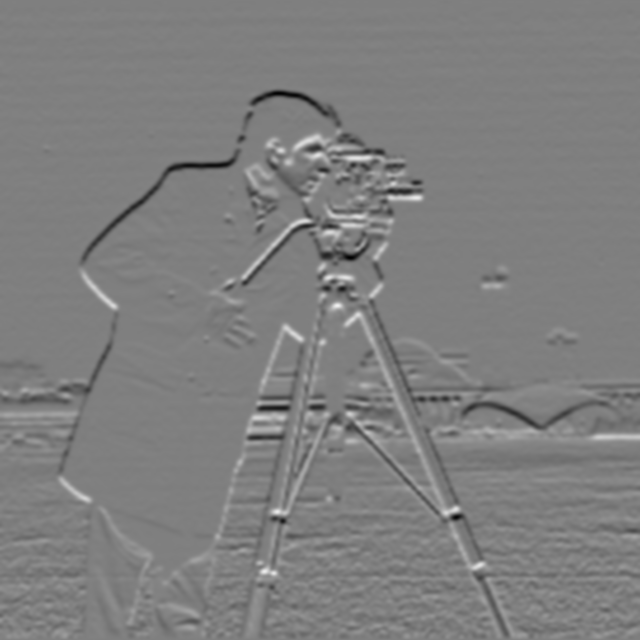
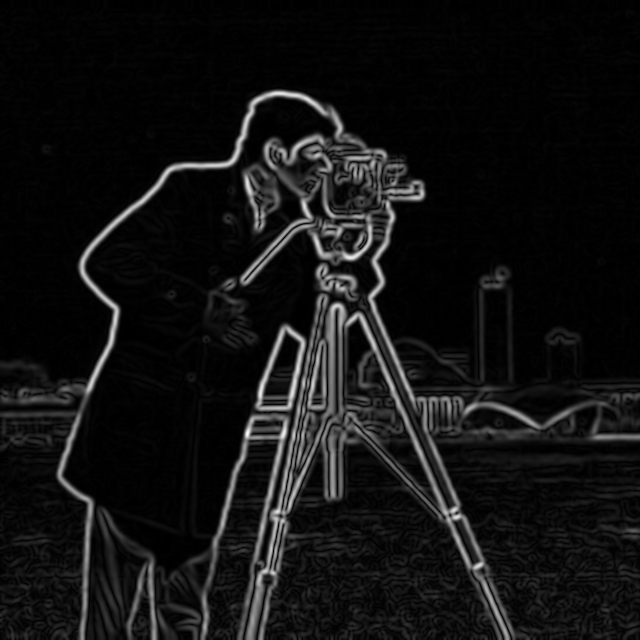
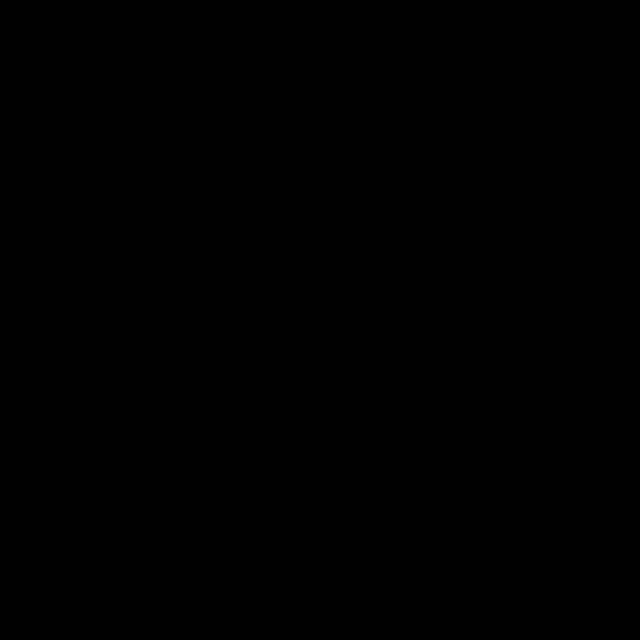
The difference image is shown on the same scale as the gradient magnitude images and comes out completely black. The largest difference between the two-step and DoG magnitudes is 1.65e-15, about 5e-15 of the brightest magnitude. That is far below one grey level (1/255), so every pixel rounds to 0.
The result is the same for every image, not just this one. Convolution is associative, so \((I * G) * D = I * (G * D)\) exactly. The ~1e-15 difference is floating-point rounding, because the two methods do the arithmetic in a different order. One convolution is not fewer multiplications: the two-step method does 169 + 2 per pixel and the 13 x 15 DoG does 195. The benefit is a single pass over the image with no intermediate blurred image, and one filter that is built once, can be shown as an image, and can be reused on any image.
Bells & Whistles: Gradient Orientation
The orientation comes from the DoG gradients in 1.3 (\(\sigma = 2\)). \(g_y\) is negated so that positive y points up, which makes angles count counter-clockwise from the +x axis as on a unit circle. The angle is built up from the first octant using the half-angle identity and a Taylor series:
\[\arctan t = 2 \arctan \frac{t}{1 + \sqrt{1 + t^2}}, \qquad \arctan t \approx \sum_{k=0}^{7} \frac{(-1)^k \, t^{2k+1}}{2k + 1}\]The result matches the true angle to within 3e-13 rad. Code: Assignment 2/src/orientation.py.
def arctan(t, terms=8):
    for _ in range(2):
        t = t / (1 + np.sqrt(1 + t * t))
    return 4 * sum((-1) ** k * t ** (2 * k + 1) / (2 * k + 1) for k in range(terms))


def orientation(gx, gy):
    ax, ay = np.abs(gx), np.abs(gy)
    big, small = np.maximum(ax, ay), np.minimum(ax, ay)
    t = np.divide(small, big, out=np.zeros_like(big), where=big > 0)
    theta = arctan(t)                                    # [0, pi/4]
    theta = np.where(ay > ax, np.pi / 2 - theta, theta)  # [0, pi/2]
    theta = np.where(gx < 0, np.pi - theta, theta)       # [0, pi]
    theta = np.where(gy < 0, 2 * np.pi - theta, theta)   # [0, 2*pi]
    return np.mod(theta, 2 * np.pi)
Computing the ratio of \(g_y\) and \(g_x\) disregards the signs, so slopes in opposing directions return the same value: a slope up to the right and a slope down to the left produce the same result. The signs therefore need to be preserved. This is done by first computing the ratio from the absolute values of \(g_x\) and \(g_y\), which puts the result in the first quadrant. Afterwards the signs place it in the correct quadrant: if \(g_x < 0\) it points left, and if \(g_y < 0\) it points down. The min/max of \(\lvert g_x \rvert\) and \(\lvert g_y \rvert\) normalizes the ratio to \([0, 1]\), with the caveat that we need to be wary of which one is larger: if \(\lvert g_y \rvert > \lvert g_x \rvert\) the angle is mirrored across the 45 degree line, and that needs to be accounted for. This also keeps \(t\) in the range where the Taylor series works and avoids dividing by zero when \(g_x = 0\). Three reflections then rebuild the full circle from the first octant: \(\theta \to \pi/2 - \theta\) when \(\lvert g_y \rvert > \lvert g_x \rvert\), \(\theta \to \pi - \theta\) when \(g_x < 0\), and \(\theta \to 2\pi - \theta\) when \(g_y < 0\).
The Taylor series for arctan is \(t - t^3/3 + t^5/5 - \dots\), and each term is about \(t^2\) times the one before it. At \(t = 1\) the terms barely shrink (1, 1/3, 1/5, …), so it would take a huge number of terms to be accurate. The half-angle identity halves the angle using only a square root. Applying it twice takes the largest angle from 45 to 11.25 degrees (\(t \approx 0.2\)), where each term is about 25 times smaller than the last, so 8 terms are accurate to about 1e-13. The result is multiplied by 4 to undo the two halvings.
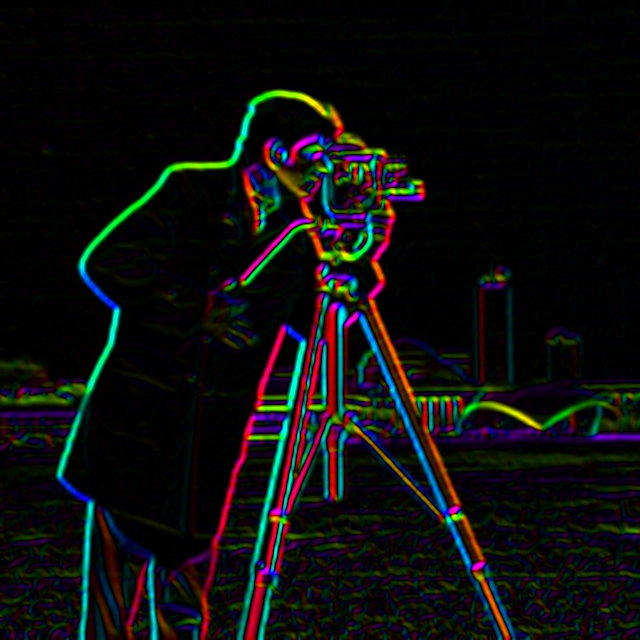
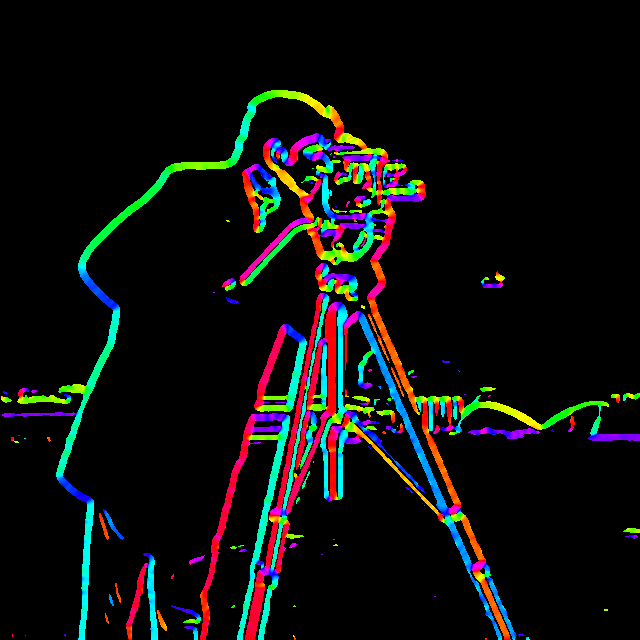
The orientation sets the hue and the gradient magnitude sets the brightness, so flat regions go dark. Hue is periodic, which means 0 and \(2\pi\) get the same colour. The magnitude is scaled by its 99th percentile and clipped to 1. In the “edges only” images, the brightness is the binary edge map from 1.3 (t = 0.06), so every edge pixel is shown at full brightness.
hsv = np.dstack([theta / (2 * np.pi), np.ones_like(theta), value])
rgb = hsv_to_rgb(hsv)                                        # HSV colour space
rgb = colormaps["twilight"](theta / (2 * np.pi))[..., :3] * value[..., None]  # cyclic colormap
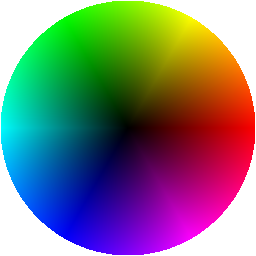
Each wheel is the legend: angle is the gradient direction, and the distance from the centre is the magnitude.
HSV
Matplotlib twilight (cyclic)
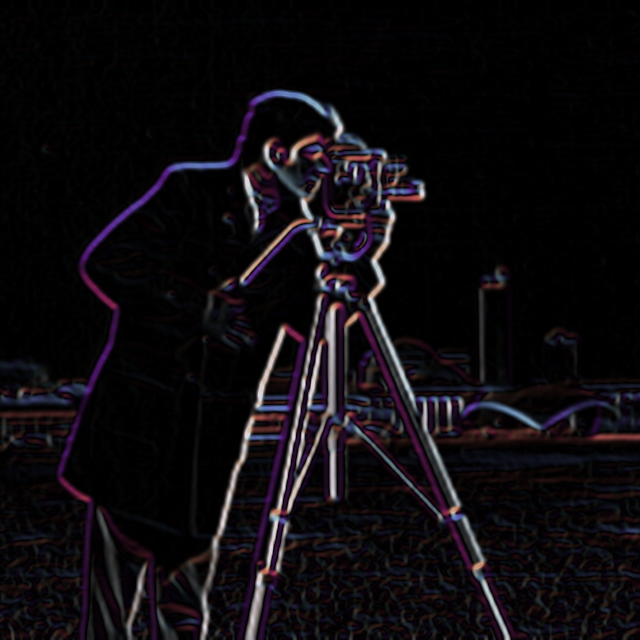
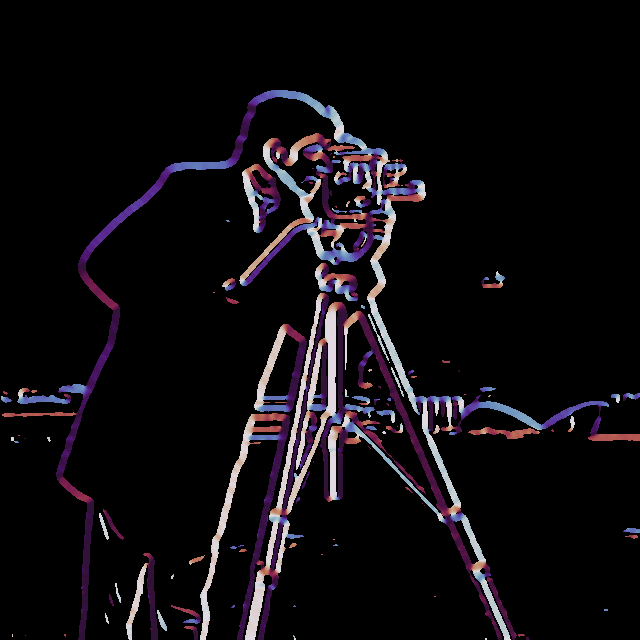
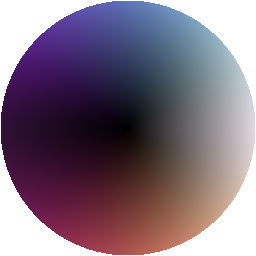
The hue corresponds to the orientation of the gradient and the brightness corresponds to its magnitude. The gradient points from dark to bright and is perpendicular to the edge, so a horizontal edge has a vertical gradient, and its hue is at the top or the bottom of the wheel depending on which side is brighter. As an example, the tripod’s pan handle runs at 45 degrees from the camera down toward the bottom left of the image. It is a bright rod in front of the dark coat, so the gradient on each side points toward the rod. Its upper-left side is magenta (gradient pointing down and to the right on the wheel) and its lower-right side is green (pointing up and to the left), both perpendicular to the direction of the handle itself.
The colormap needs to be cyclic because the gradient direction is cyclic. Imagine an edge facing 359 degrees and an edge facing 1 degree: they point in roughly the same direction. If the colormap were linear and didn’t cycle, those two similar edges would appear different. Making the colormap cyclic keeps the transition at the extremes seamless.
The two edges of a tripod leg get different colours because the gradient points toward the brighter side. On the left edge of the leg that is to the left, and on the right edge it is to the right, so the two sides are 180 degrees apart. That is why they show up as red and cyan, which are opposite each other on the wheel.
HSV reads better in my opinion, because the hues are more distinct and easier to tell apart. However, twilight is perceptually more uniform. In HSV, cyan and yellow edges appear brighter than blue edges, even though the blue edges may have a higher magnitude.
Part 2: Fun with Frequencies
2.1 Image Sharpening
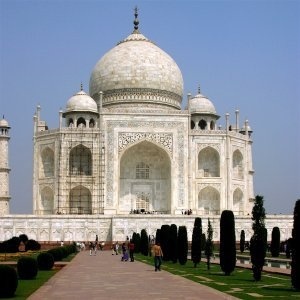
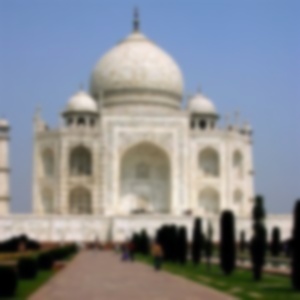
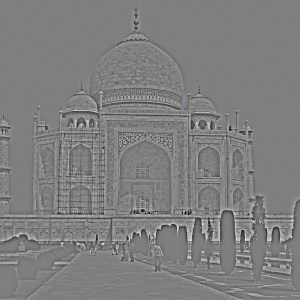
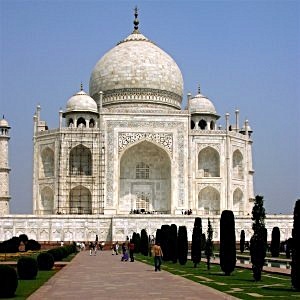
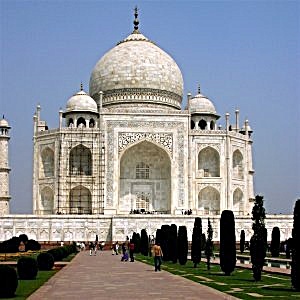
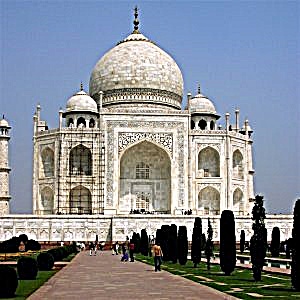
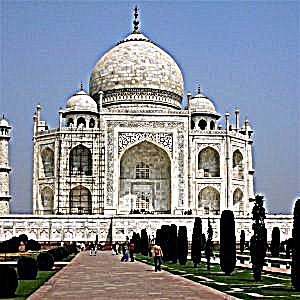
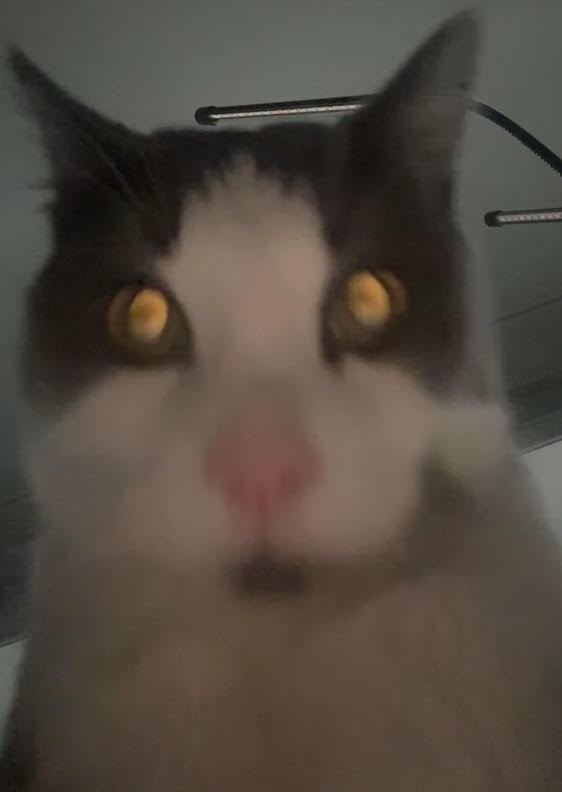
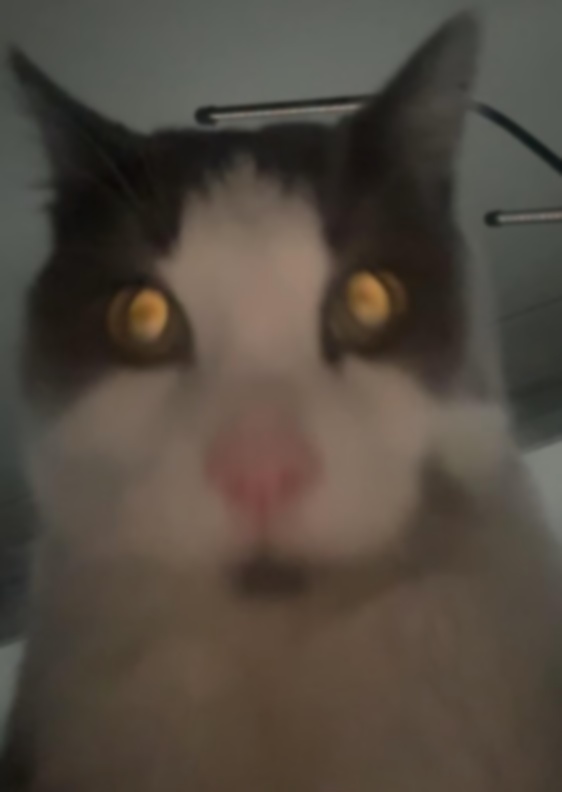
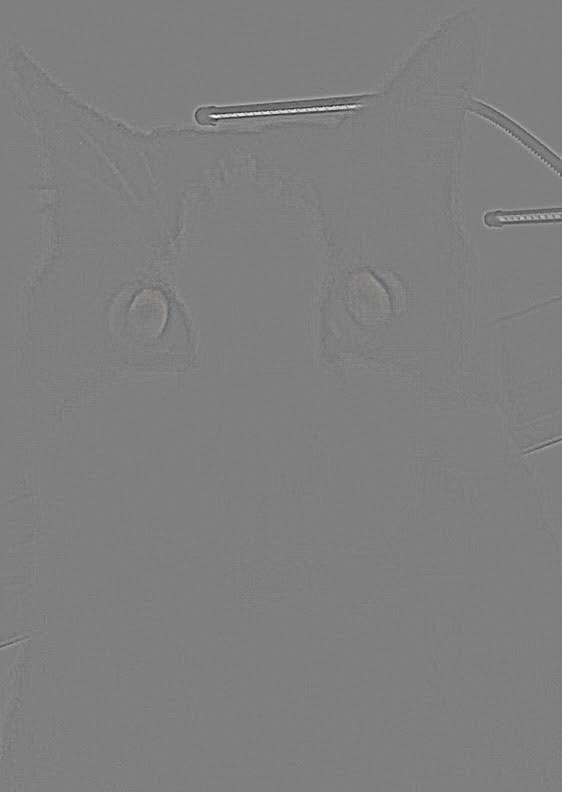
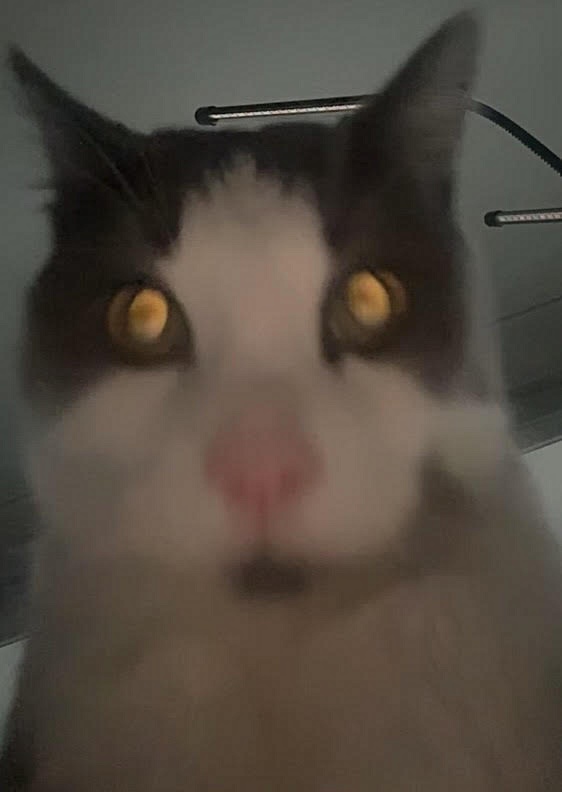
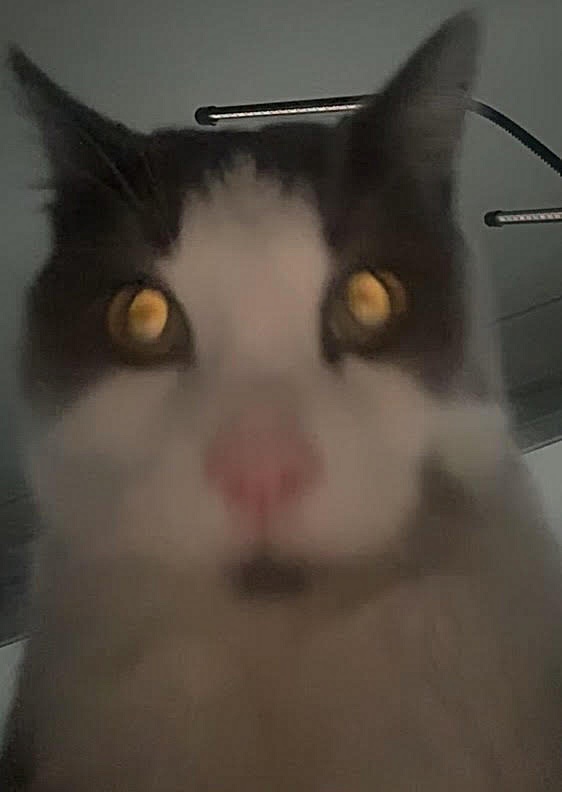
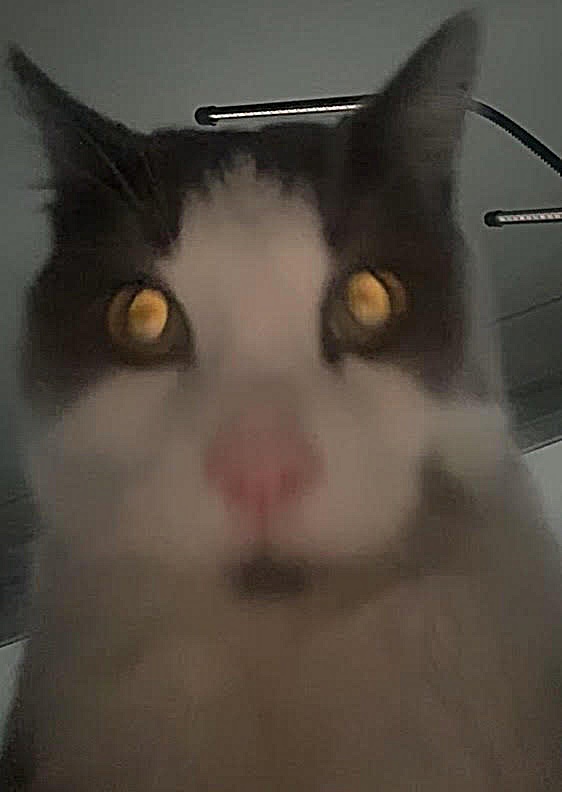
The Gaussian \(G\) (from 1.3, \(\sigma = 2\)) is a low-pass filter, so subtracting the blurred image from the original leaves the high frequencies. Adding a scaled amount \(\alpha\) of those back to the original gives the sharpened image, and the whole operation collapses into a single kernel, the unsharp mask filter:
\[f + \alpha (f - f * G) = f * \big( (1 + \alpha)\, e - \alpha G \big)\]where \(e\) is the unit impulse (1 at the centre, 0 elsewhere). Colour images are filtered one channel at a time. Code: Assignment 2/src/unsharp.py.
def unsharp_kernel(sigma, a):
    g = gaussian_2d(sigma)
    impulse = np.zeros_like(g)
    impulse[g.shape[0] // 2, g.shape[1] // 2] = 1
    return (1 + a) * impulse - a * g


sharpened = conv(img, unsharp_kernel(sigma, a))
Taj Mahal
Crazy cat
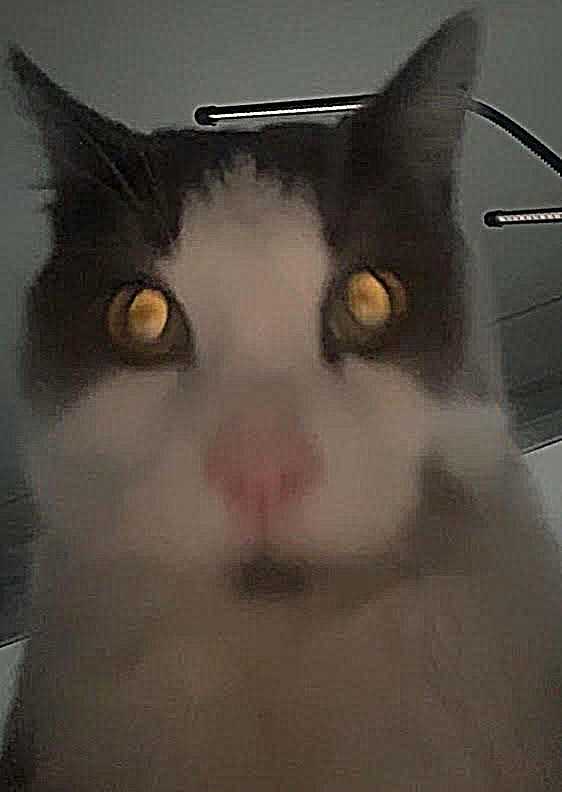
Blur, then re-sharpen
A sharp image is blurred with the same Gaussian and then sharpened again with the unsharp mask filter.
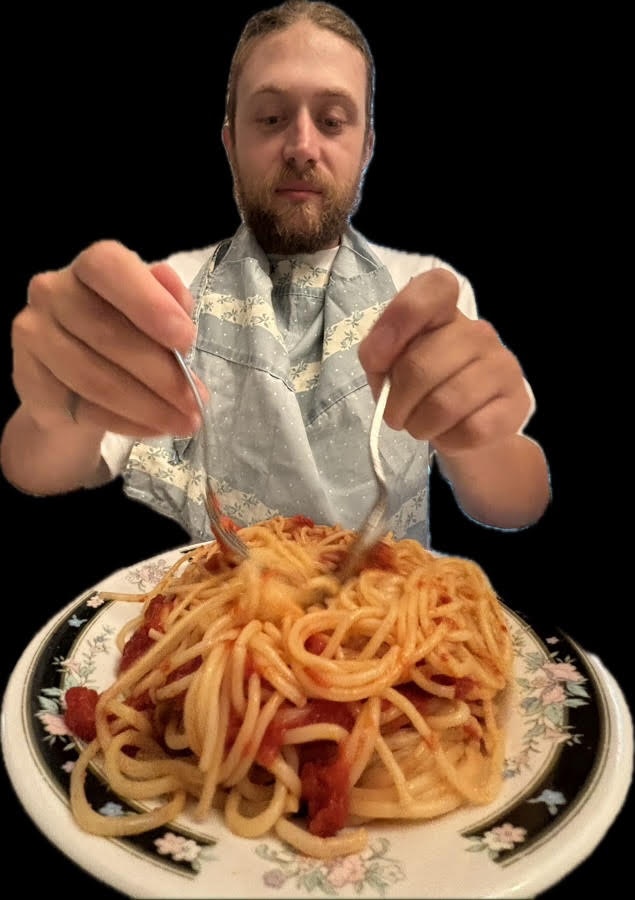
The table gives the root mean square error between each image and the original (pixel values in [0, 1]):
| Image | RMSE vs original |
|---|---|
| Blurred | 0.0334 |
| Re-sharpened, alpha = 0.5 | 0.0292 |
| Re-sharpened, alpha = 1 | 0.0260 |
| Re-sharpened, alpha = 2 | 0.0235 |
| Re-sharpened, alpha = 4 | 0.0336 |
2.2 Hybrid Images
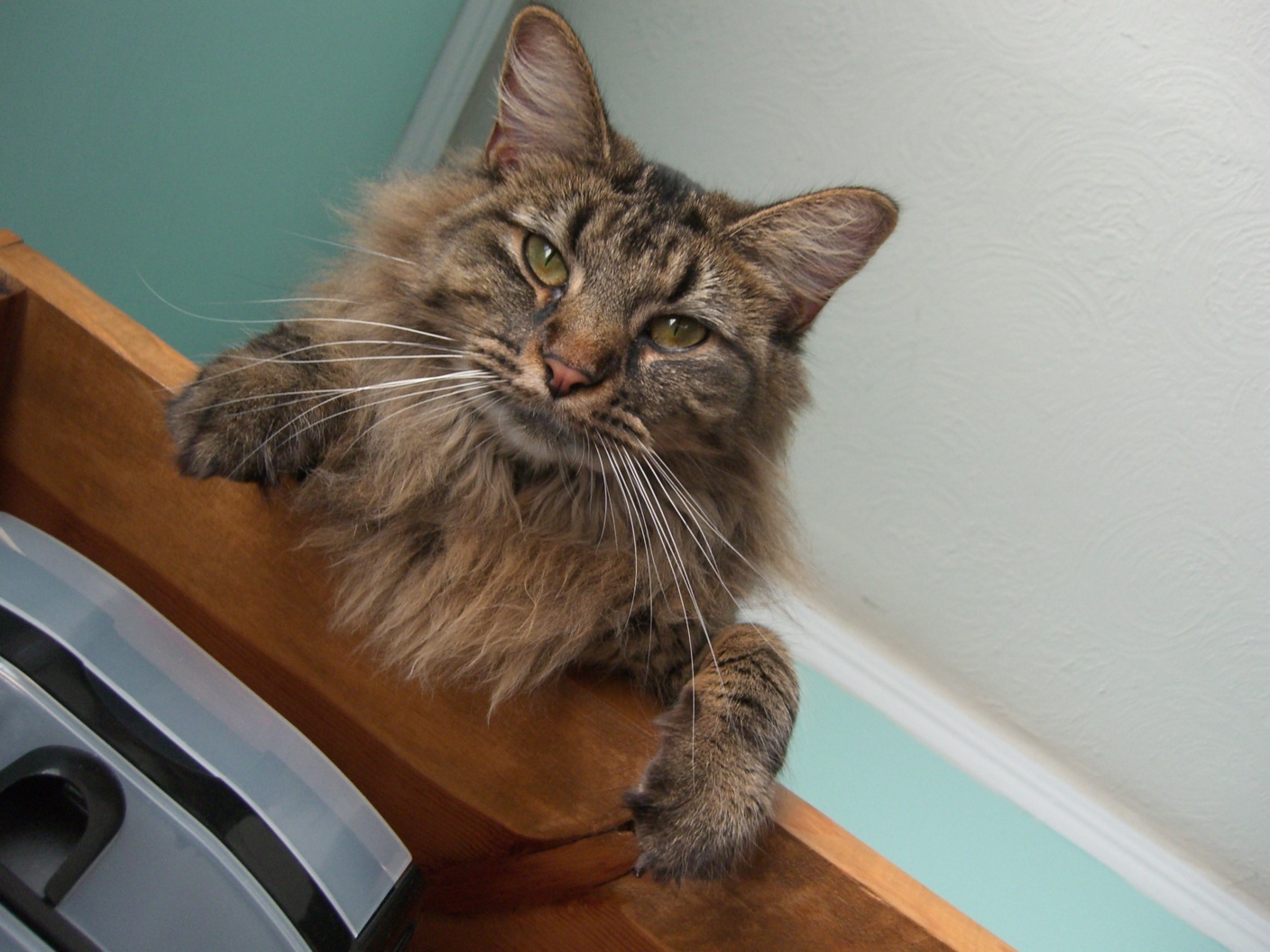
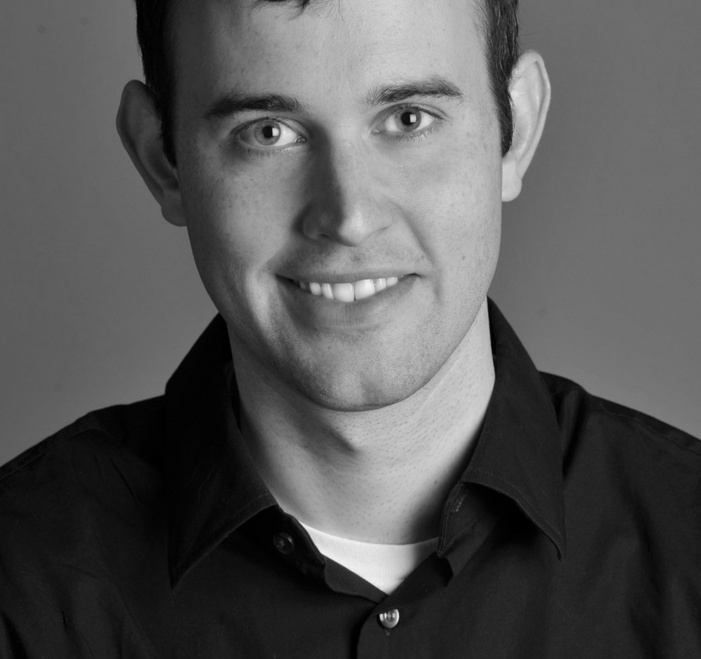
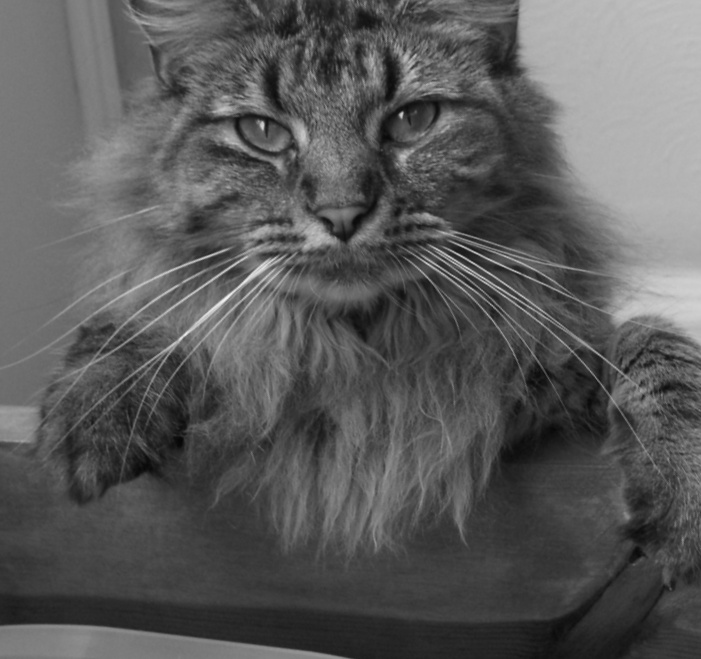
A hybrid image adds the low frequencies of one image to the high frequencies of another (Oliva, Torralba, and Schyns, 2006). Up close the high frequencies dominate, and from far away only the low frequencies are visible. The code is a Python port of the MATLAB starter (hybrid_image_starter.m and align_images.m). Code: Assignment 2/src/hybrid.py.
flowchart TD
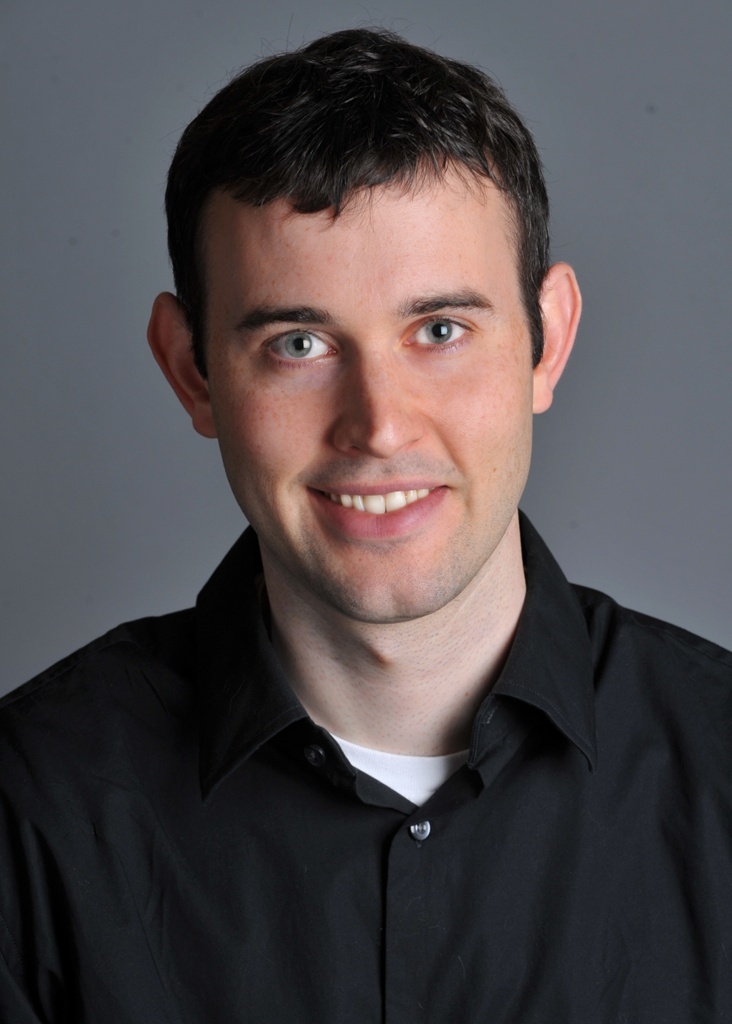
  A[Image 1<br/>Derek] --> C[Align<br/>2 points per image:<br/>translate, scale, rotate, crop]
  B[Image 2<br/>Nutmeg] --> C
  C --> D[Grayscale]
  D --> E[Low-pass image 1<br/>Gaussian, sigma_low]
  D --> F[High-pass image 2<br/>image - Gaussian, sigma_high]
  E --> G[Add]
  F --> G
  G --> H[Hybrid image]
  E --> I[Log magnitude FFT<br/>of inputs, filtered images, hybrid]
  F --> I
  H --> I
Alignment
Two points are clicked on each image (the eyes). align_images follows the MATLAB version step by step:
- Pad each image so the midpoint of its two points is at the image centre.
- Downscale the larger image so the distance between the points matches.
- Rotate one image so the angle of the line between the points matches.
- Crop both images to the same size.
The starter also has an optional manual crop at the end. Here it is done automatically instead: the borders are trimmed until neither image has any of the black fill left by the padding and rotation. The clicked points are saved, so the alignment is repeatable.
def align_images(im1, im2, pts1, pts2):
    (x1, y1), (x2, y2) = pts1.T, pts2.T
    h1, w1 = im1.shape[:2]
    h2, w2 = im2.shape[:2]
    im1 = pad_y(pad_x(im1, round((w1 / 2 - x1.mean()) * 2)), round((h1 / 2 - y1.mean()) * 2))
    im2 = pad_y(pad_x(im2, round((w2 / 2 - x2.mean()) * 2)), round((h2 / 2 - y2.mean()) * 2))

    len1 = np.hypot(x1[1] - x1[0], y1[1] - y1[0])
    len2 = np.hypot(x2[1] - x2[0], y2[1] - y2[0])
    dscale = len2 / len1
    if dscale < 1:
        im1 = resize(im1, dscale)
    else:
        im2 = resize(im2, 1 / dscale)

    theta1 = np.arctan2(-(y1[1] - y1[0]), x1[1] - x1[0])
    theta2 = np.arctan2(-(y2[1] - y2[0]), x2[1] - x2[0])
    im1 = rotate(im1, np.degrees(theta2 - theta1), reshape=True, order=1)
    ...  # crop both to the same height and width
Filtering
The low-pass filter is a Gaussian, and the high-pass filter is the impulse minus a Gaussian, computed by subtracting the blurred image from the original:
\[H = I_1 * G_{\sigma_{low}} + \left( I_2 - I_2 * G_{\sigma_{high}} \right)\]def hybrid_image(im1, im2, sigma_low, sigma_high):
low = gaussian_blur(im1, sigma_low)
high = im2 - gaussian_blur(im2, sigma_high)
return low, high, low + high
The cutoff of each filter is set by its \(\sigma\). The Fourier transform of a Gaussian is also a Gaussian, with a standard deviation of \(1 / (2\pi\sigma)\) cycles per pixel. Its response falls to one half at
\[f_c = \frac{\sqrt{2 \ln 2}}{2 \pi \sigma} \approx \frac{0.187}{\sigma} \text{ cycles per pixel}\]The aligned images are 659 x 701, so the frequencies below are given in cycles per image (multiplied by 701).
Cutoff frequency
Rows change \(\sigma_{low}\) (Derek) and columns change \(\sigma_{high}\) (Nutmeg).
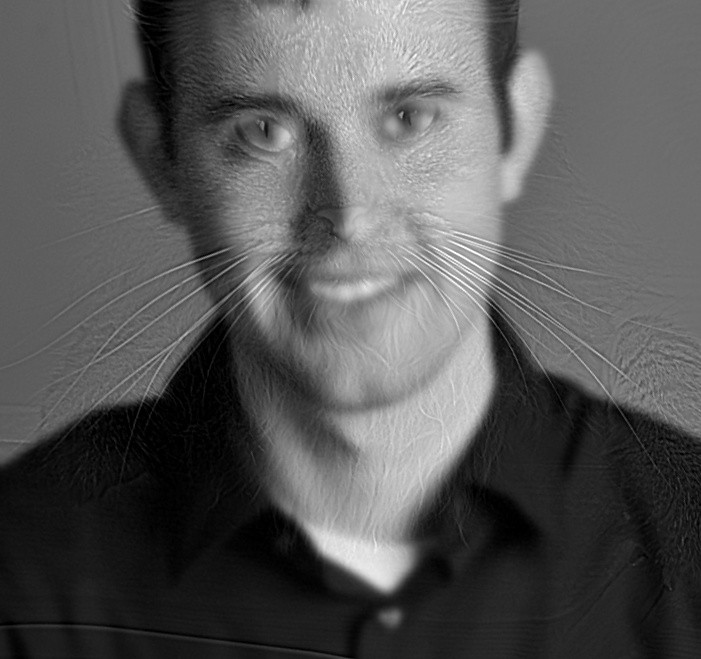
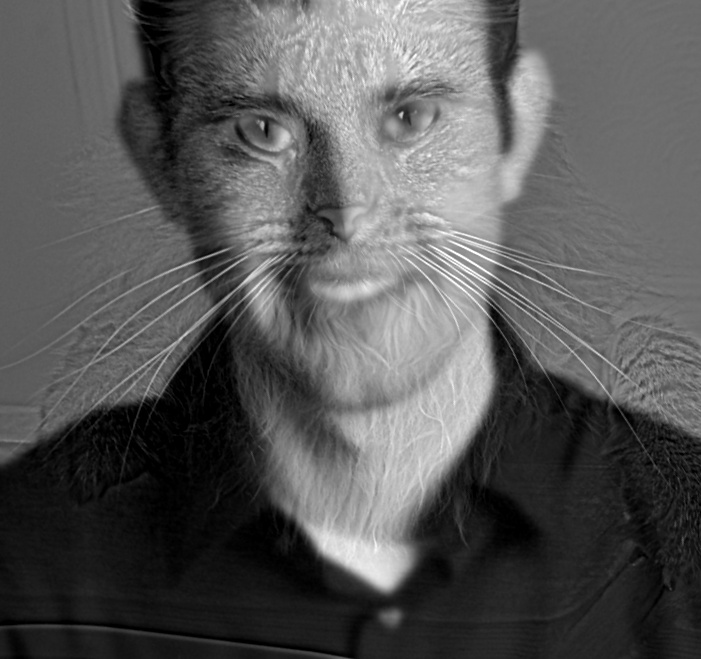
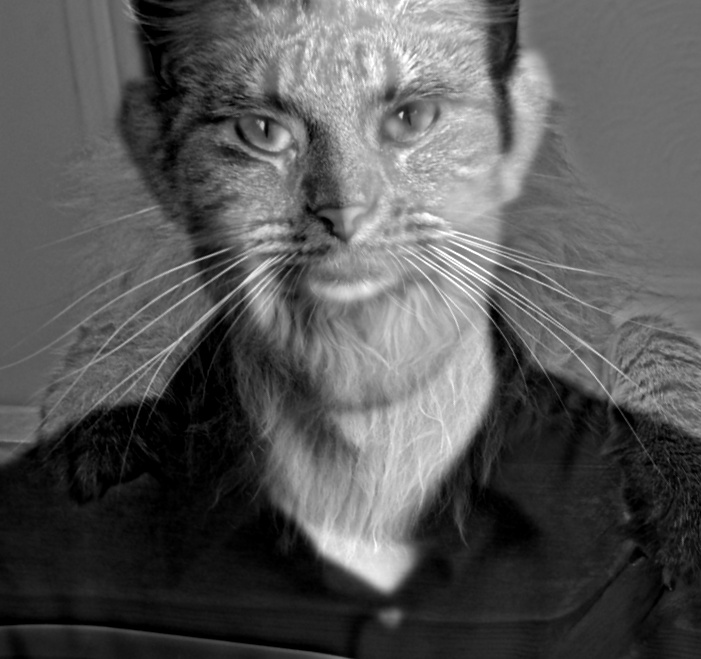
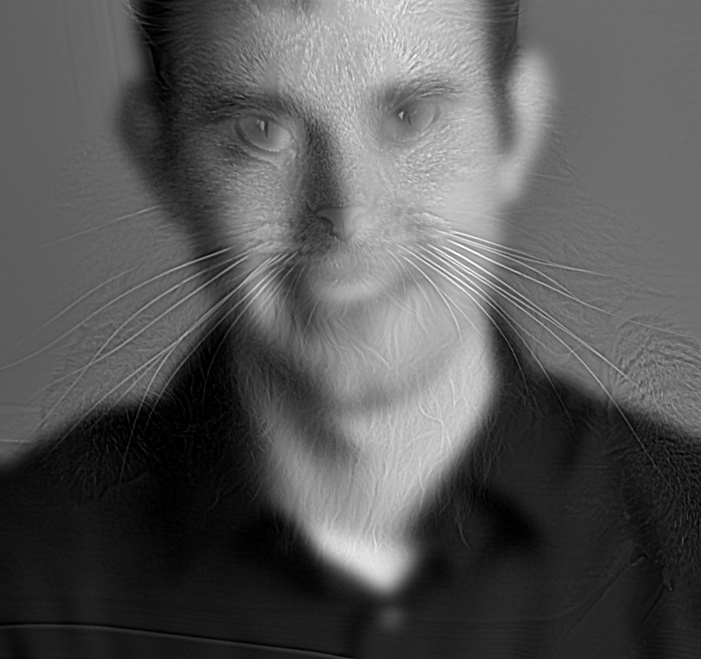
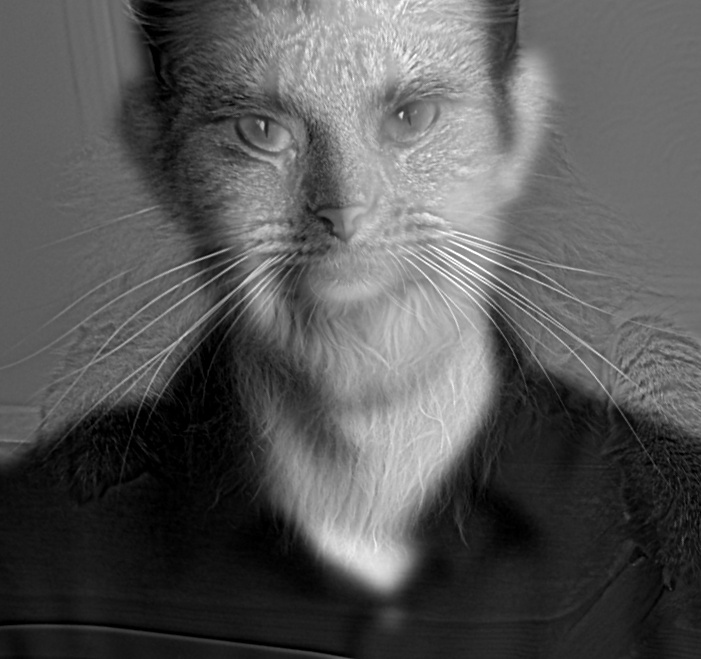
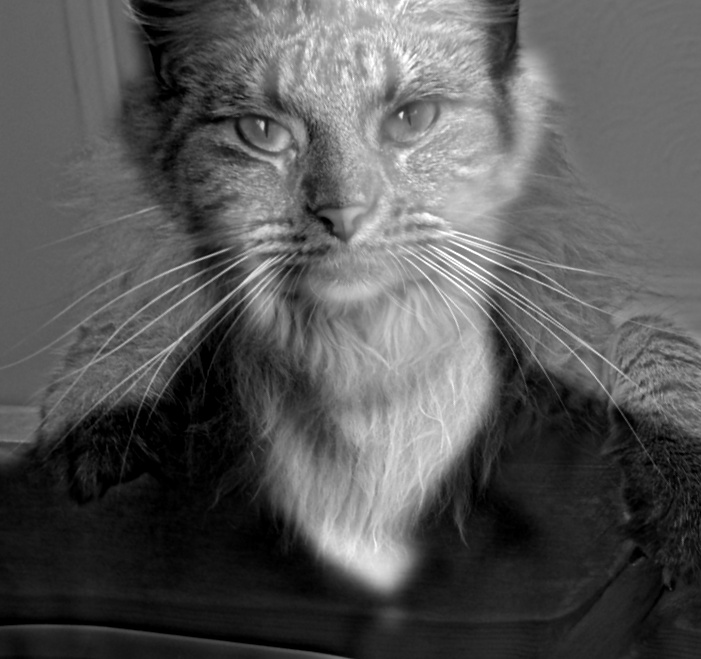
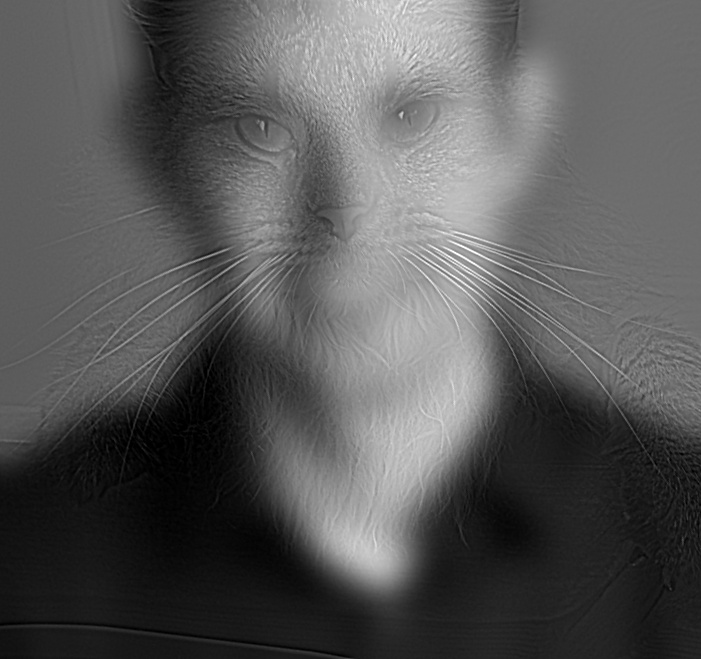
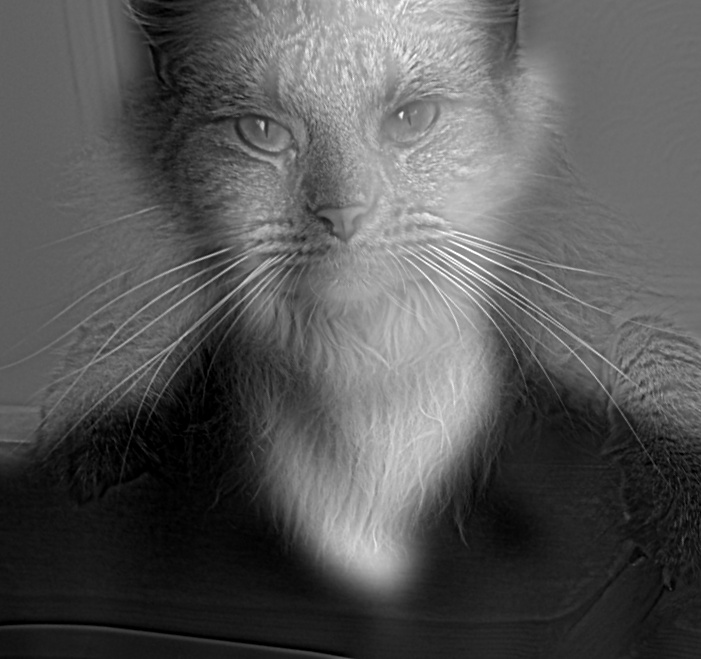
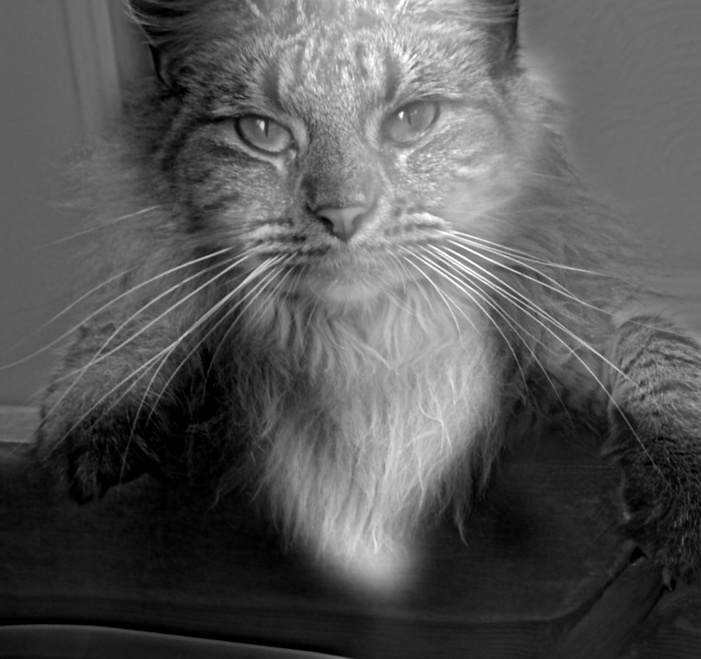
Cutoffs in brackets are in cycles per image.
Chosen result: sigma_low = 8, sigma_high = 4

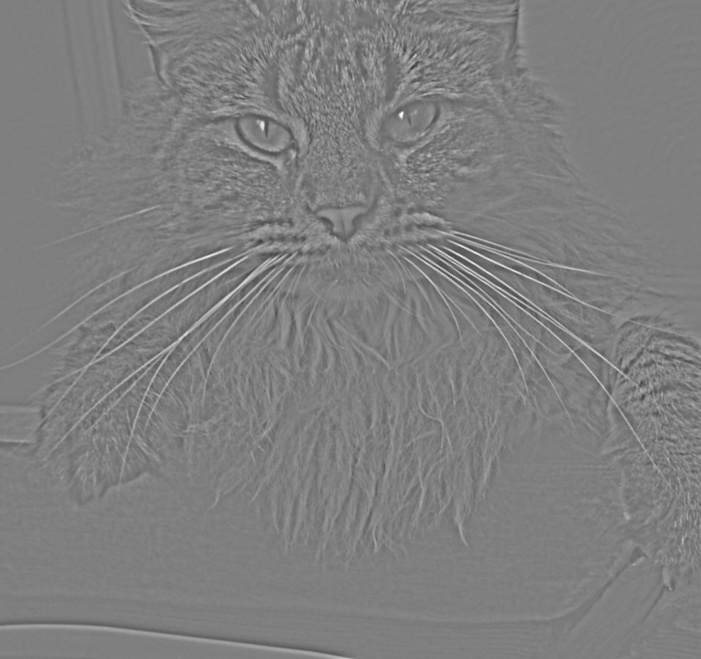
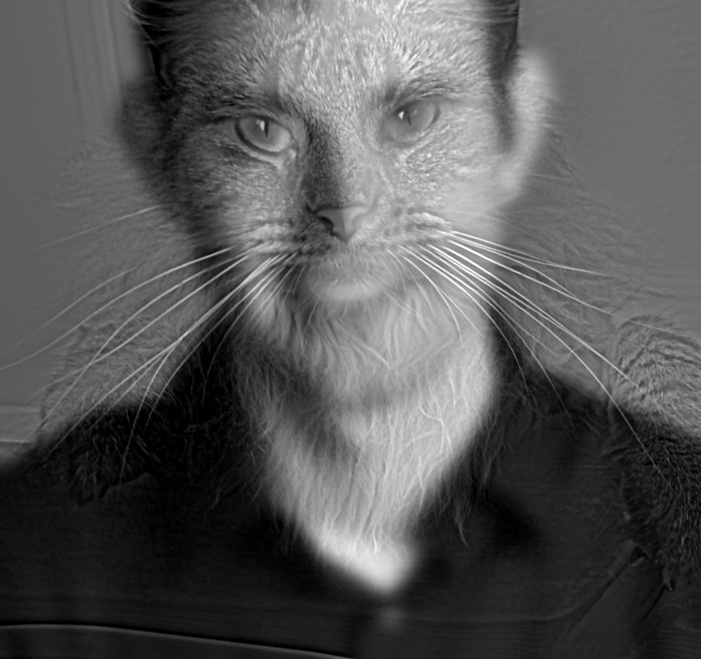
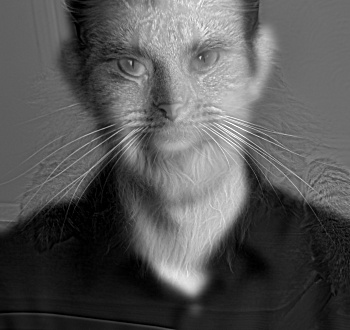
The same hybrid at 1/2, 1/4, and 1/8 size, which is like viewing it from further away:

Frequency analysis
Log magnitude of the 2D Fourier transform, computed as np.log(np.abs(np.fft.fftshift(np.fft.fft2(gray_image)))). All five spectra use the same grey scale (set from the two inputs), so brightness can be compared between them.
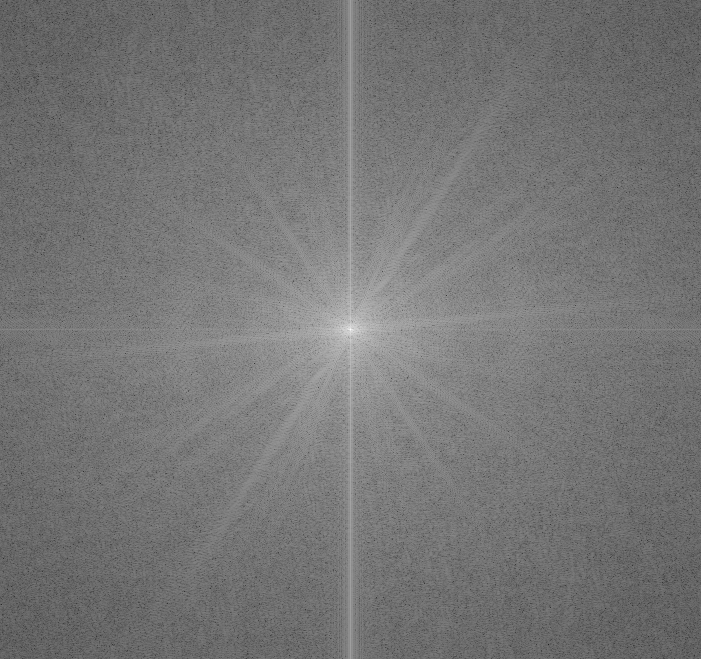
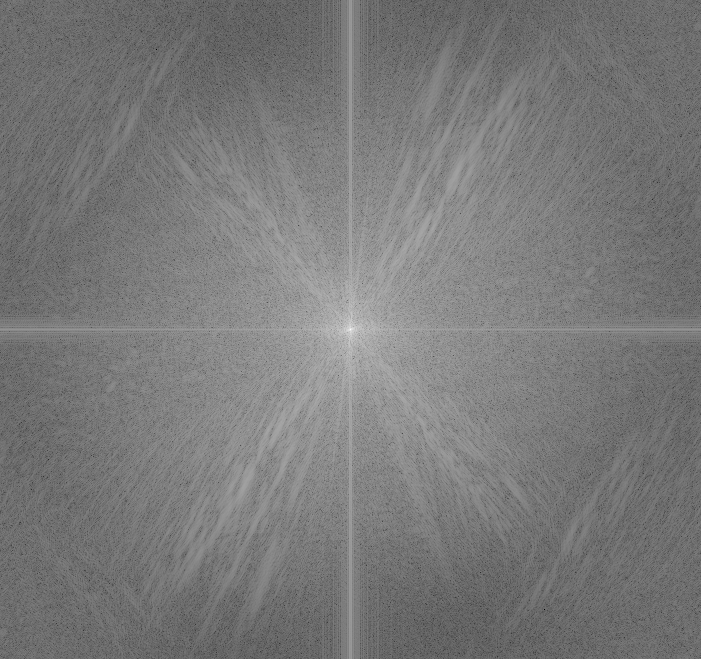
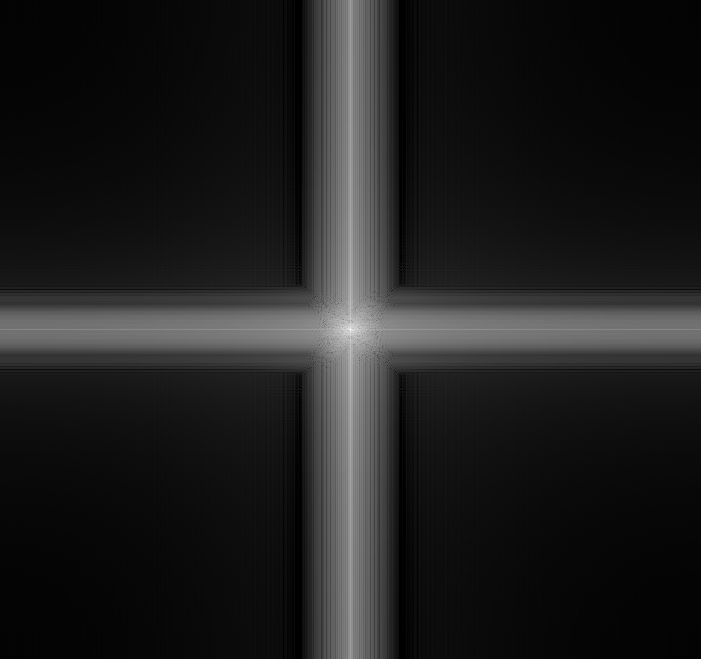
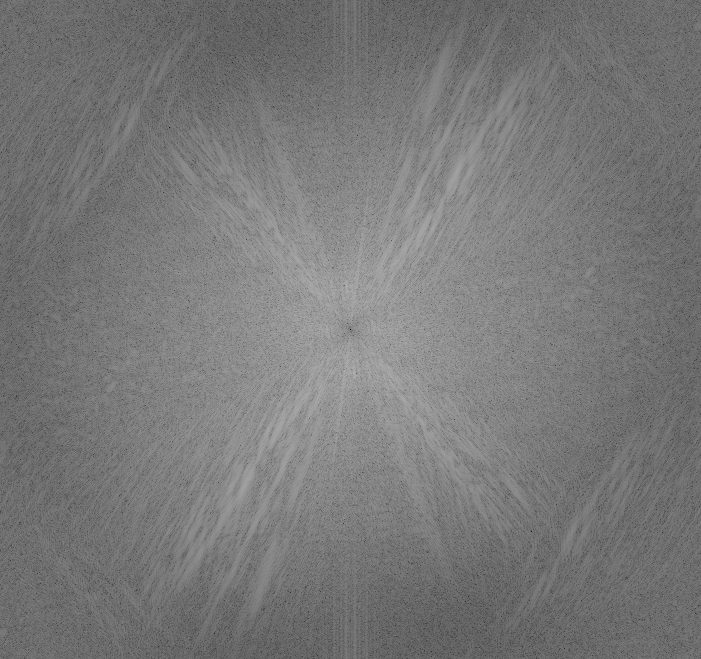
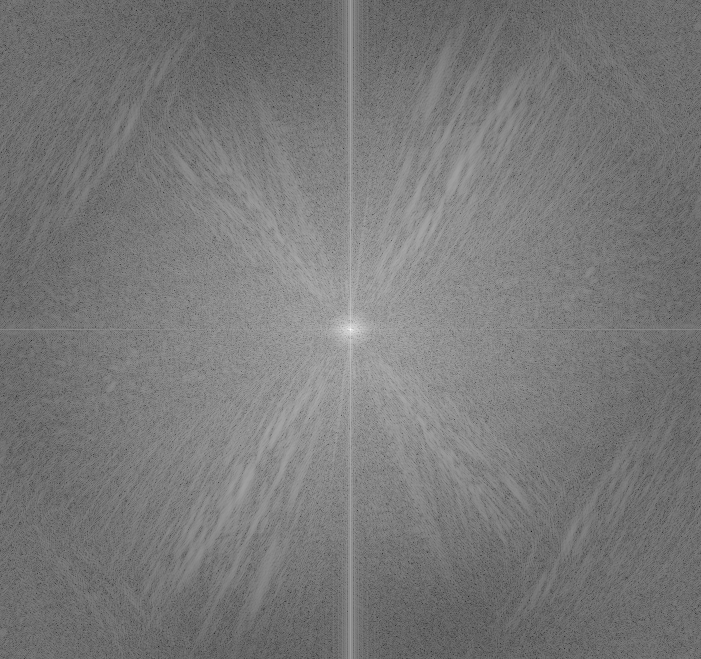
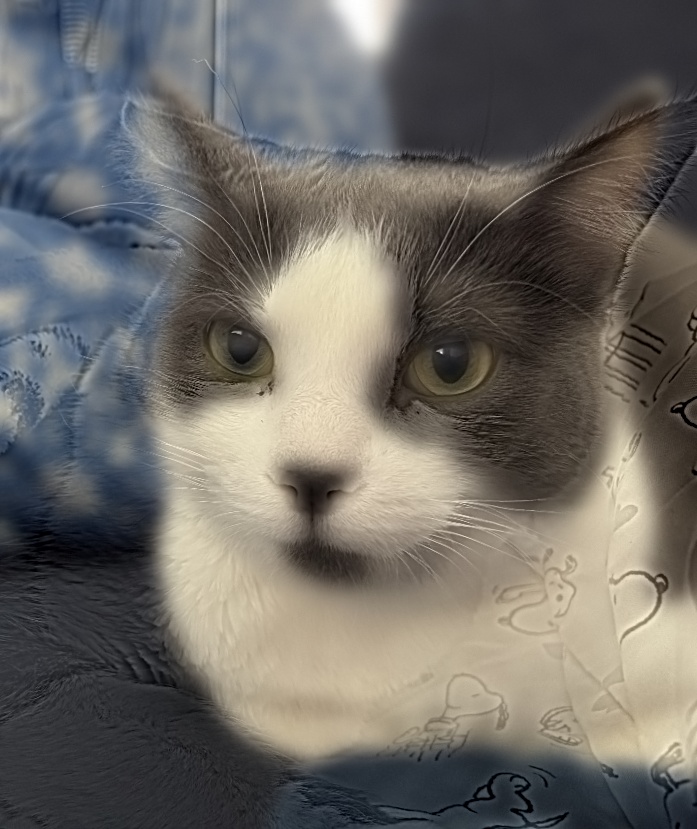
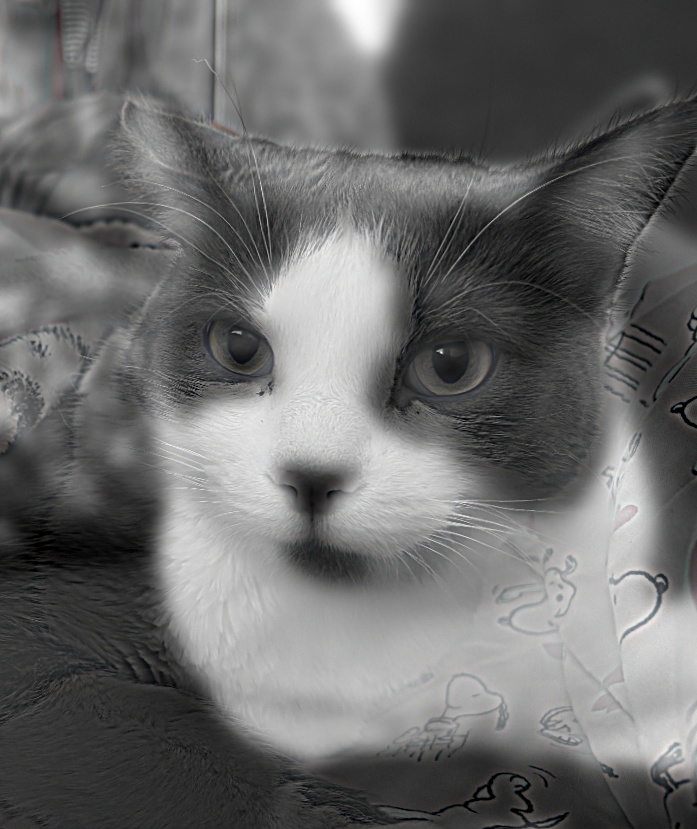
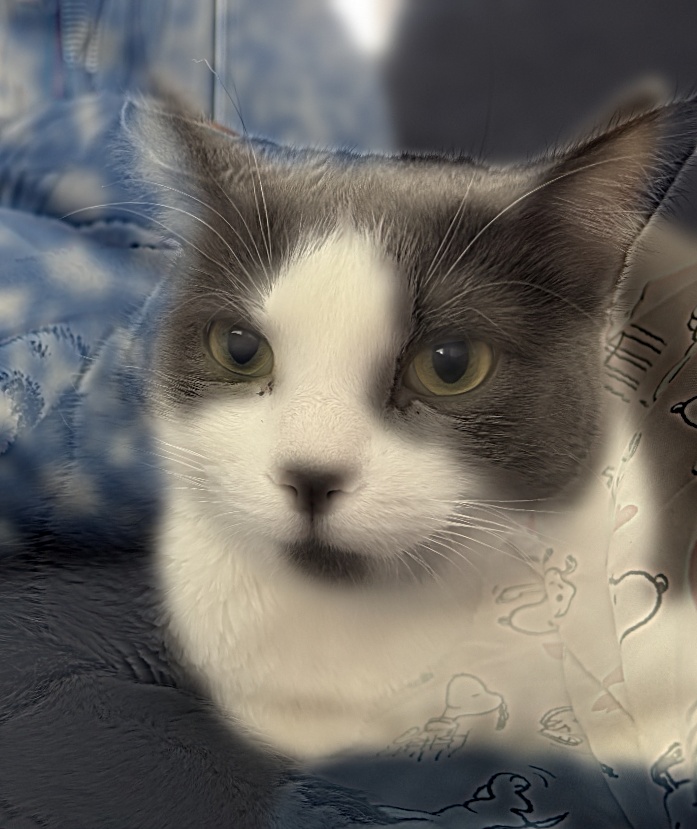
Cats
Two different cats, aligned on the eyes. Each photo was cropped around the cat’s face before alignment, to a box 3.5 eye distances wide centred on the eyes, so the faces fill the frame and the two backgrounds take up less of it. Both arrangements are shown: each cat is used once as the low-frequency image and once as the high-frequency image. Both use \(\sigma_{low} = 8\) and \(\sigma_{high} = 4\).

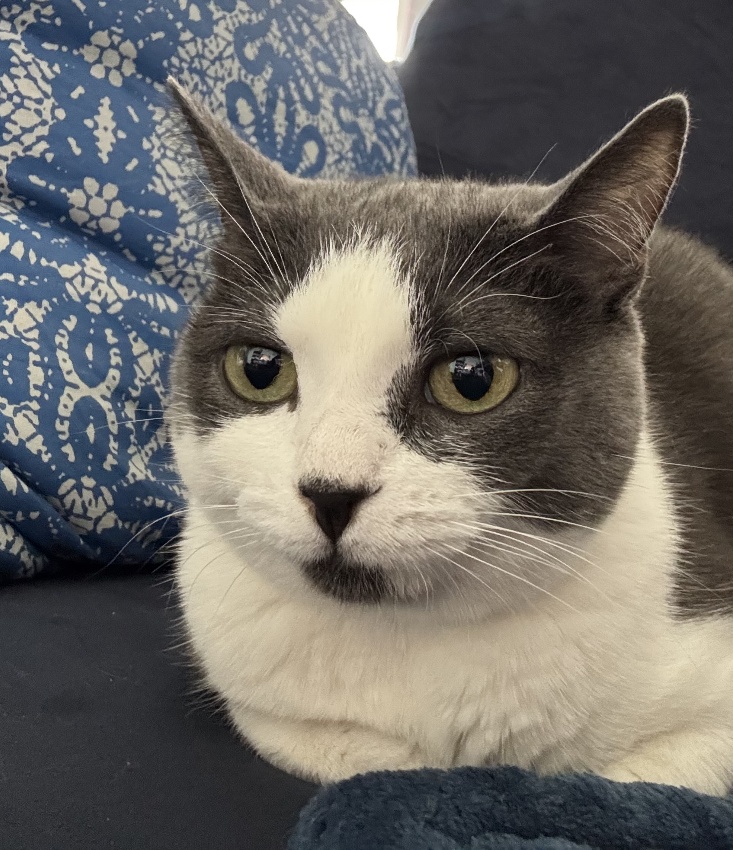
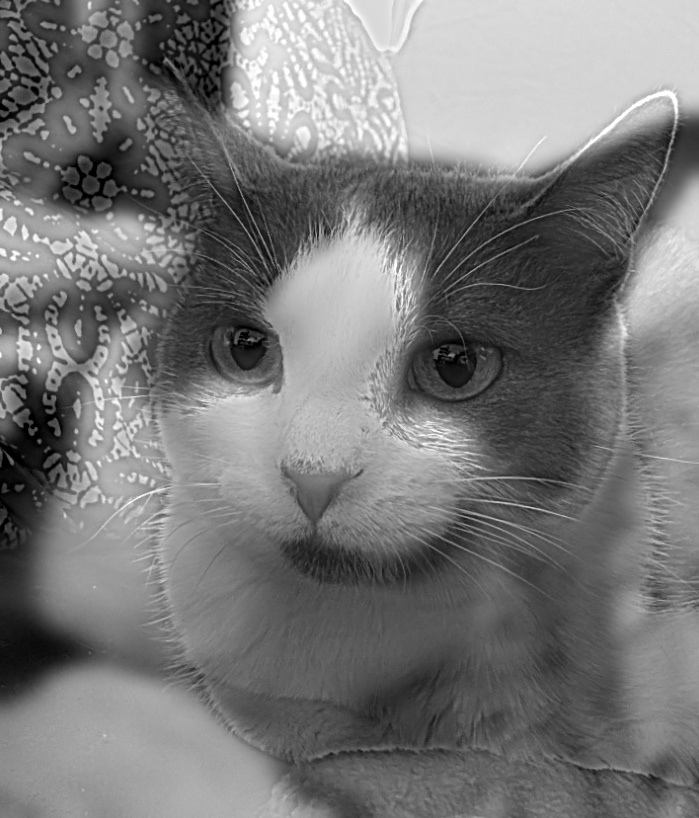
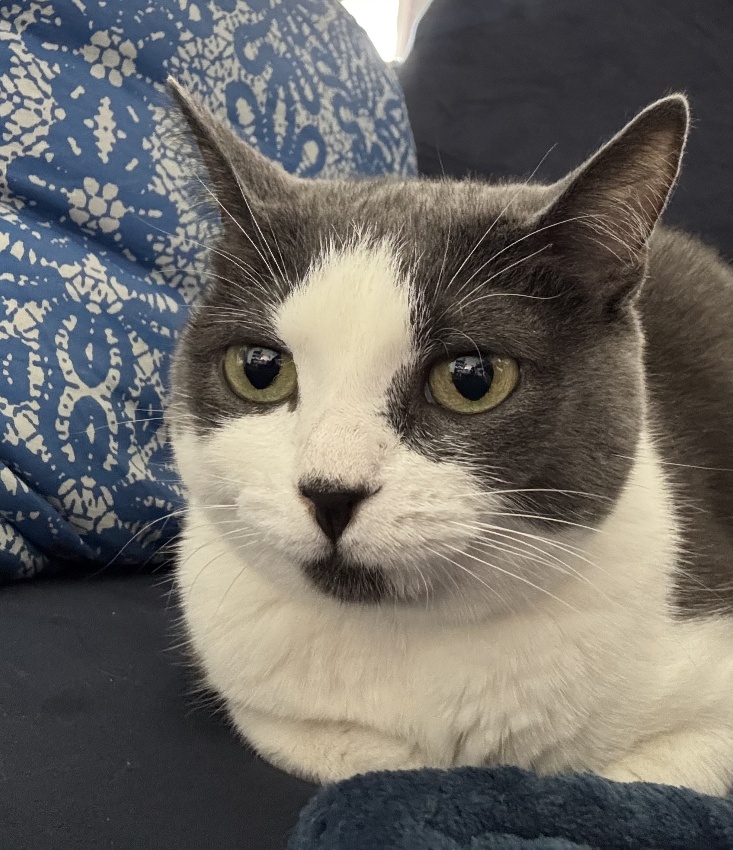

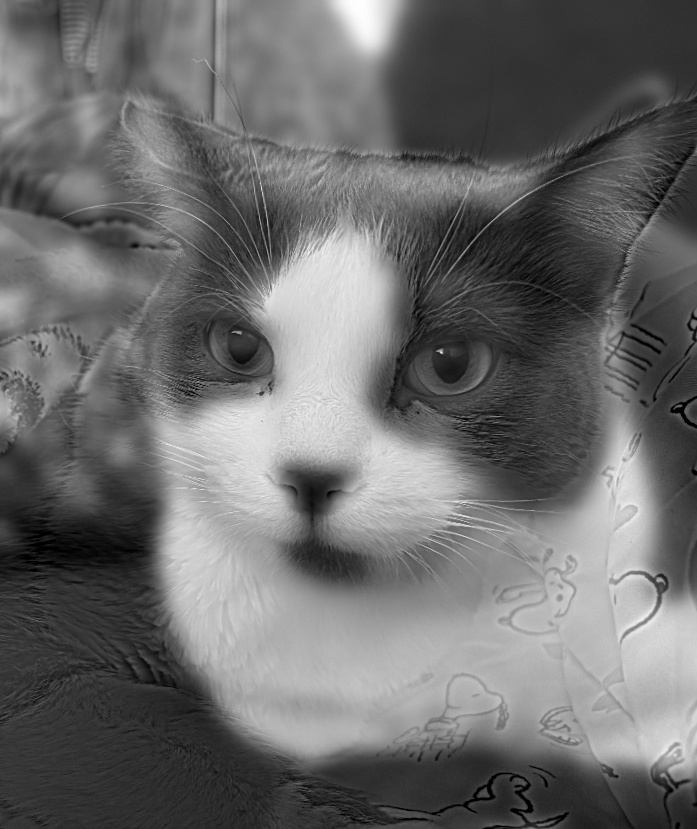
Some background clutter is left in both hybrids. The high-pass filter keeps every fine detail in its image, not only the cat. The patterned pillow and the printed blanket are full of high-frequency texture, so they come through as faint patterns around the cat. The low-pass image adds its own background as large blurred patches of colour and brightness. The two backgrounds don’t match, so they don’t cancel out the way the aligned faces do. Only the eyes are aligned, so anything that differs between the photos also shows up as faint double outlines, such as the ear shapes, the head tilt, and the body pose. Cropping to the faces reduced how much background is in the frame, but it can’t remove the background inside the crop. A tighter crop around each face would remove most of these artifacts. The crop was deliberately left looser so that the effect stays visible and this limitation of hybrid images can be shown.
Three-band hybrid: father and sisters
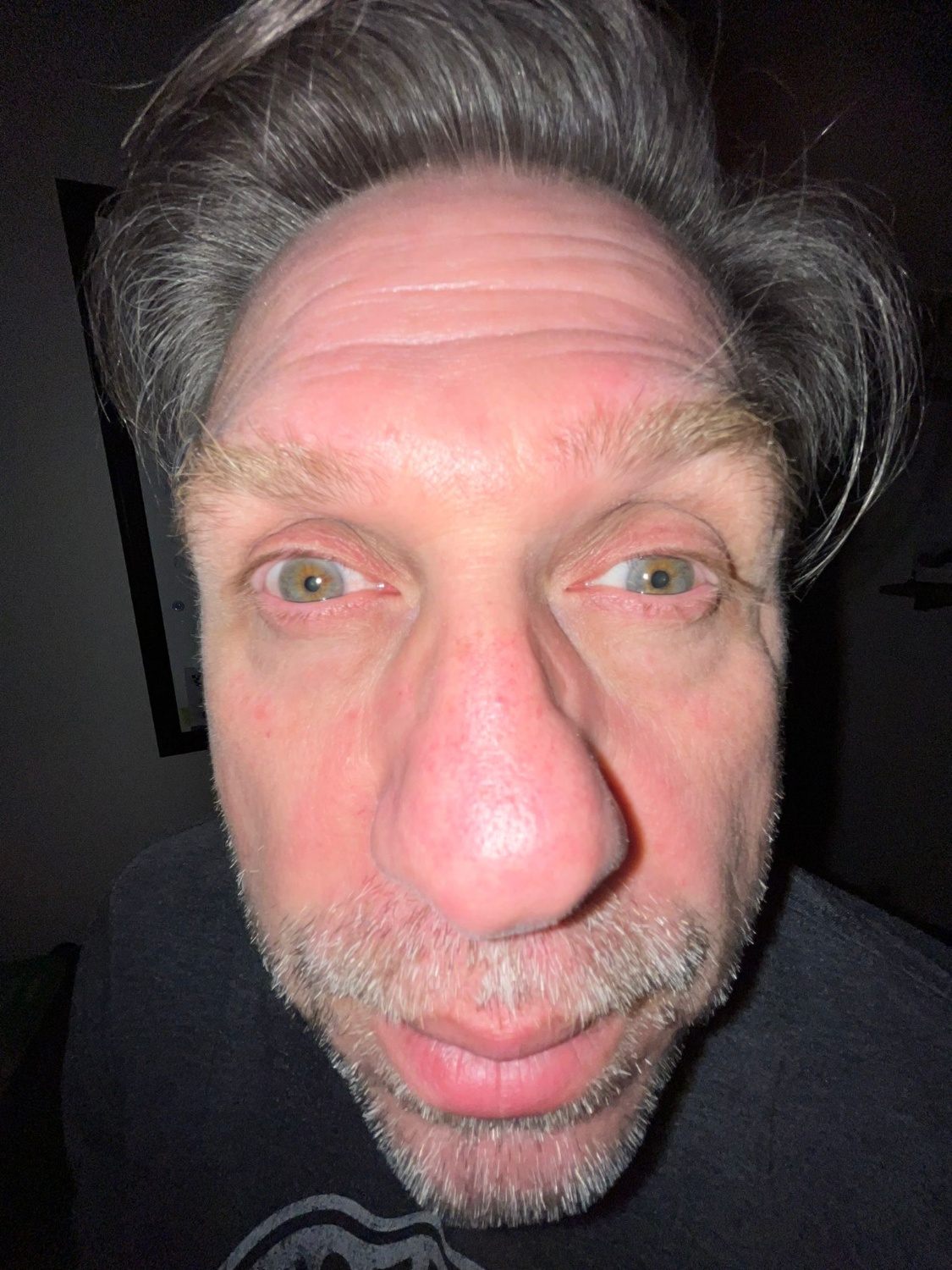
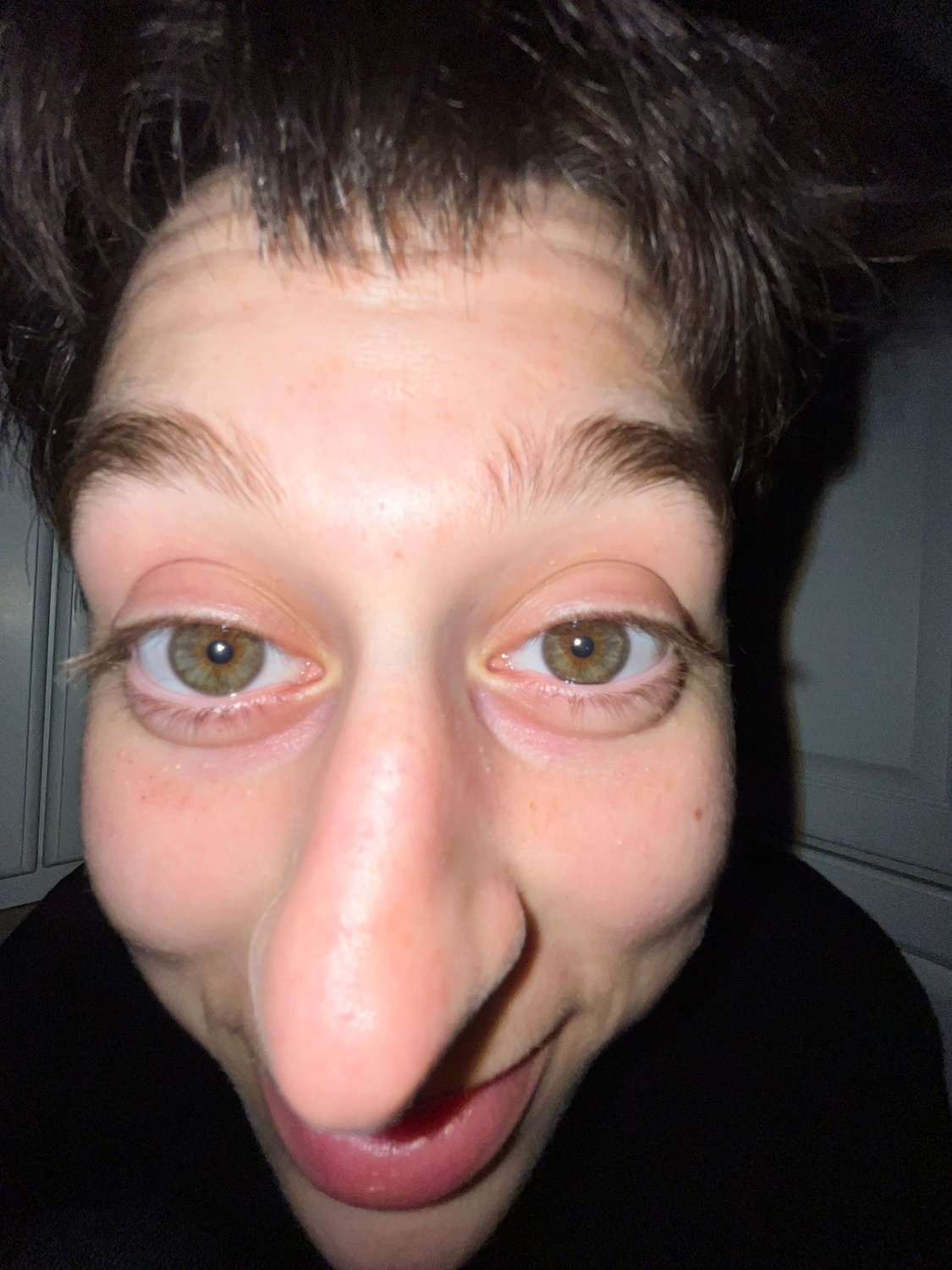
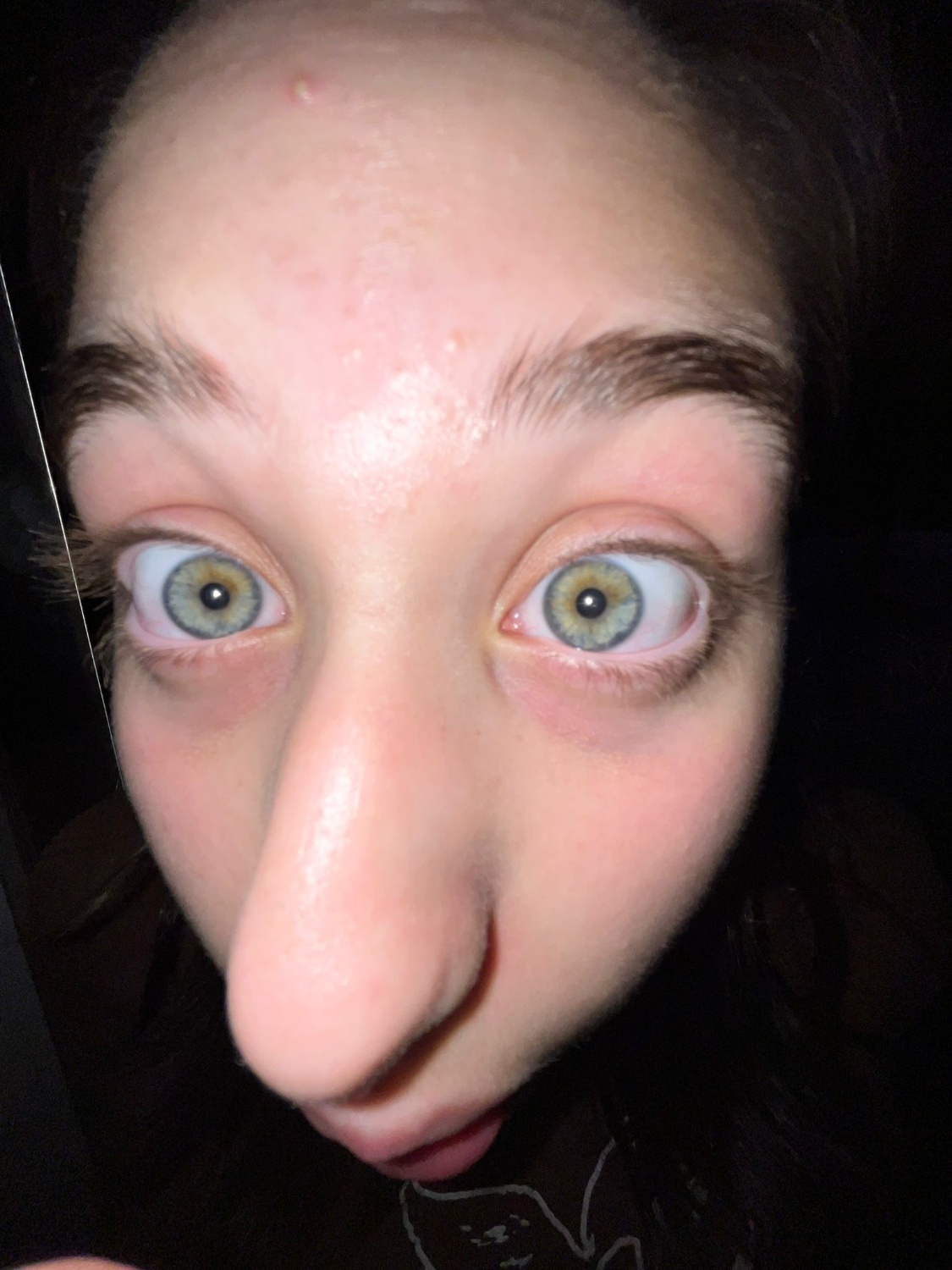
This extends the hybrid to three images. A third image adds a middle band of frequencies, taken with a band-pass filter: the difference of two Gaussians. Up close the high-pass image dominates, at a middle distance the band-pass image does, and from far away the low-pass image does.
\[H = I_1 * G_{\sigma_{low}} + \left( I_2 * G_{\sigma_a} - I_2 * G_{\sigma_b} \right) + \left( I_3 - I_3 * G_{\sigma_{high}} \right)\]def three_band(im1, im_mid, im2, sigma_low, sigma_mid, sigma_high):
low = gaussian_blur(im1, sigma_low)
mid = gaussian_blur(im_mid, sigma_mid[0]) - gaussian_blur(im_mid, sigma_mid[1])
high = im2 - gaussian_blur(im2, sigma_high)
return low, mid, high, low + mid + high
The middle and high images are aligned to the low-frequency image using the same two-point translation, scale, and rotation as align_images, applied as a single warp. Both results use \(\sigma_{low} = 14\), \(\sigma_a = 4\), \(\sigma_b = 10\), and \(\sigma_{high} = 2\). For a 1350 px tall image this keeps the three bands apart:
| Band | Cycles per image |
|---|---|
| Low | below 18 |
| Middle | 25 to 63 |
| High | above 126 |
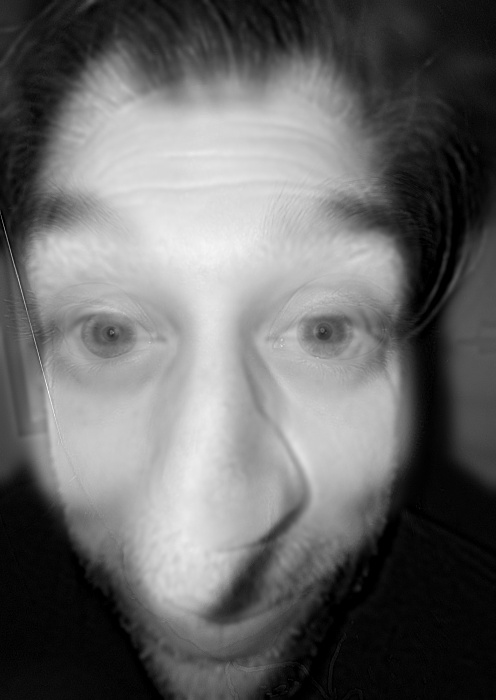
Father (low), sister 1 (middle), sister 2 (high)
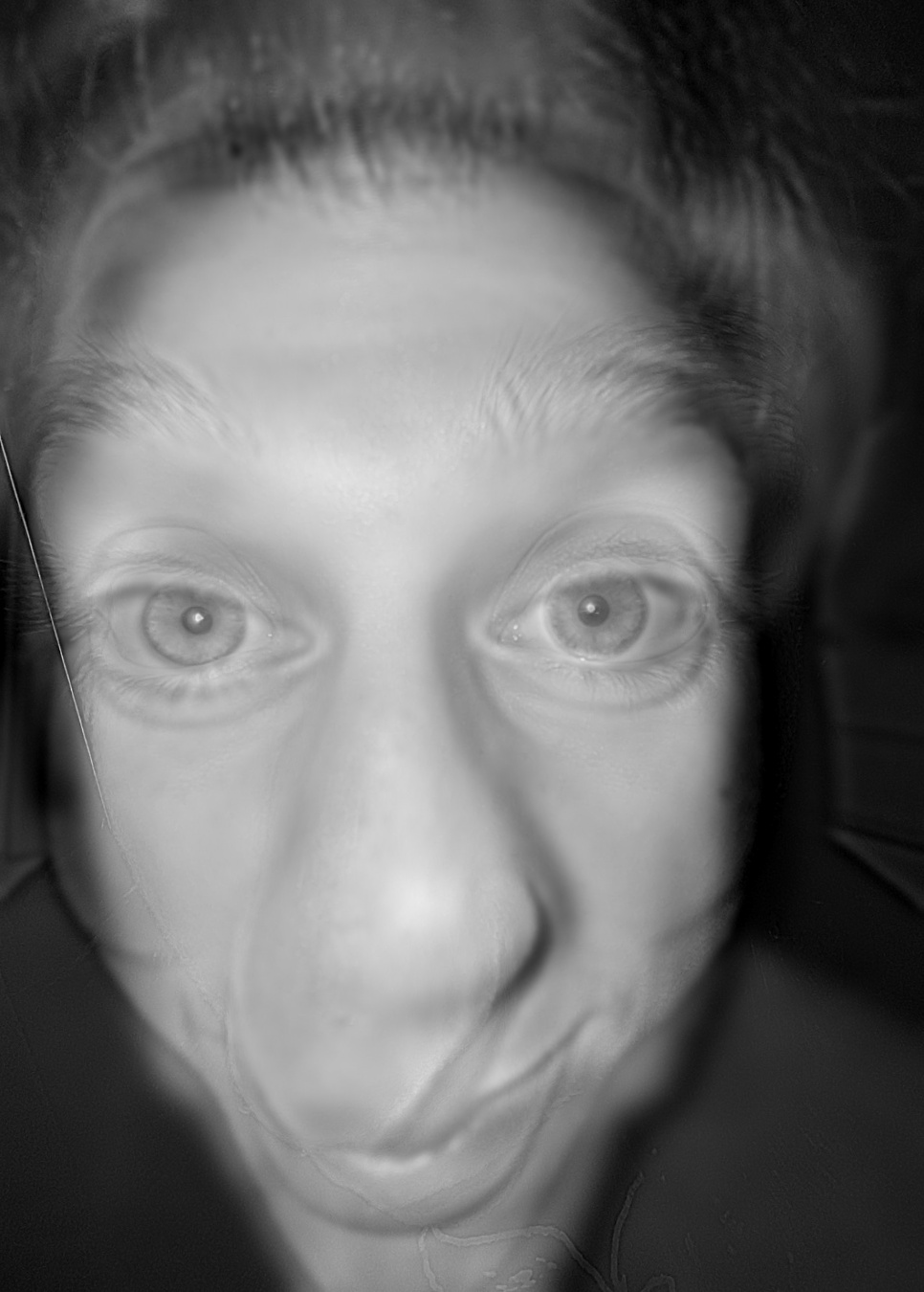
Sister 1 (low), father (middle), sister 2 (high)
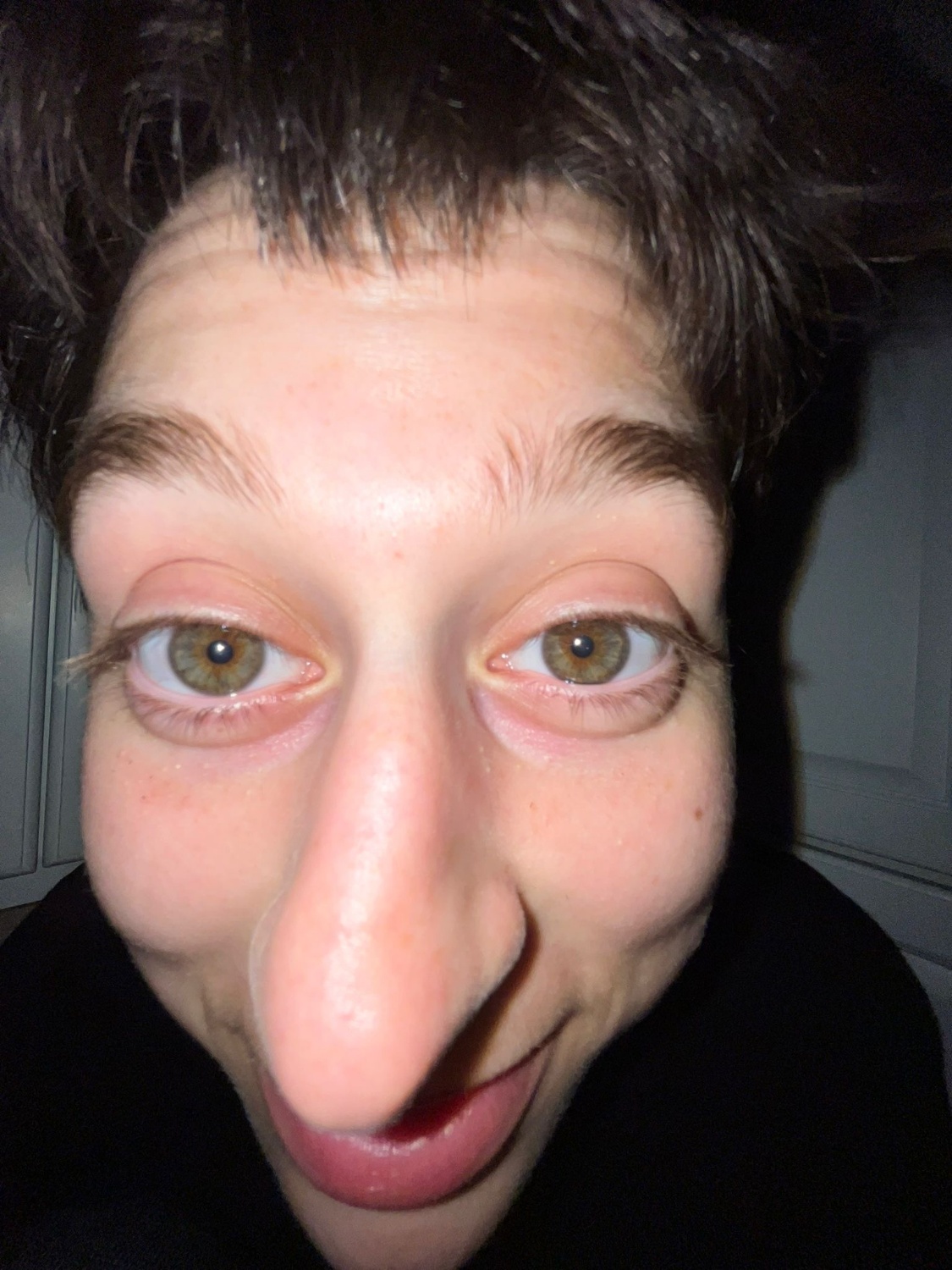
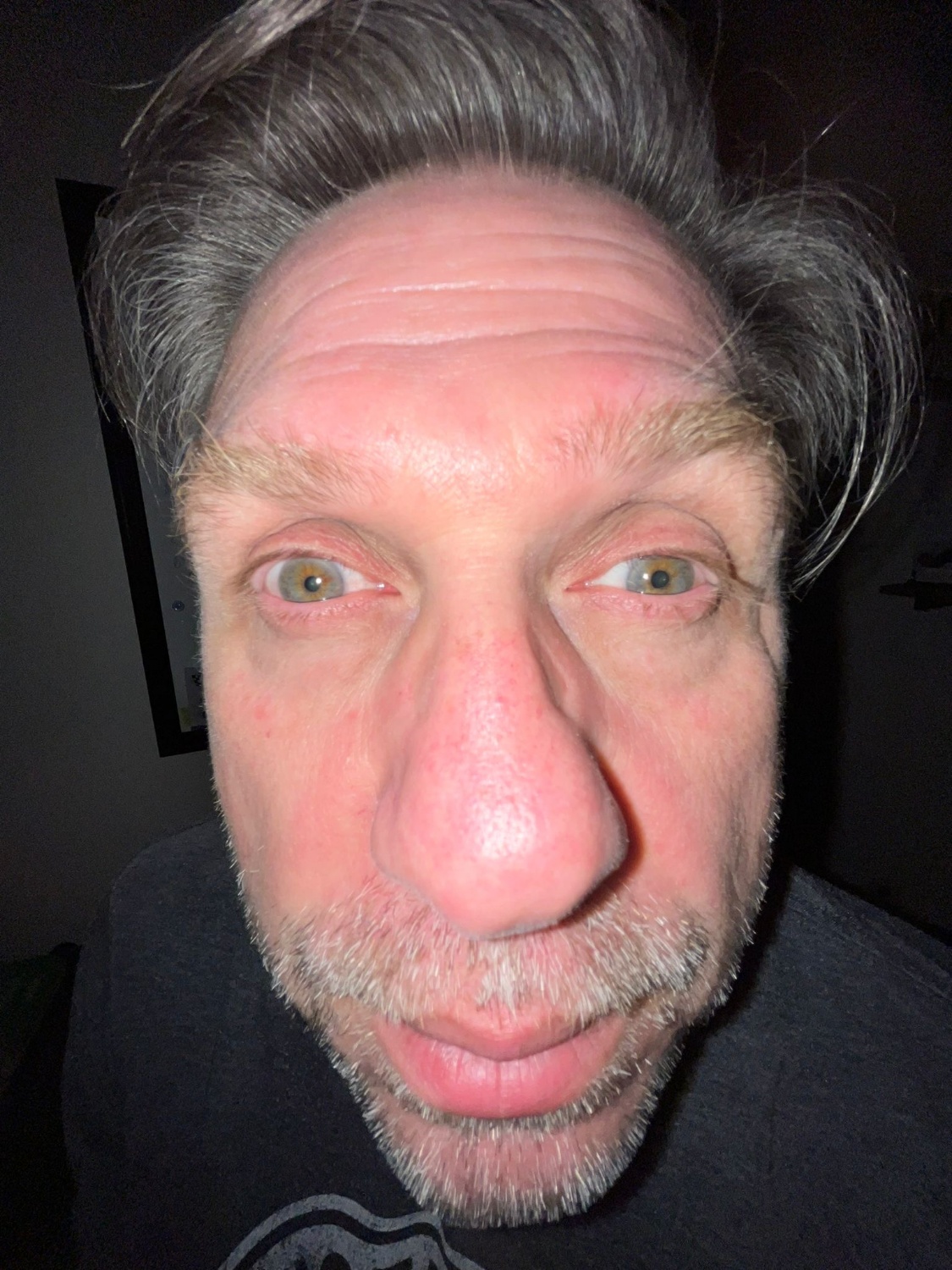
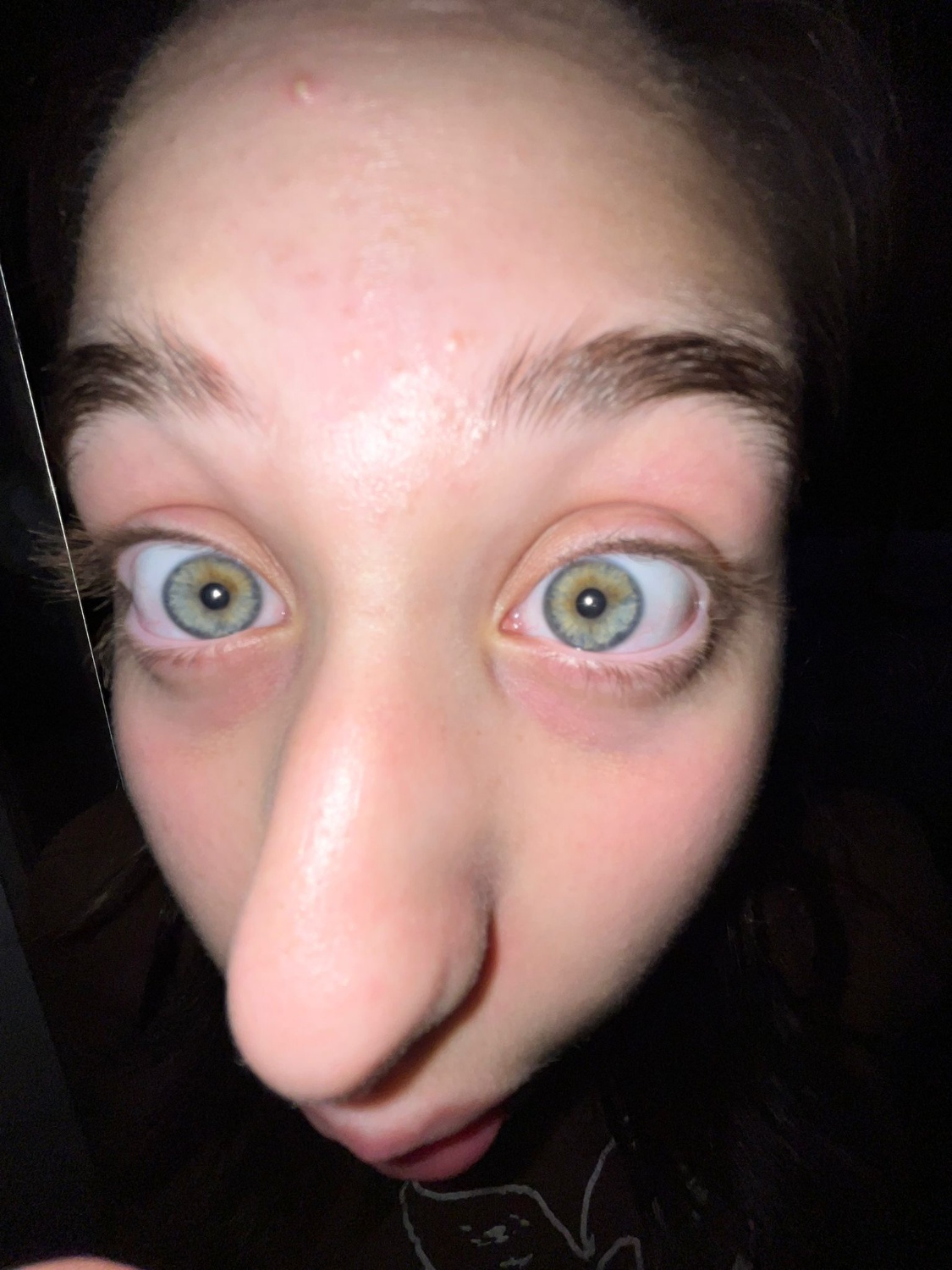
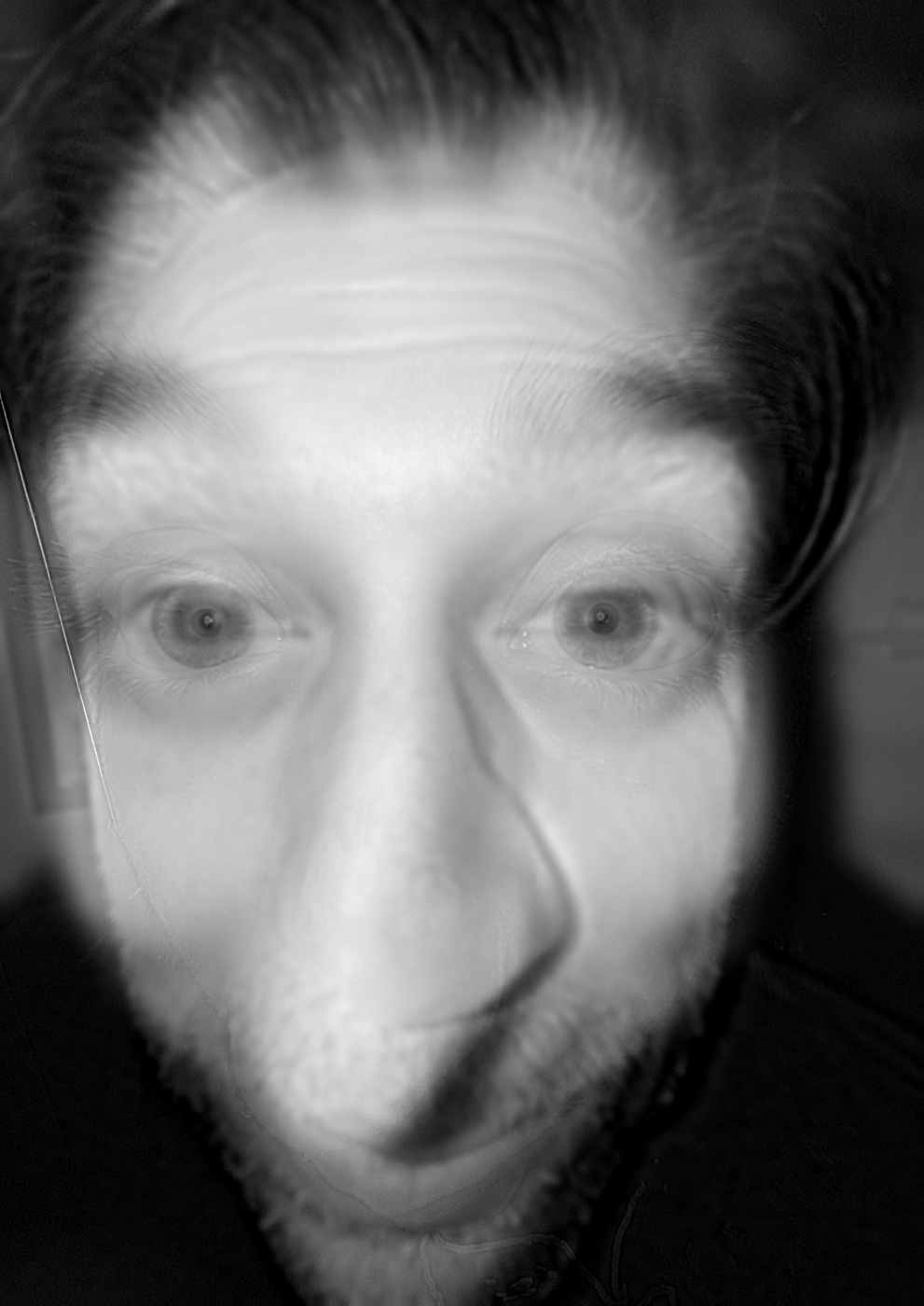
Bells & Whistles: Hybrid Images
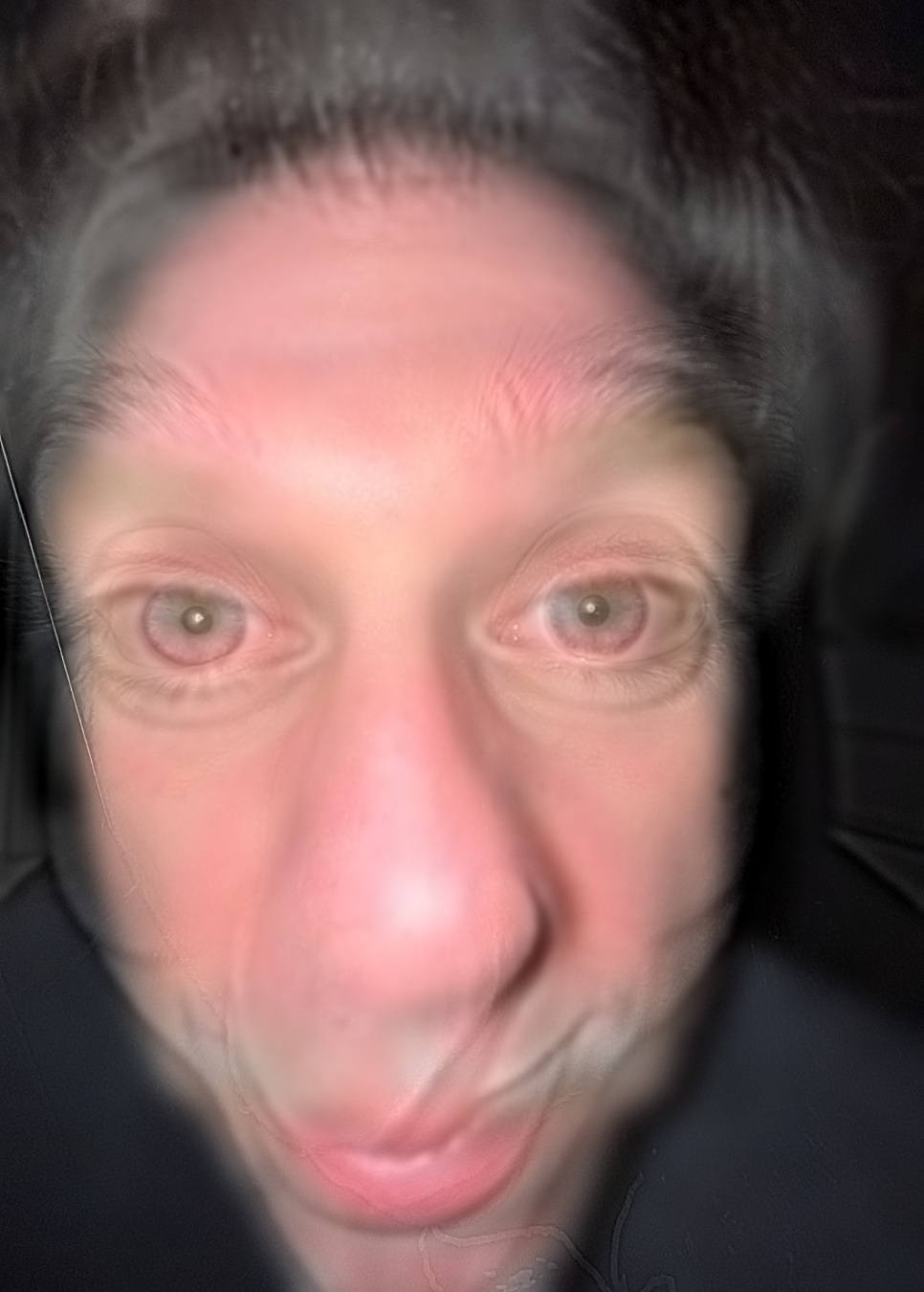
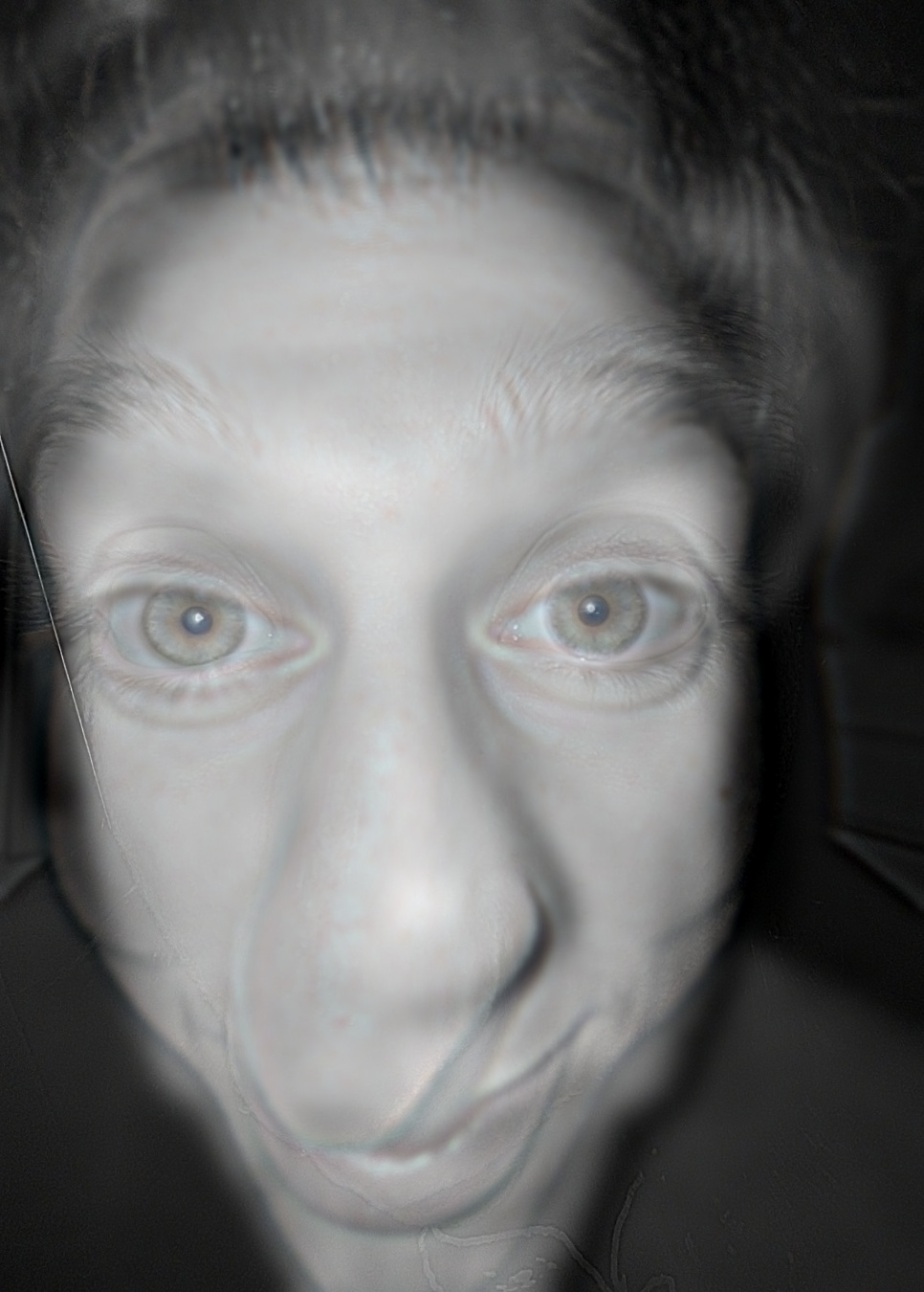
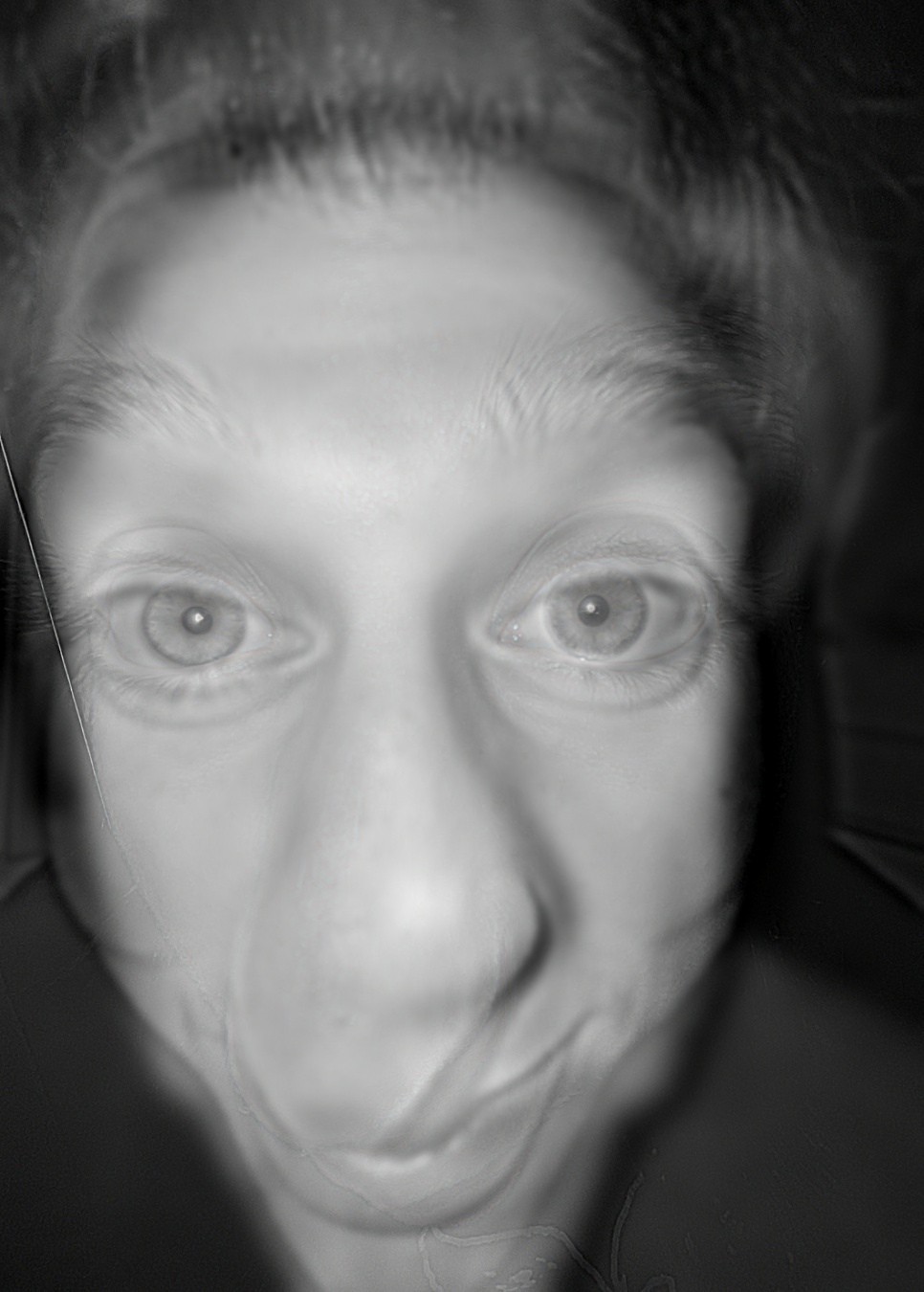
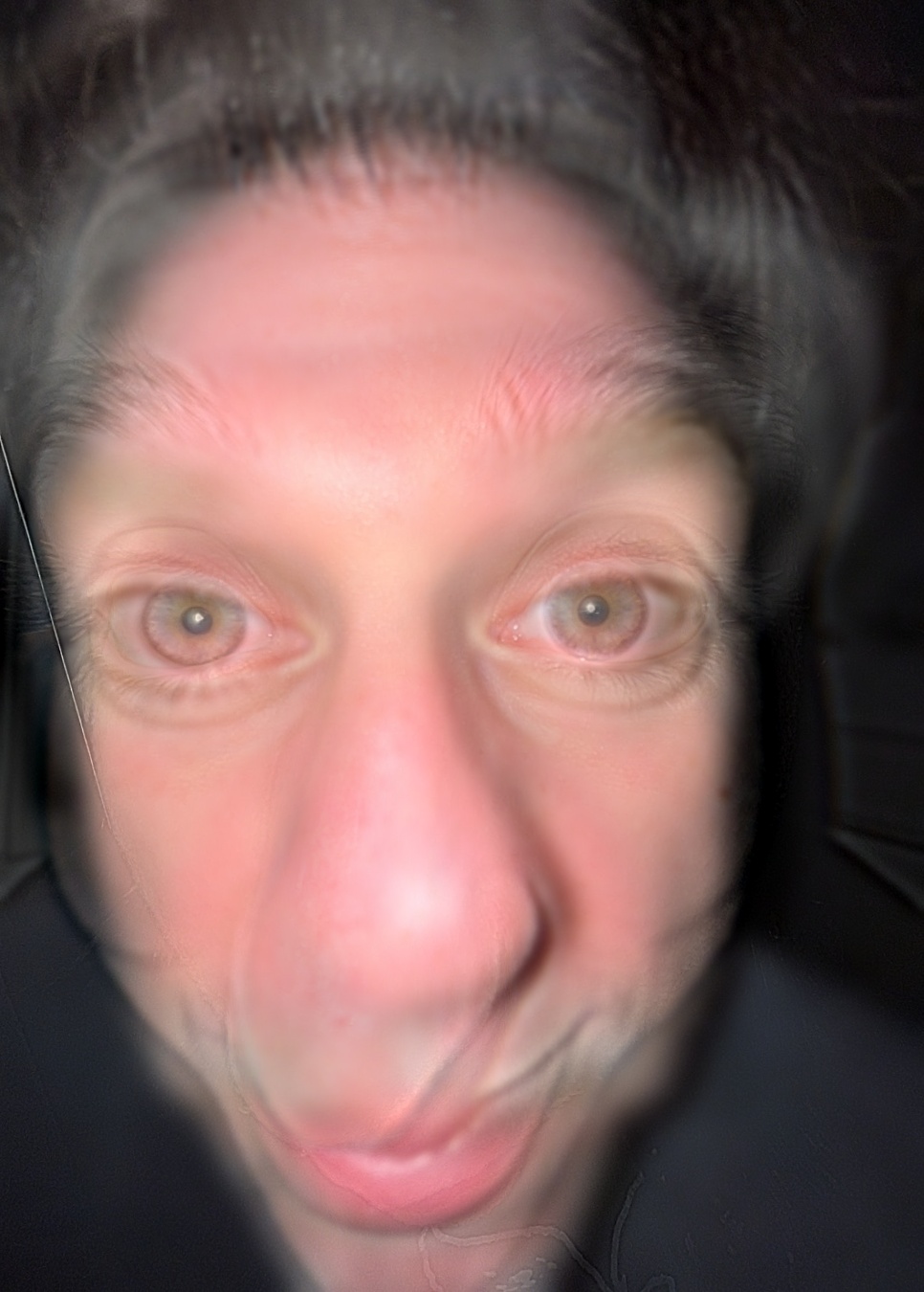
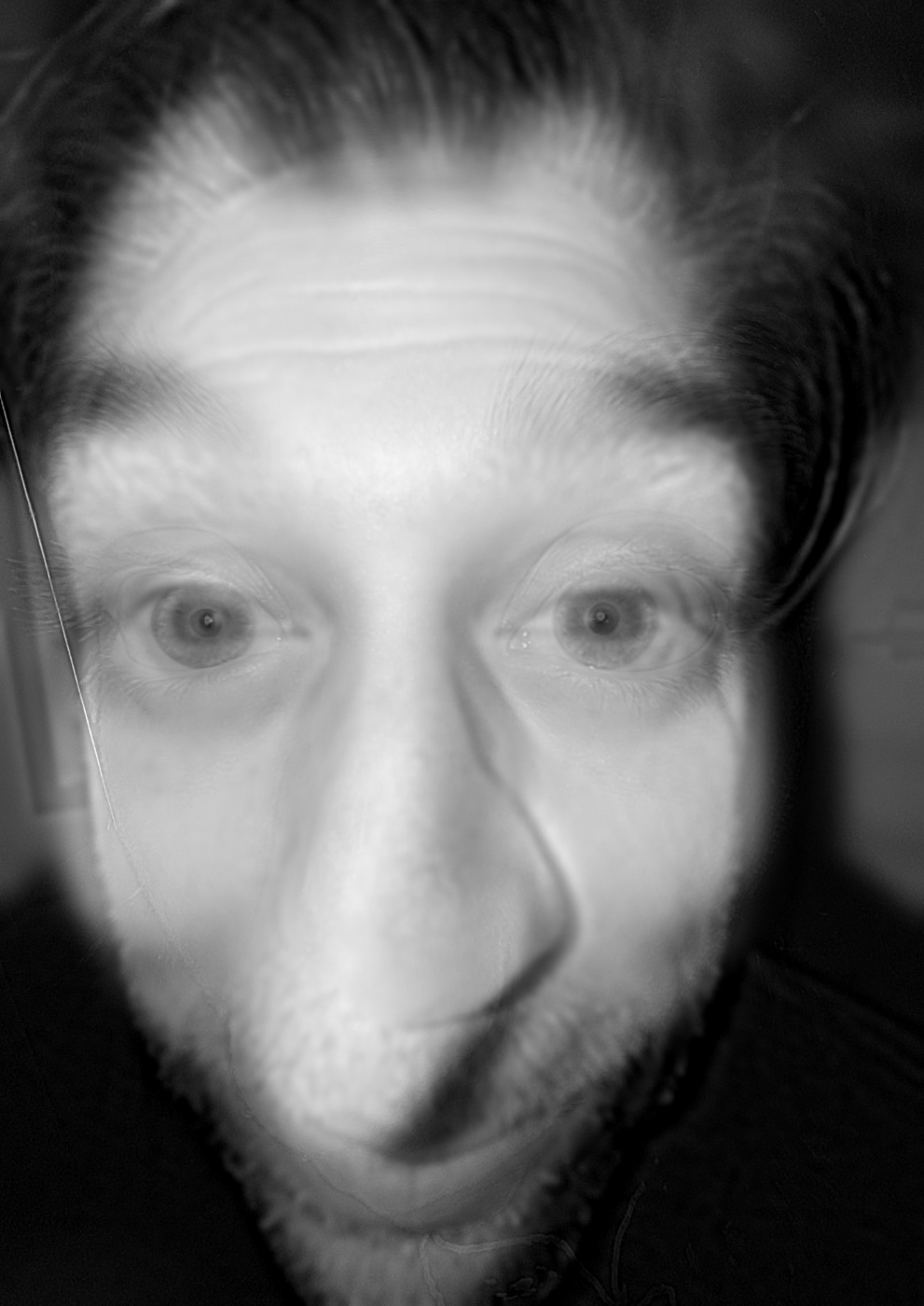
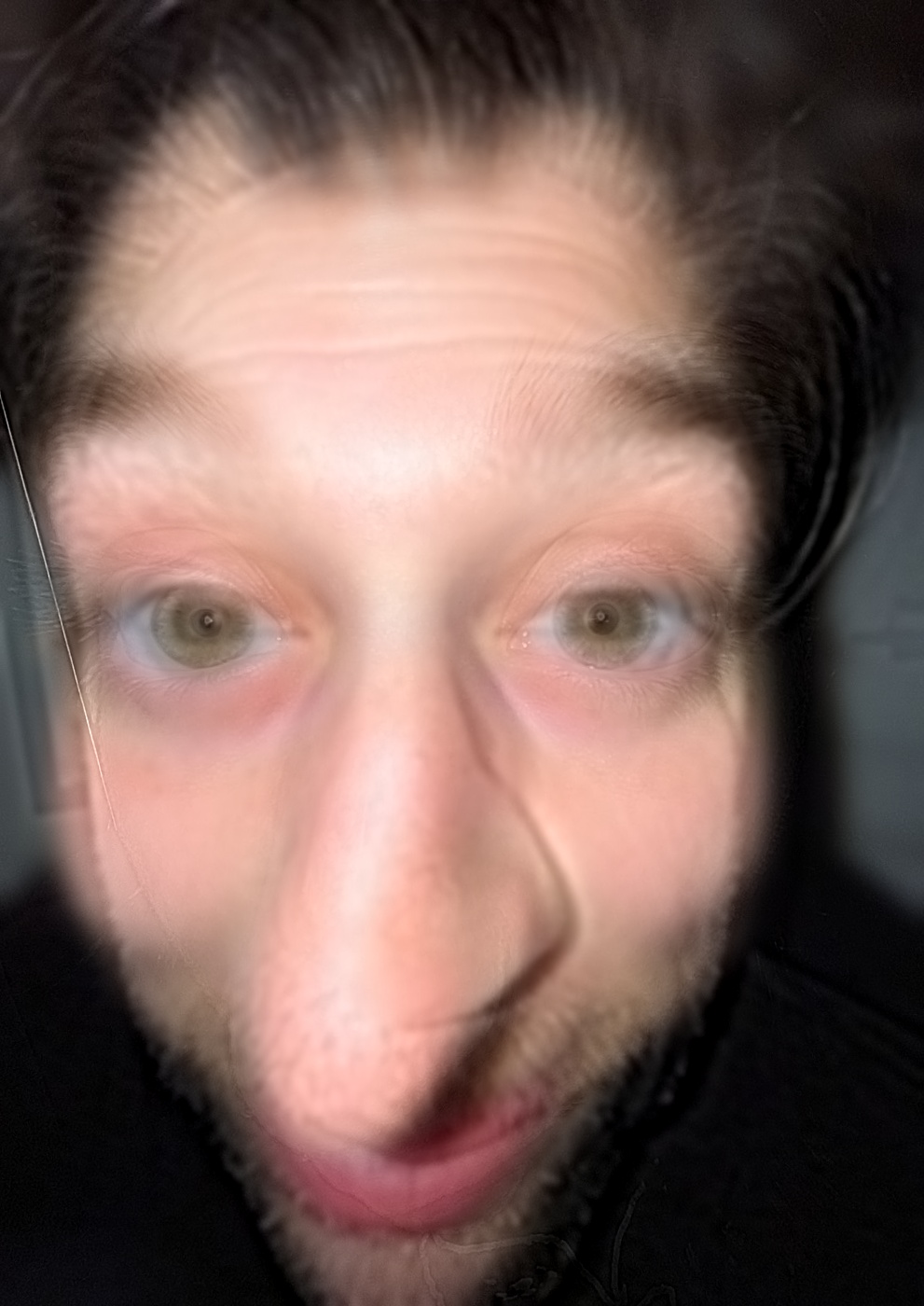
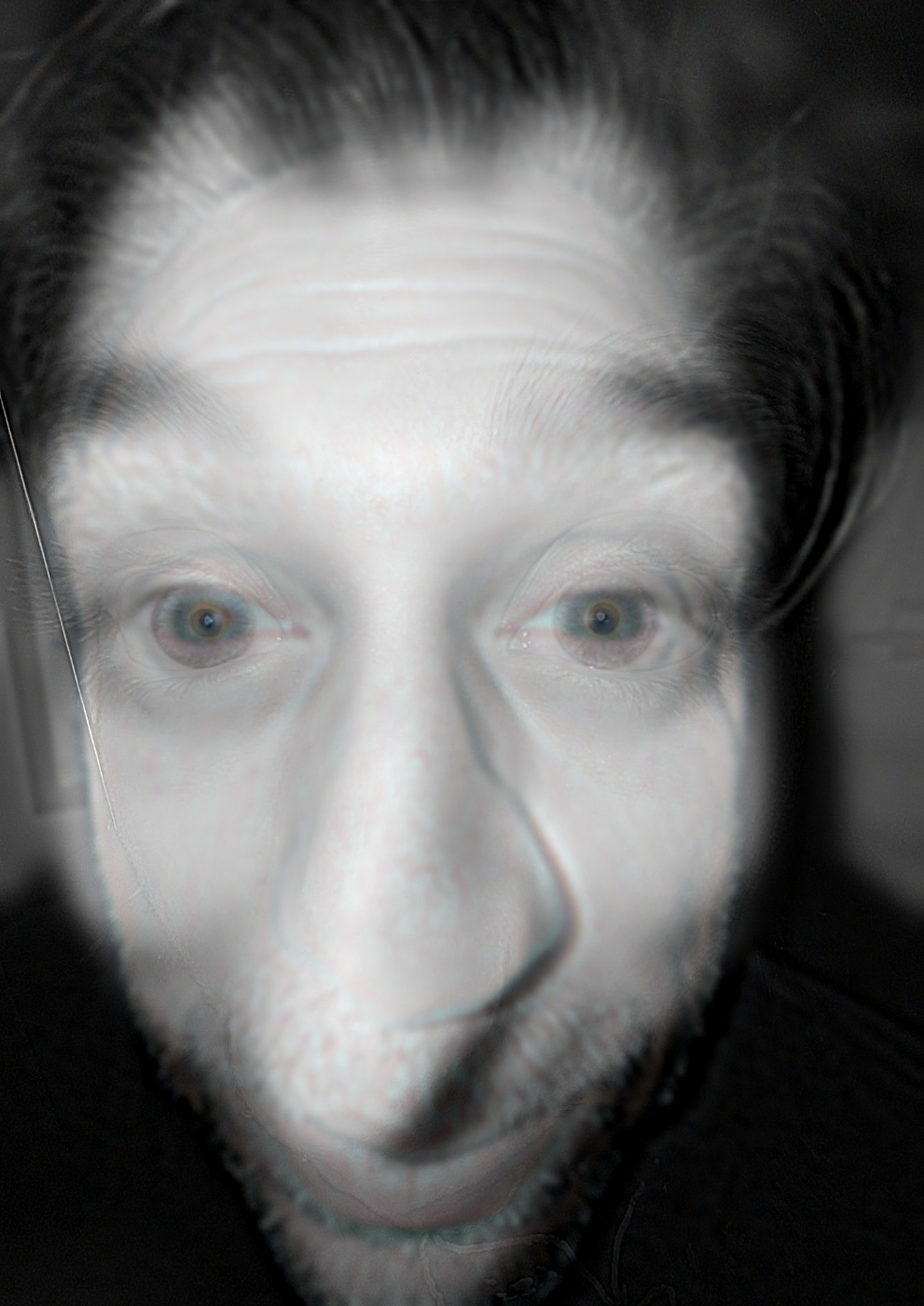
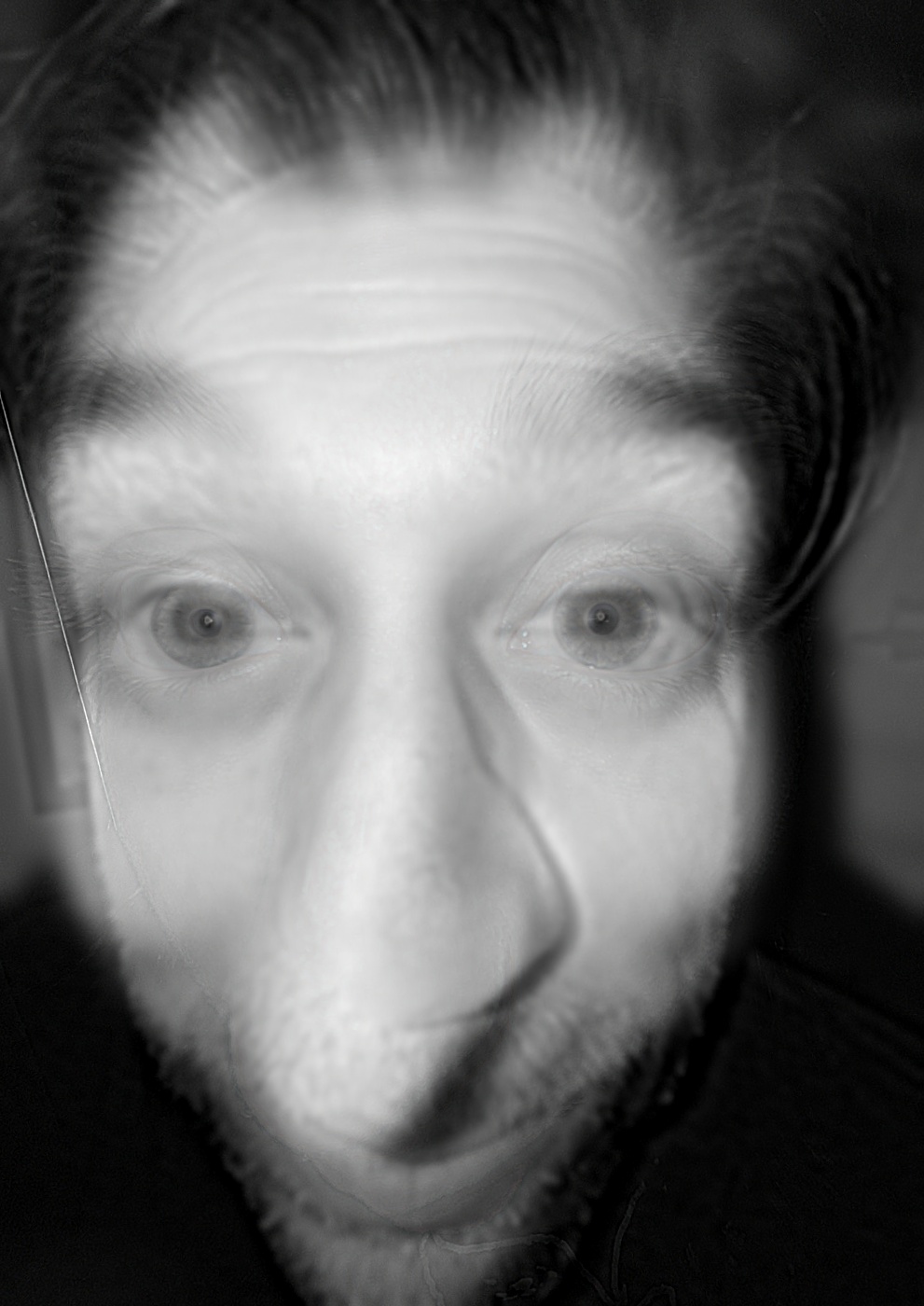
The same hybrid (\(\sigma_{low} = 8\), \(\sigma_{high} = 4\)), with colour kept in the low-frequency image, the high-frequency image, both, or neither. Colour images are filtered one channel at a time.
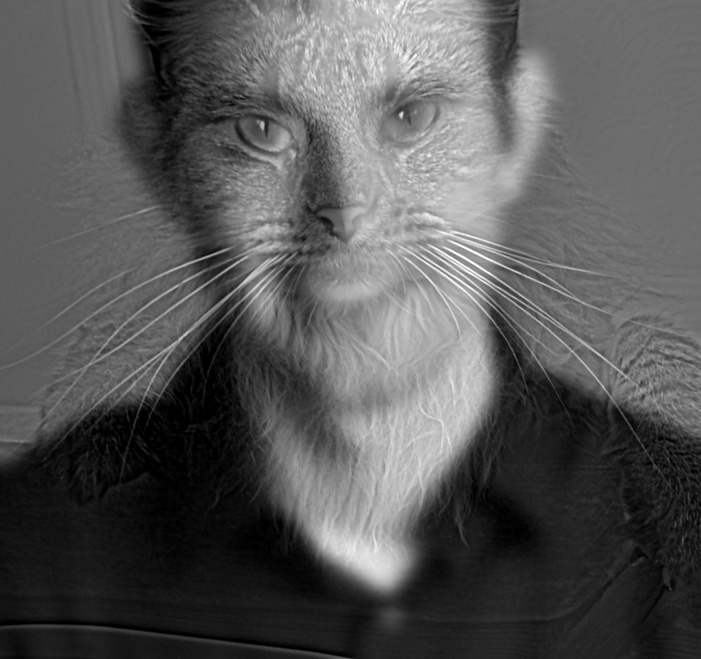
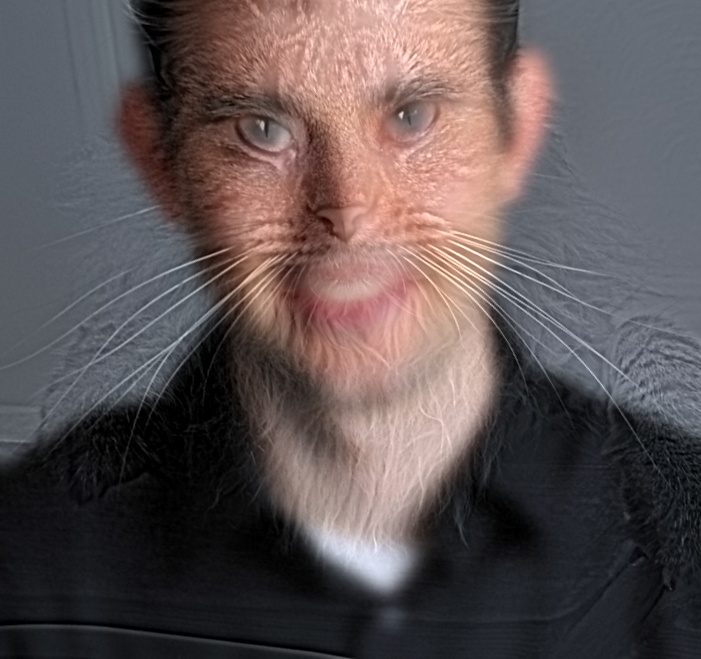
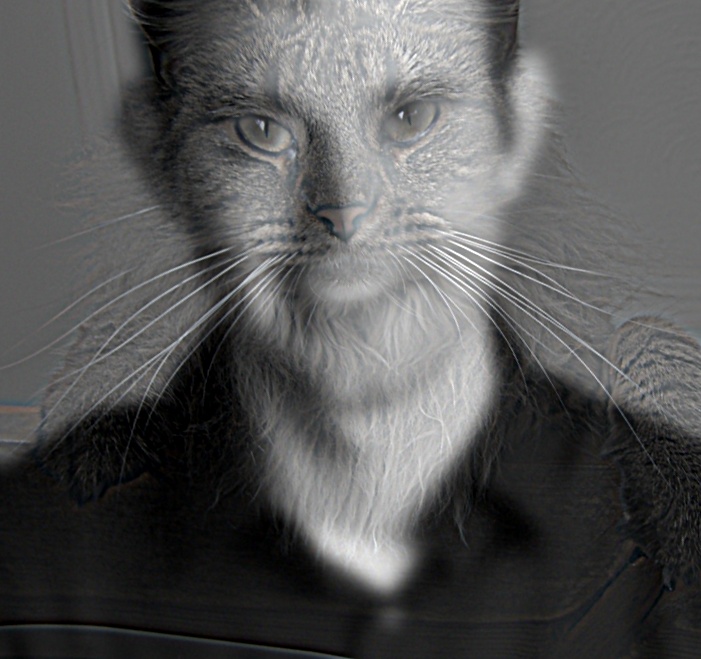
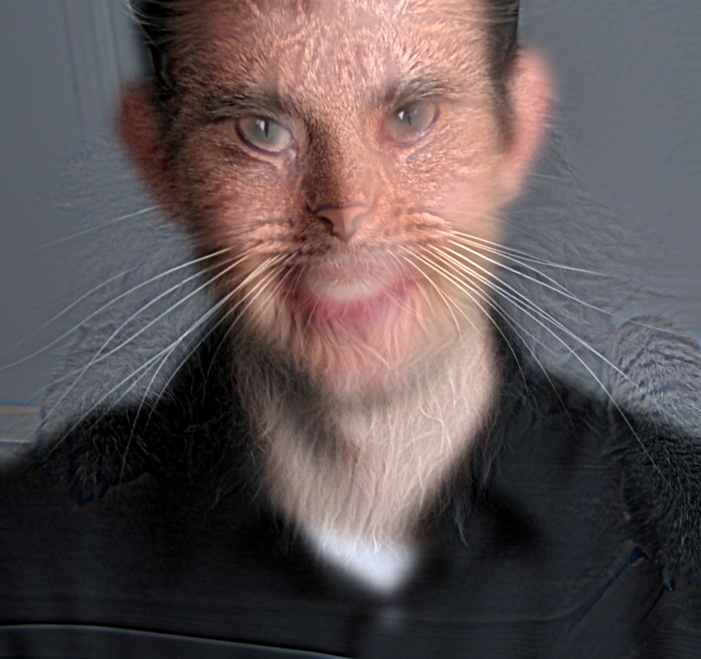
Cats
Same settings as above (\(\sigma_{low} = 8\), \(\sigma_{high} = 4\), cropped to the faces).
Big cat (low), little cat (high)
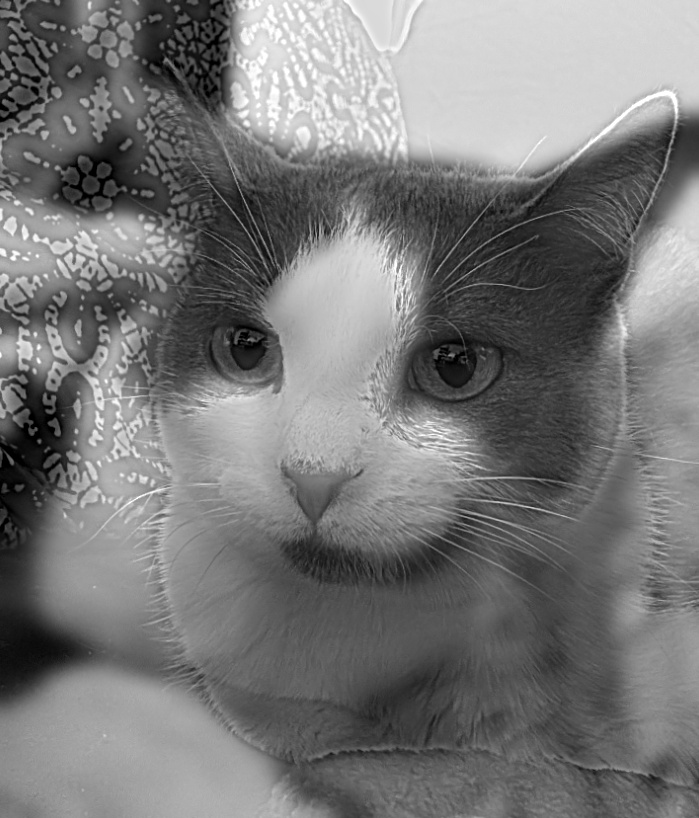
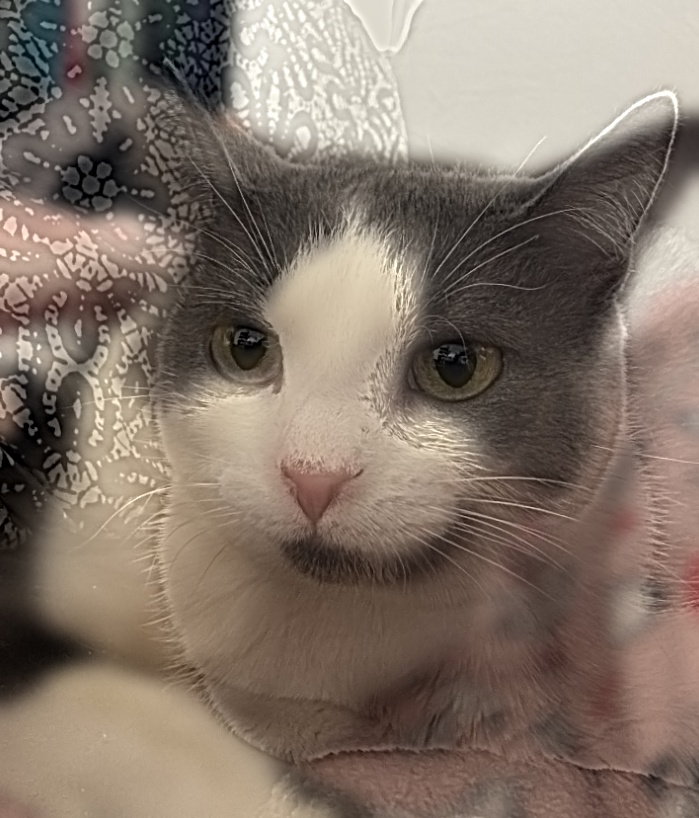
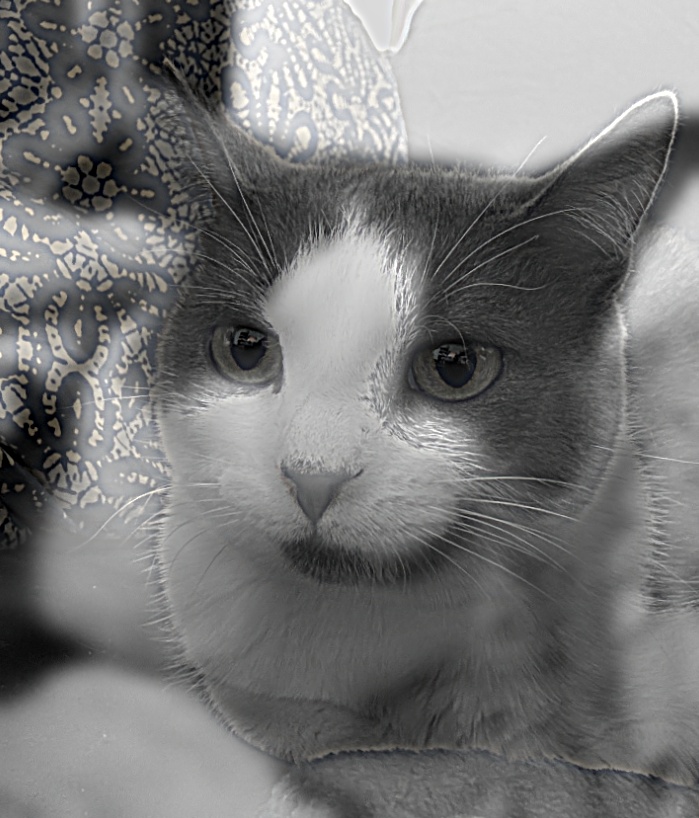
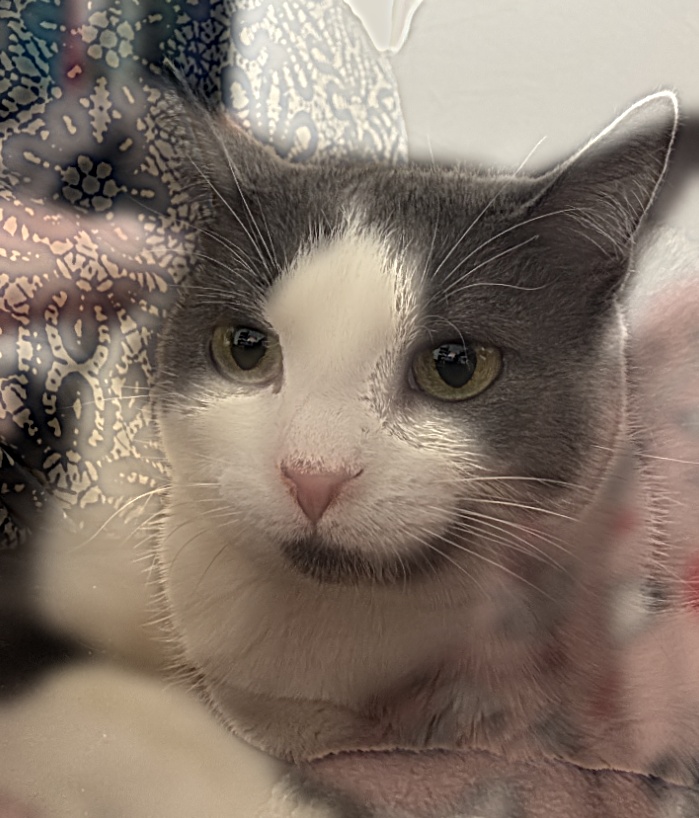
Little cat (low), big cat (high)
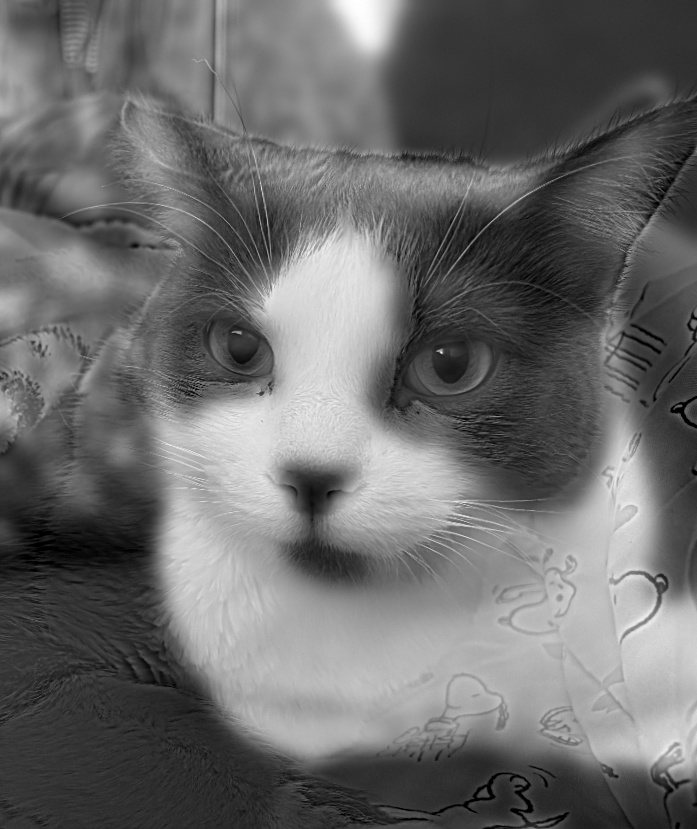
Three-band hybrids
With three bands, colour can be kept in the low, middle, or high band, or in all three. Same settings as above.
Father (low), sister 1 (middle), sister 2 (high)
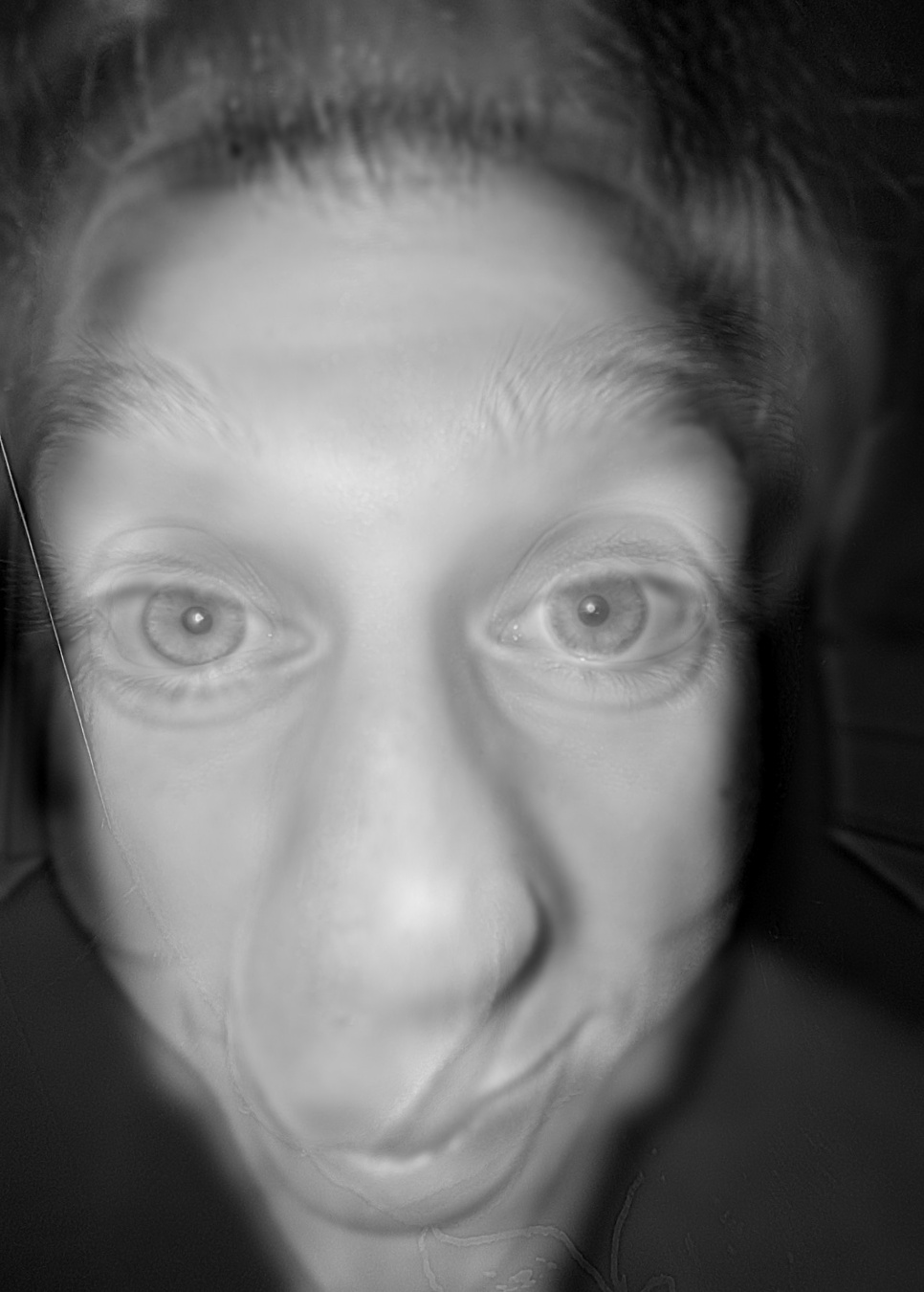
Sister 1 (low), father (middle), sister 2 (high)
2.3 Gaussian and Laplacian Stacks
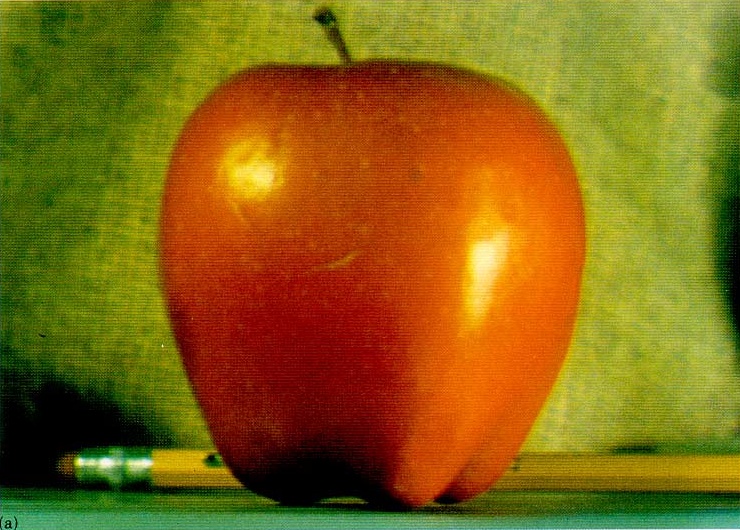
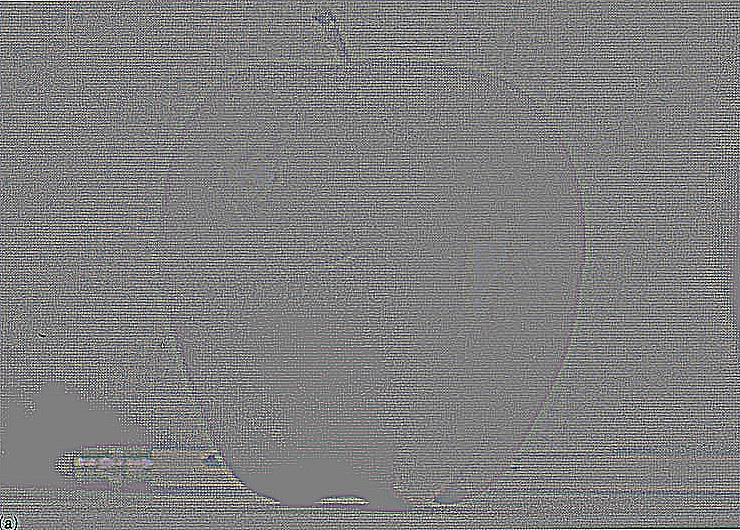
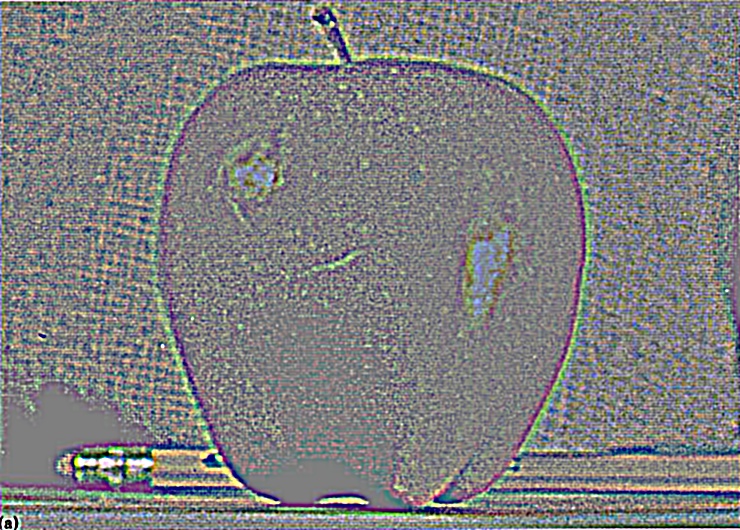
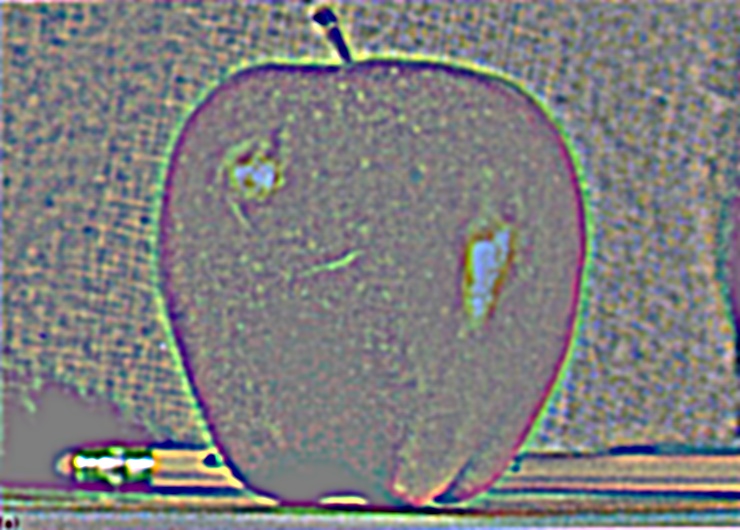
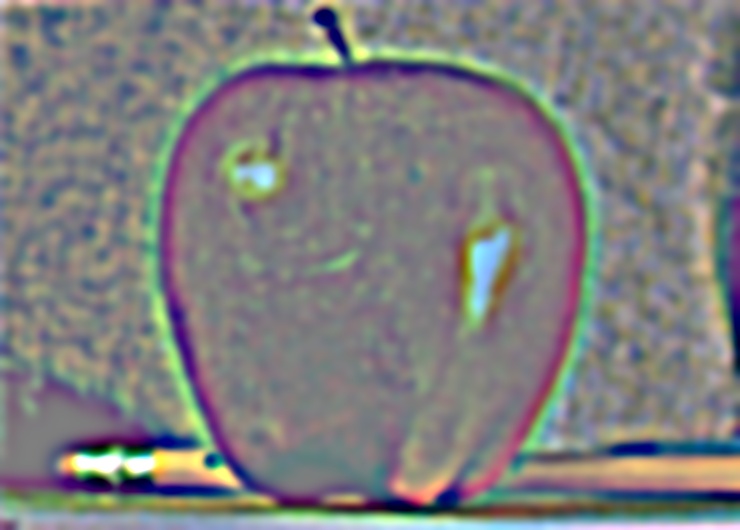
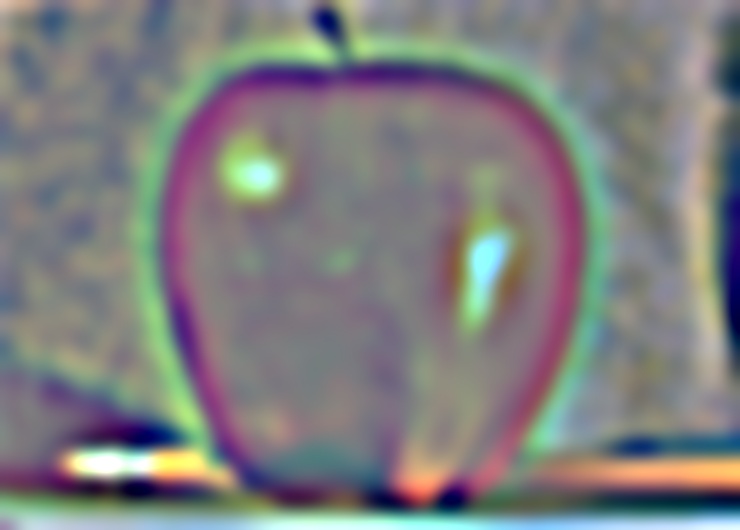
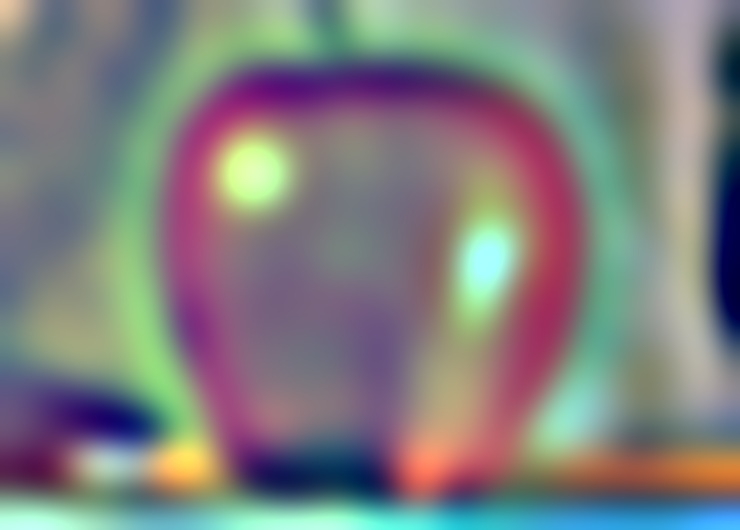
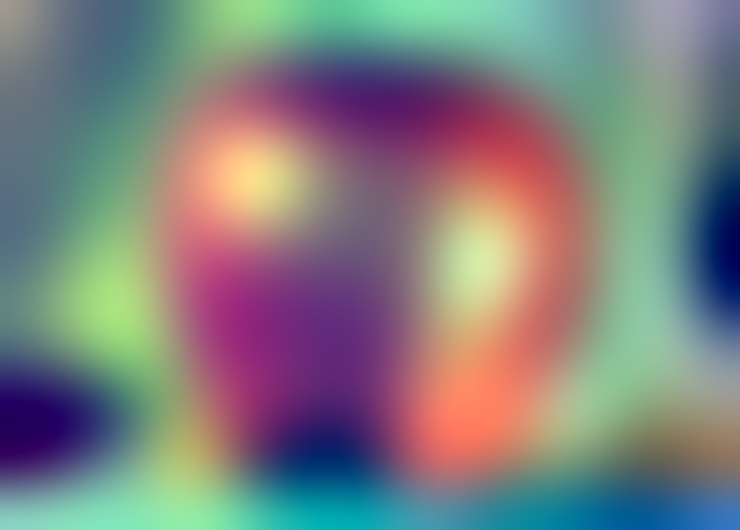
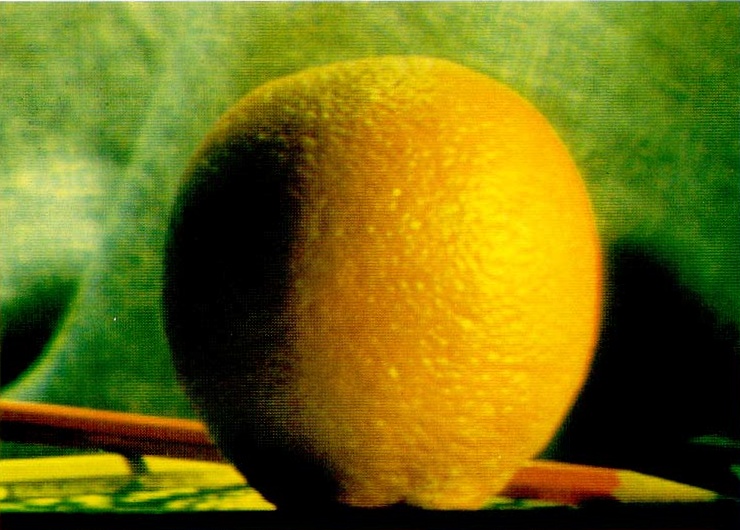
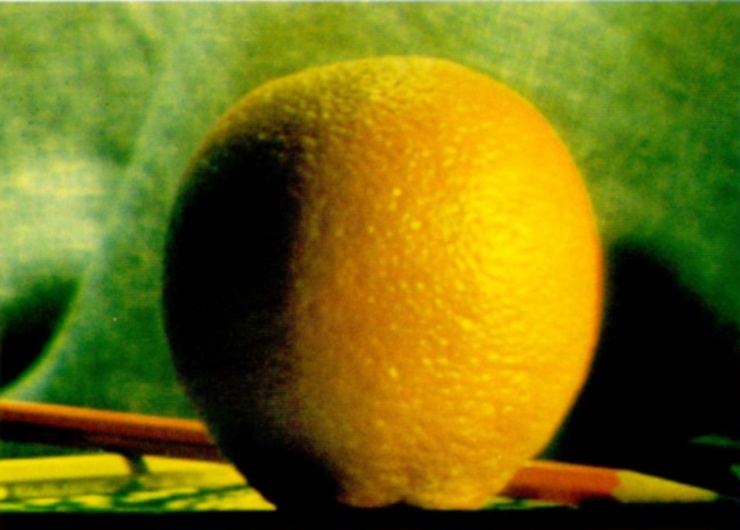
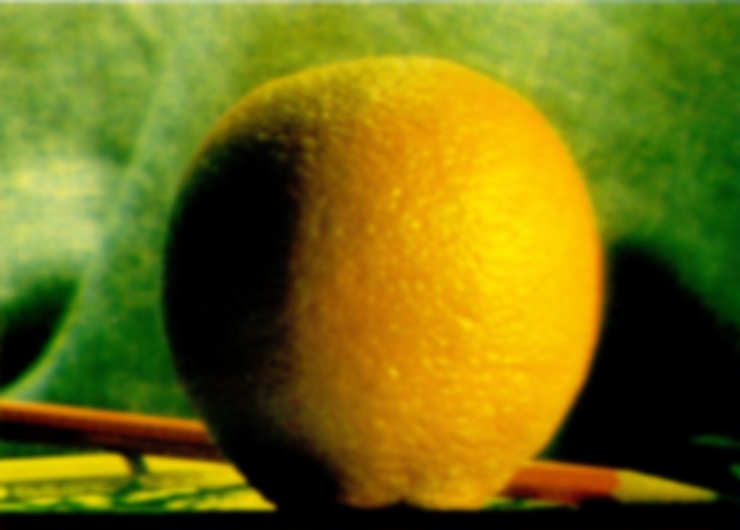
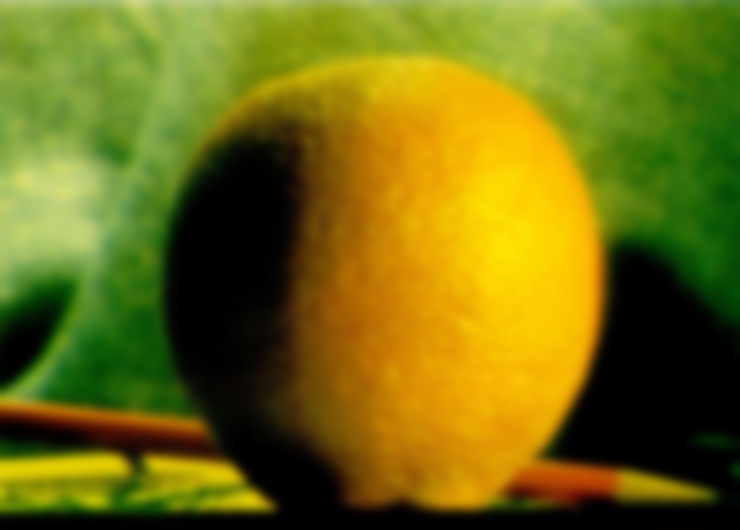
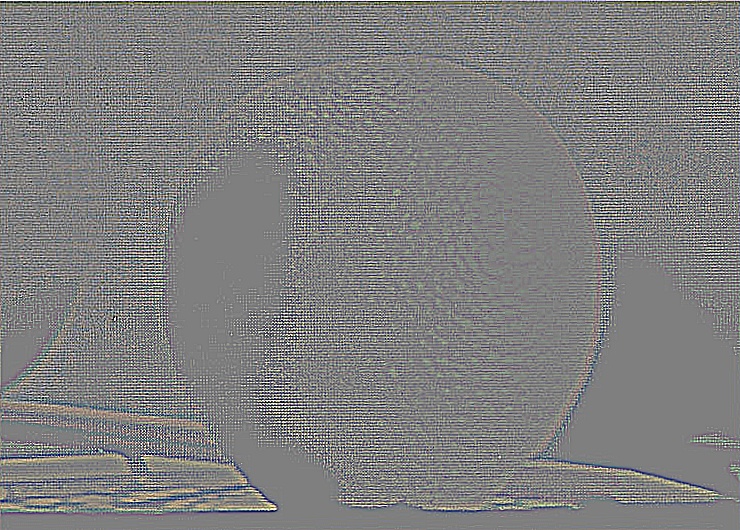
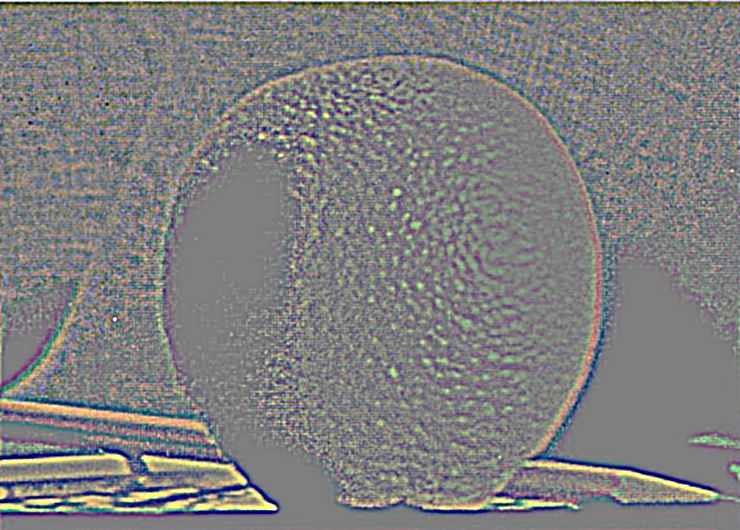
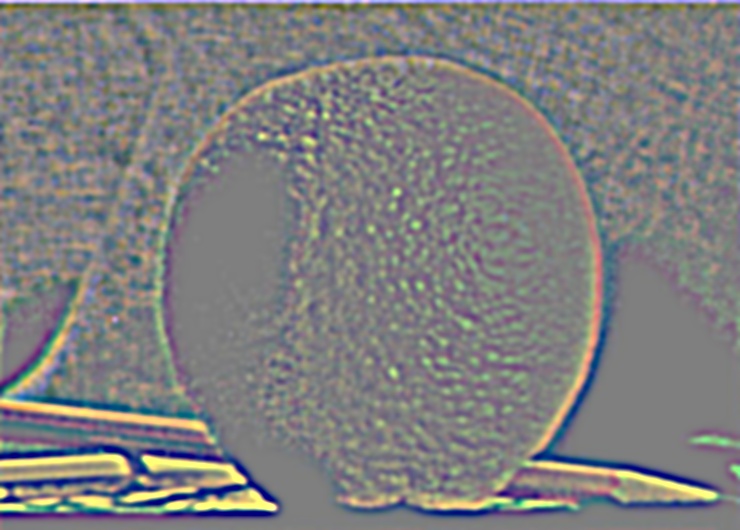
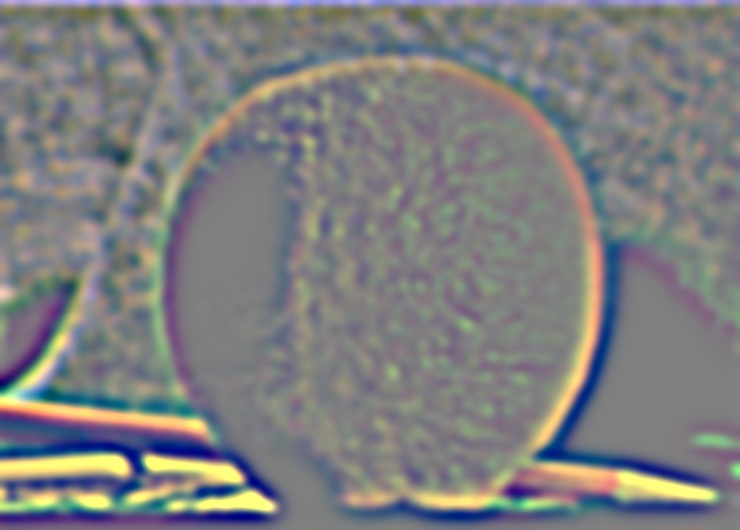
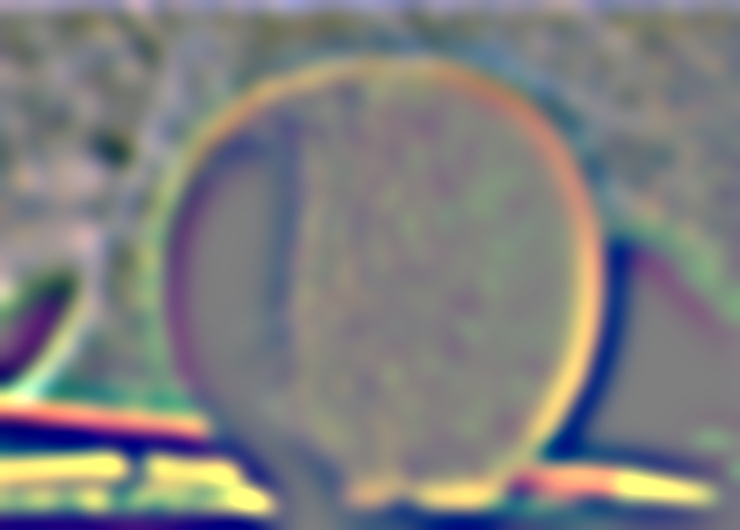
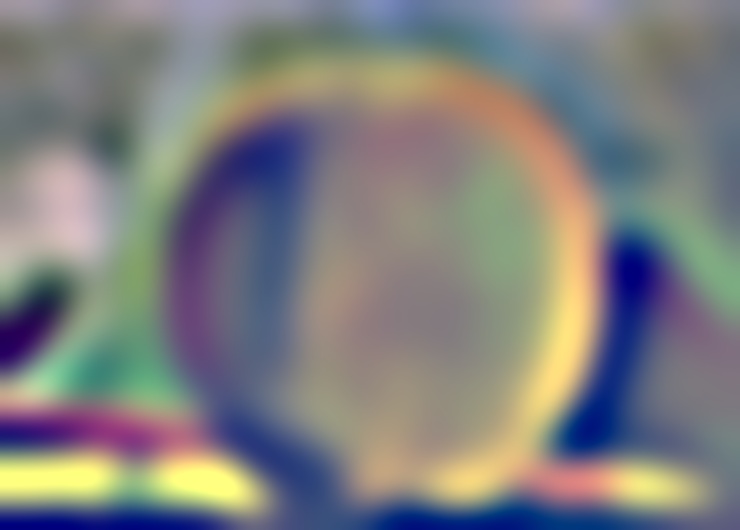
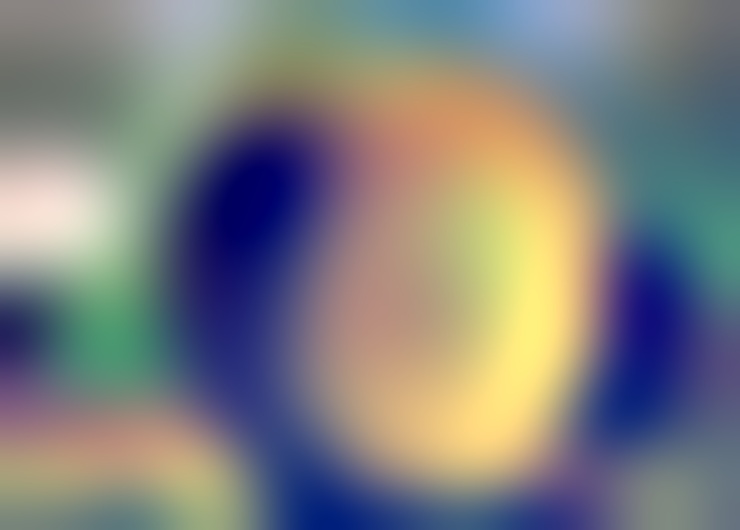
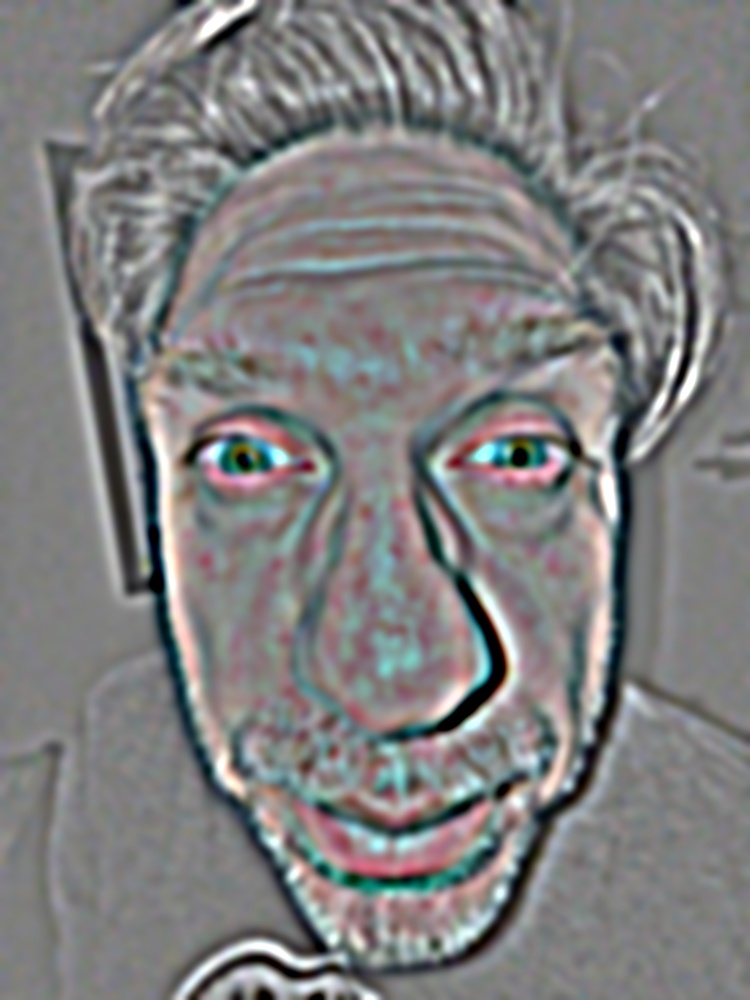
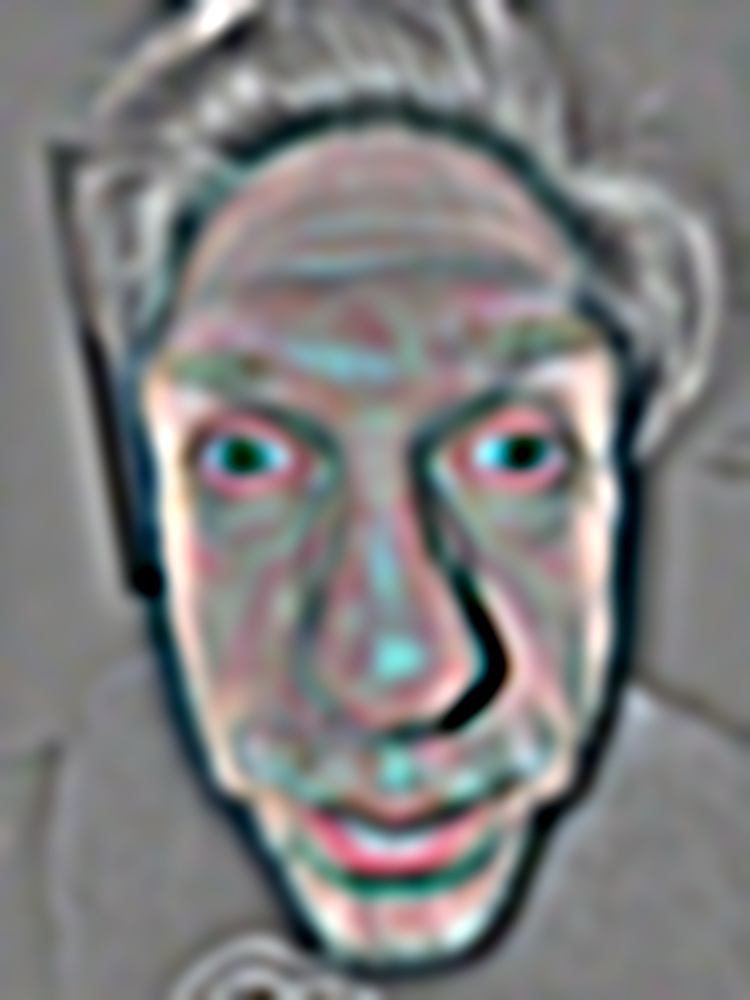
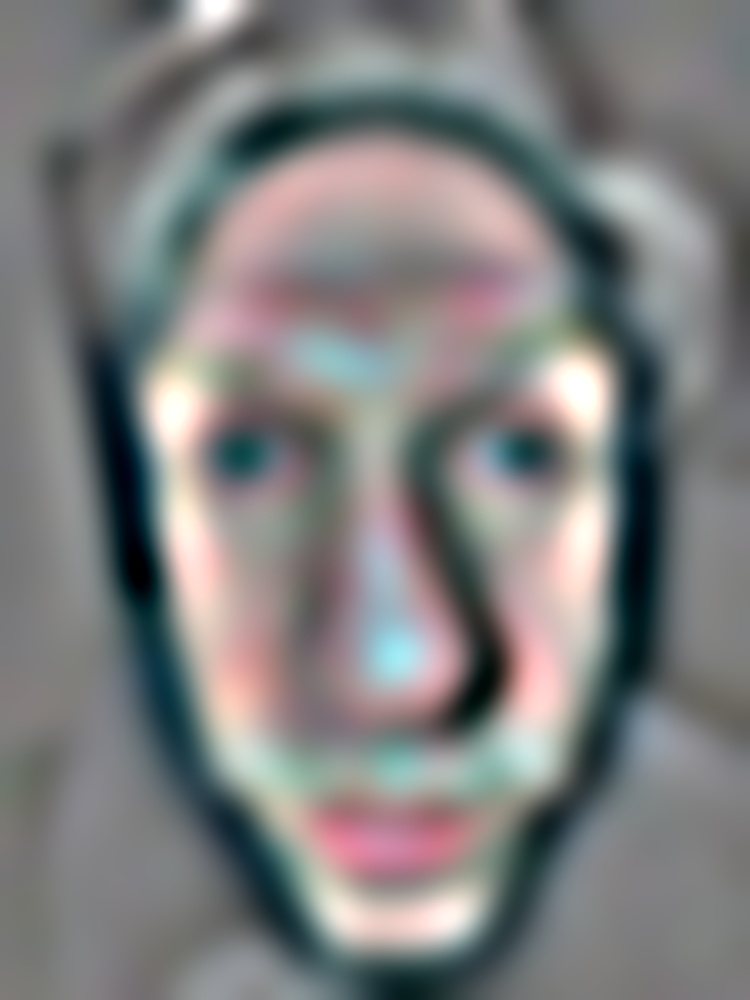
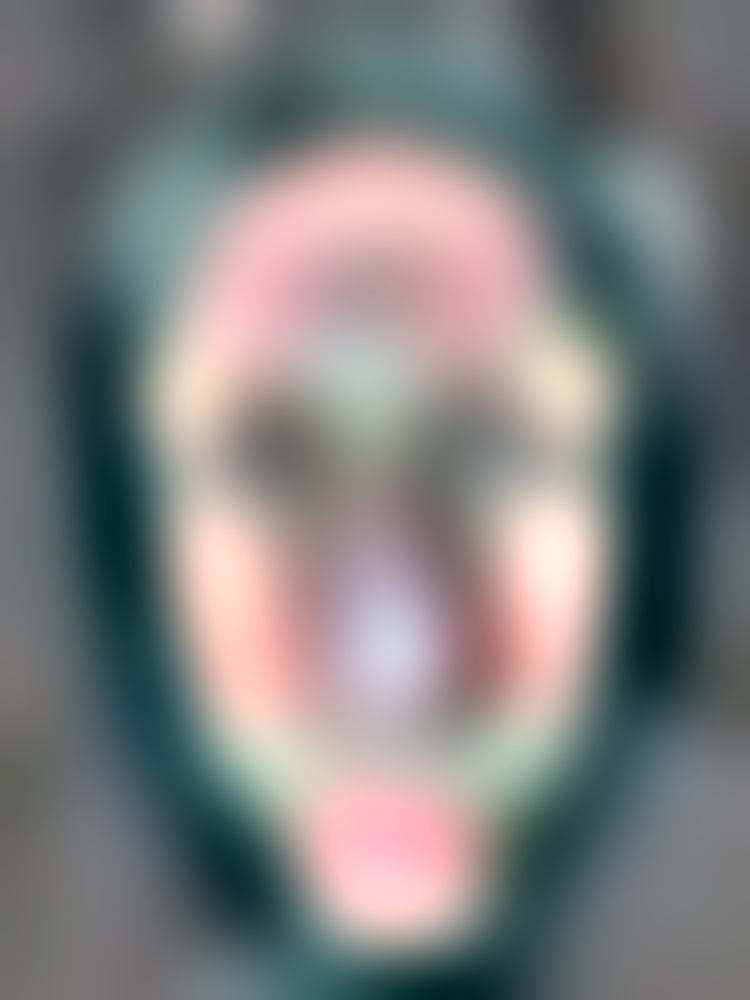
A stack is like a pyramid without downsampling: every level stays the same size as the original image. Each level of the Gaussian stack is the previous level blurred with the 5-tap binomial filter from the lecture, \(\tfrac{1}{16}[1\ 4\ 6\ 4\ 1]\), applied separably in x and y. A pyramid halves the image at each level, so a fixed-size filter covers twice as much of the scene each time. Without downsampling, the same effect comes from spreading the filter taps out instead: at level \(i\) there are \(2^i - 1\) zeros between taps. Only the 5 non-zero taps are computed, by adding shifted copies of the image. Each Laplacian level is the difference between neighbouring Gaussian levels. The last level is the Gaussian residual, so adding up the Laplacian stack gives back the original image. All images use 8 levels, and colour images are filtered one channel at a time. Code: Assignment 2/src/stacks.py.
BINOMIAL = np.array([1, 4, 6, 4, 1]) / 16


def blur(img, level):
    step = 2 ** level
    for axis in (0, 1):
        pad = [(0, 0)] * img.ndim
        pad[axis] = (2 * step, 2 * step)
        p = np.pad(img, pad, mode="symmetric")
        n = img.shape[axis]
        img = sum(w * np.take(p, np.arange(j * step, j * step + n), axis=axis) for j, w in enumerate(BINOMIAL))
    return img


def gaussian_stack(img, levels):
    stack = [img]
    for i in range(levels - 1):
        stack.append(blur(stack[-1], i))
    return stack


def laplacian_stack(img, levels):
    g = gaussian_stack(img, levels)
    return [g[i] - g[i + 1] for i in range(levels - 1)] + [g[-1]]
Adding up the Laplacian stack reproduces each input to within 2.2e-16. The family photos are downscaled so their longest side is 1000 px.
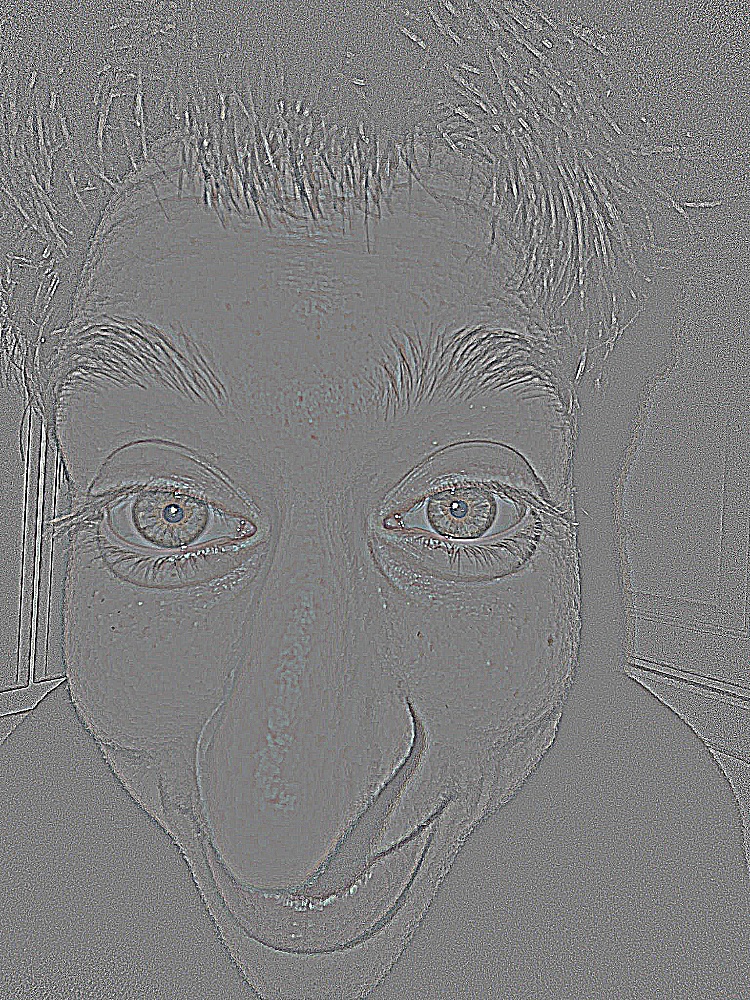
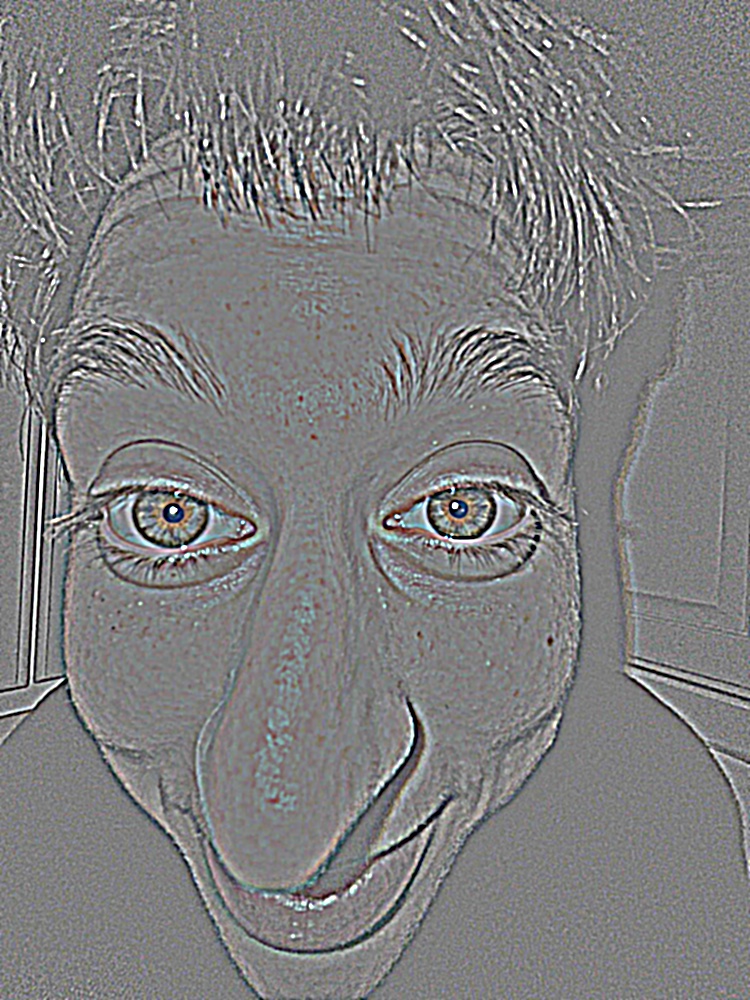
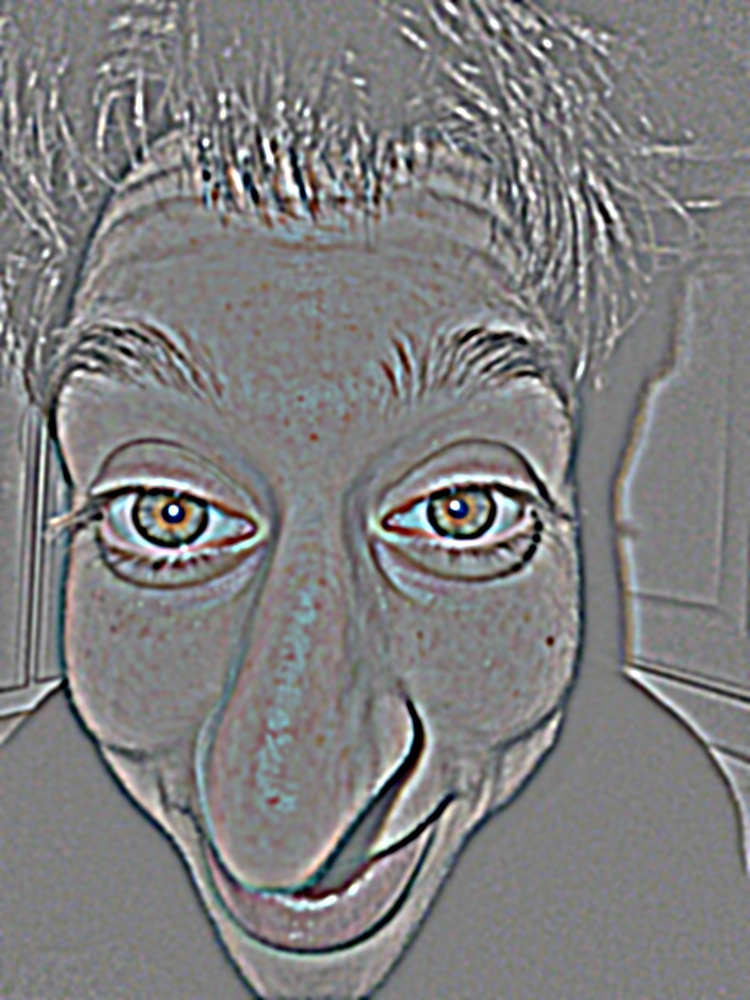
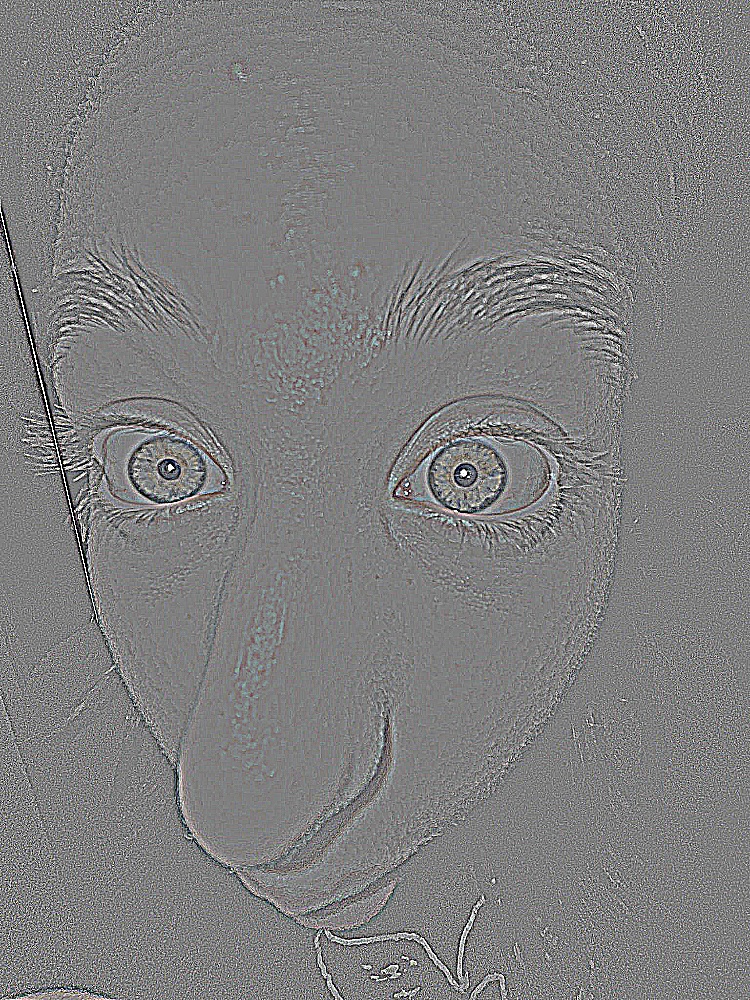
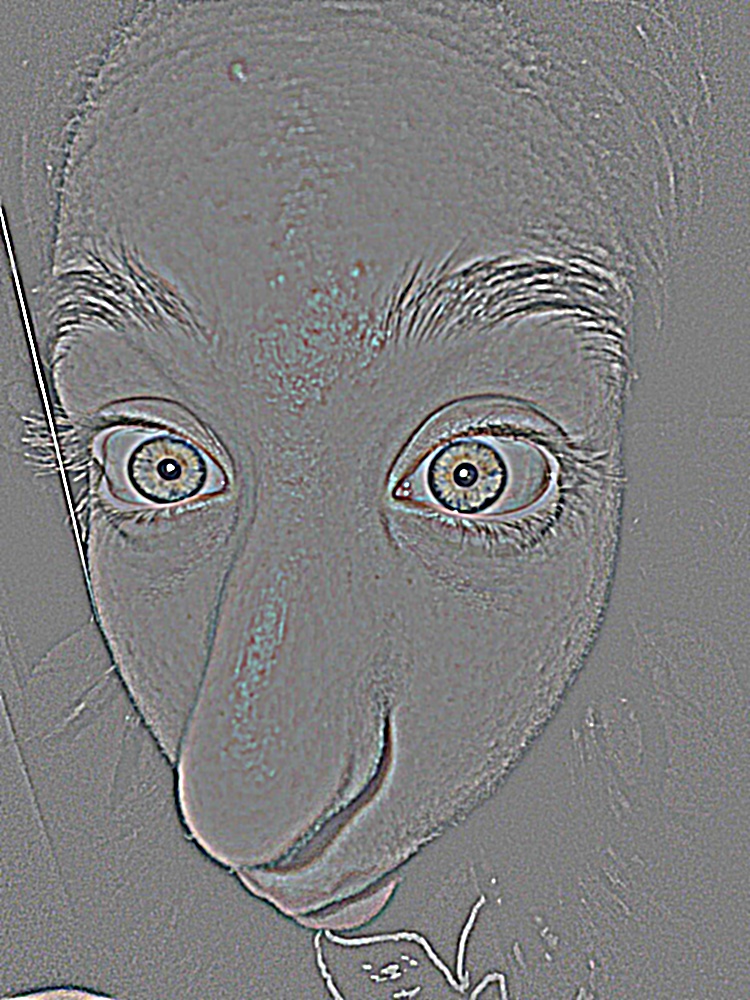
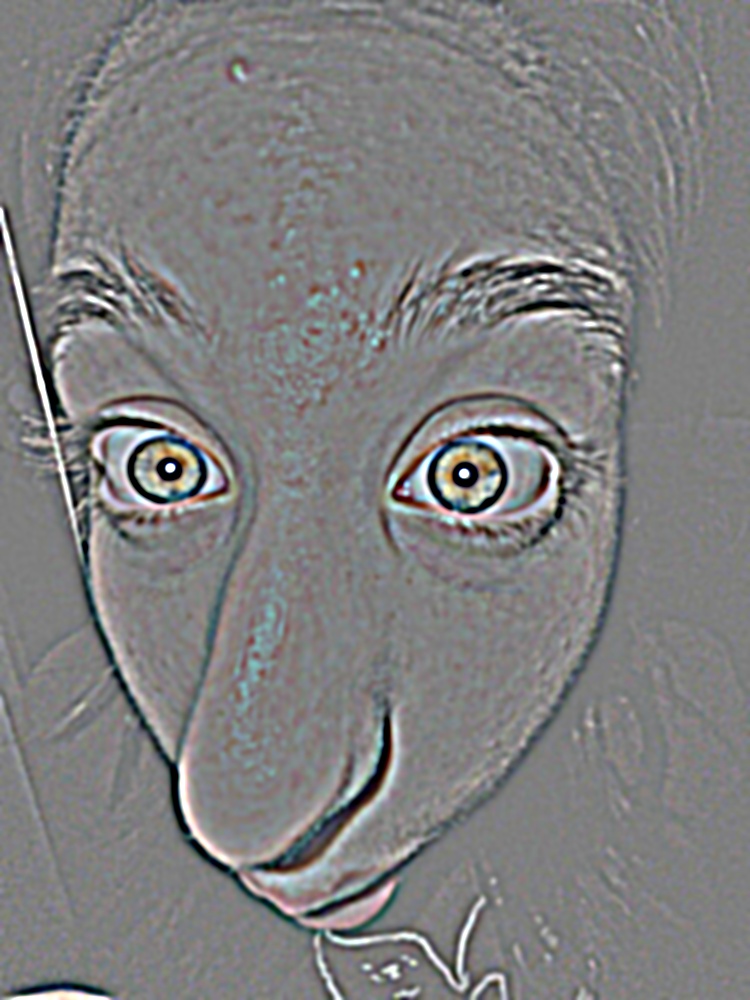
The Laplacian levels are band-pass images with positive and negative values. They are shown around mid grey (zero), each scaled by its own 99th percentile of absolute value so that the weaker fine levels are still visible. The residual is shown as is.
Apple
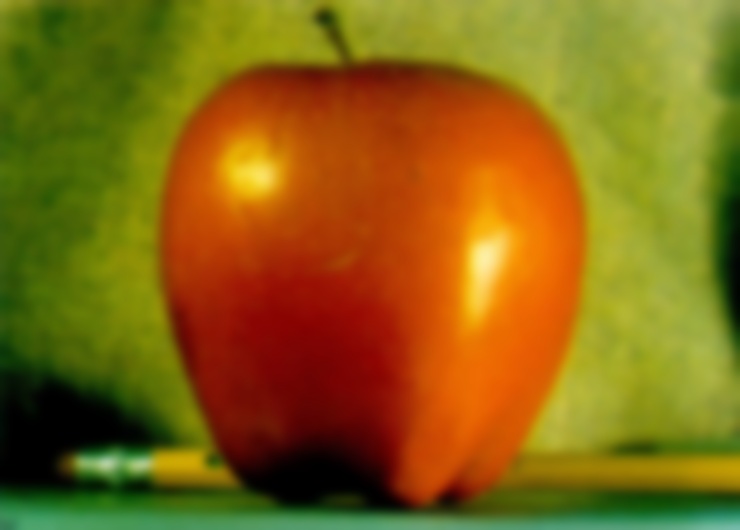
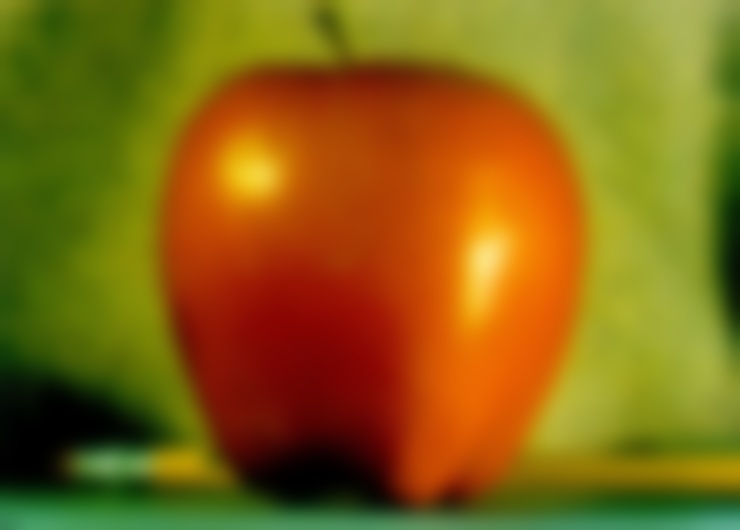
Orange
Father
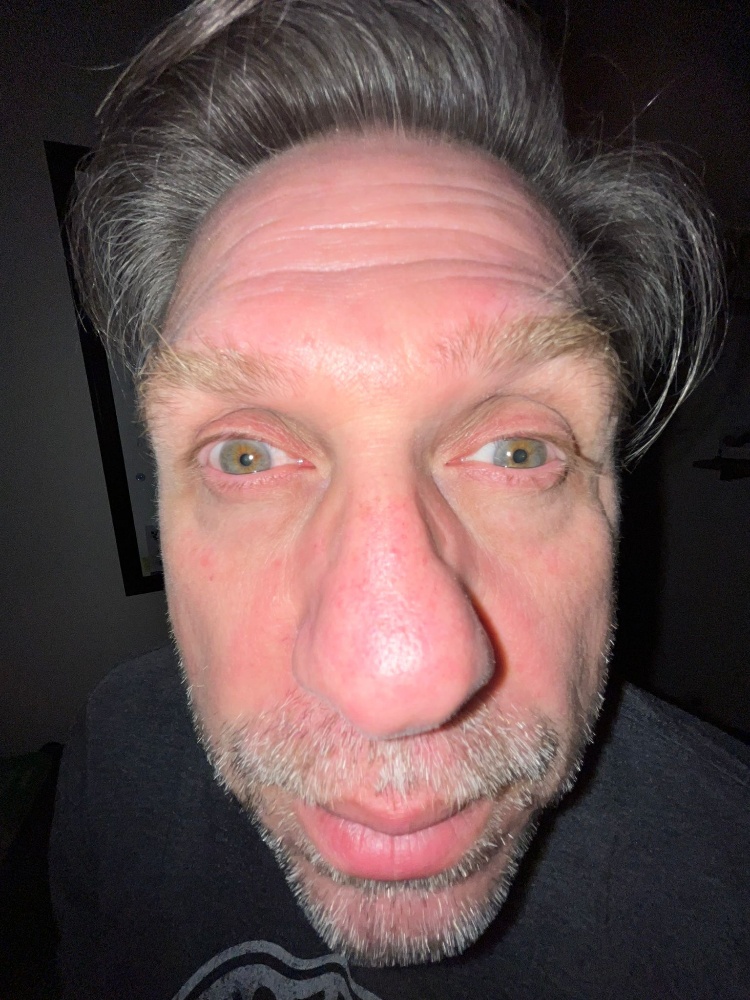
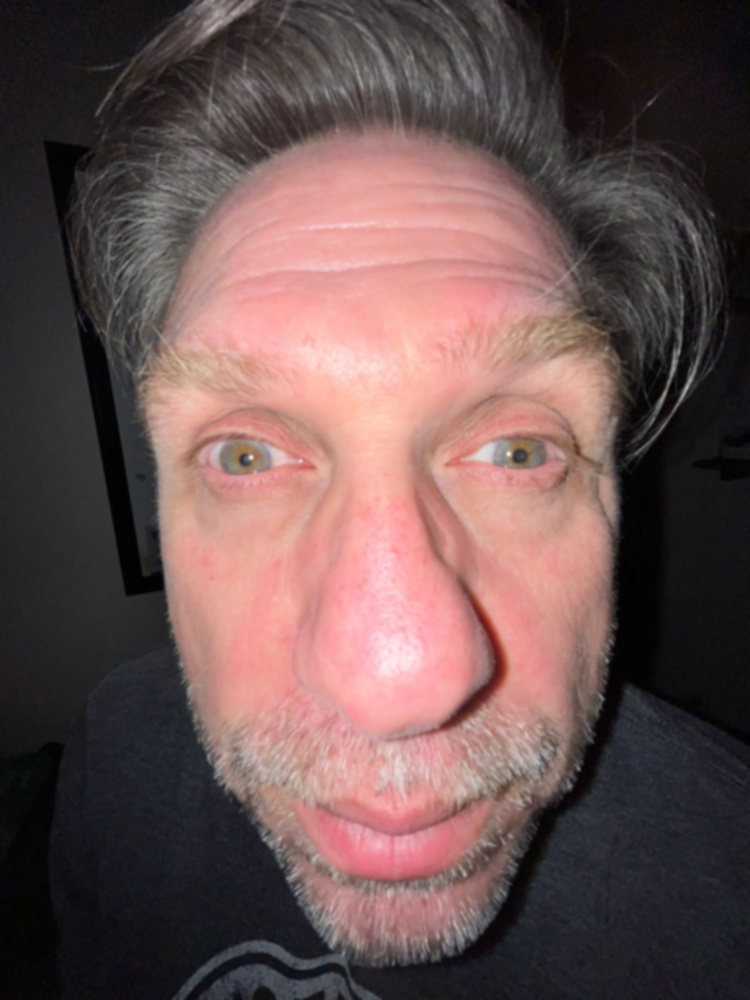
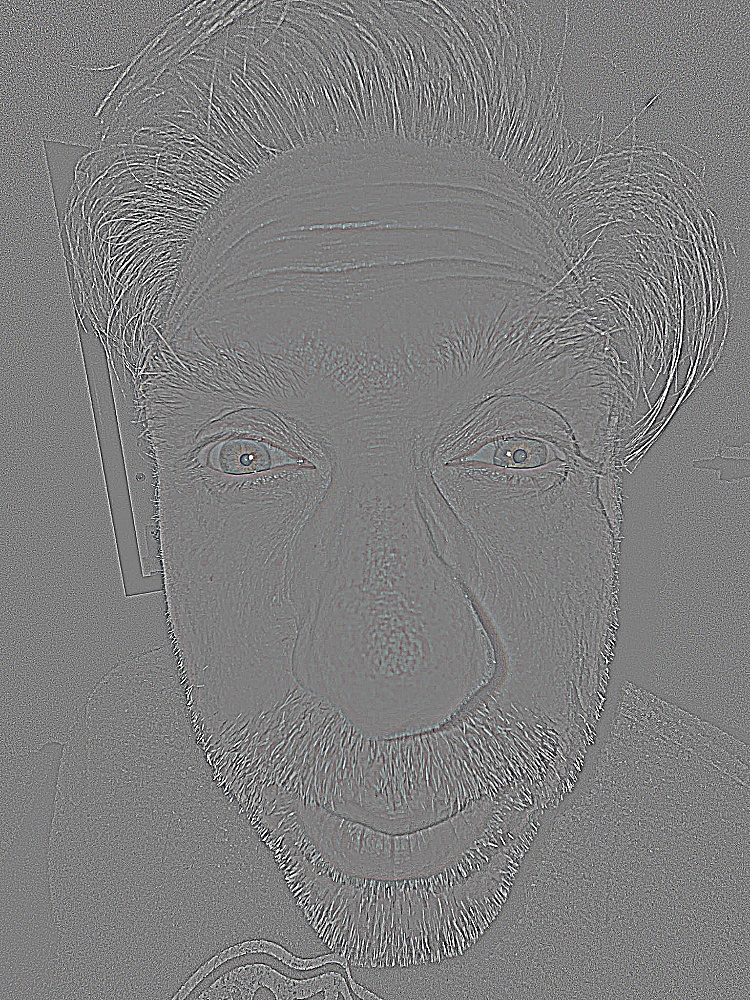
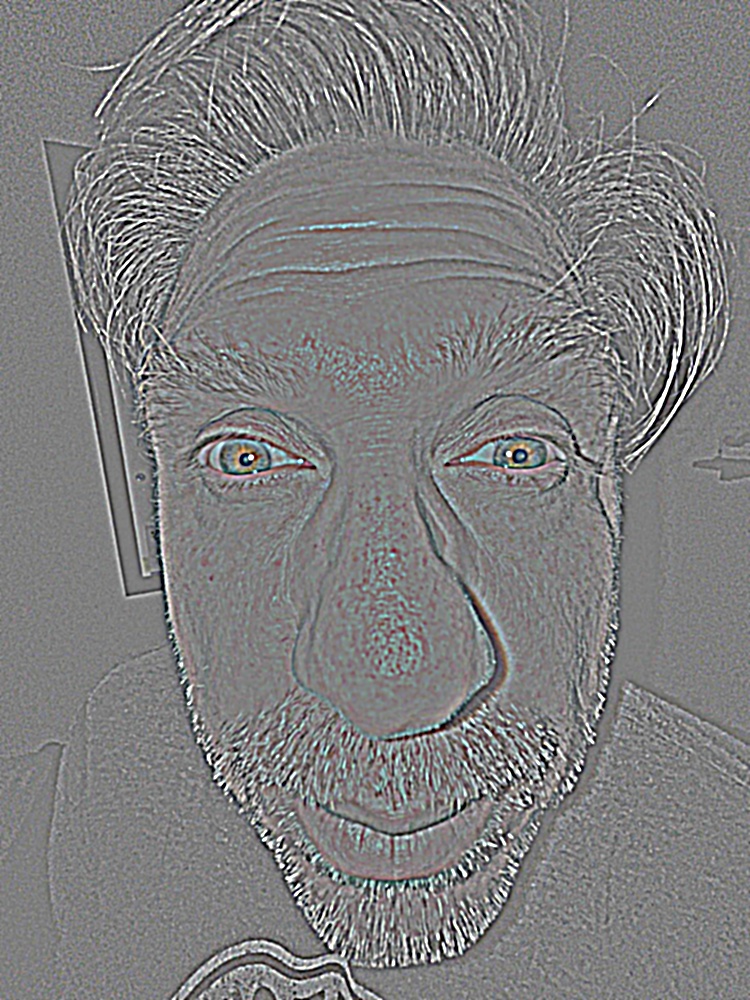
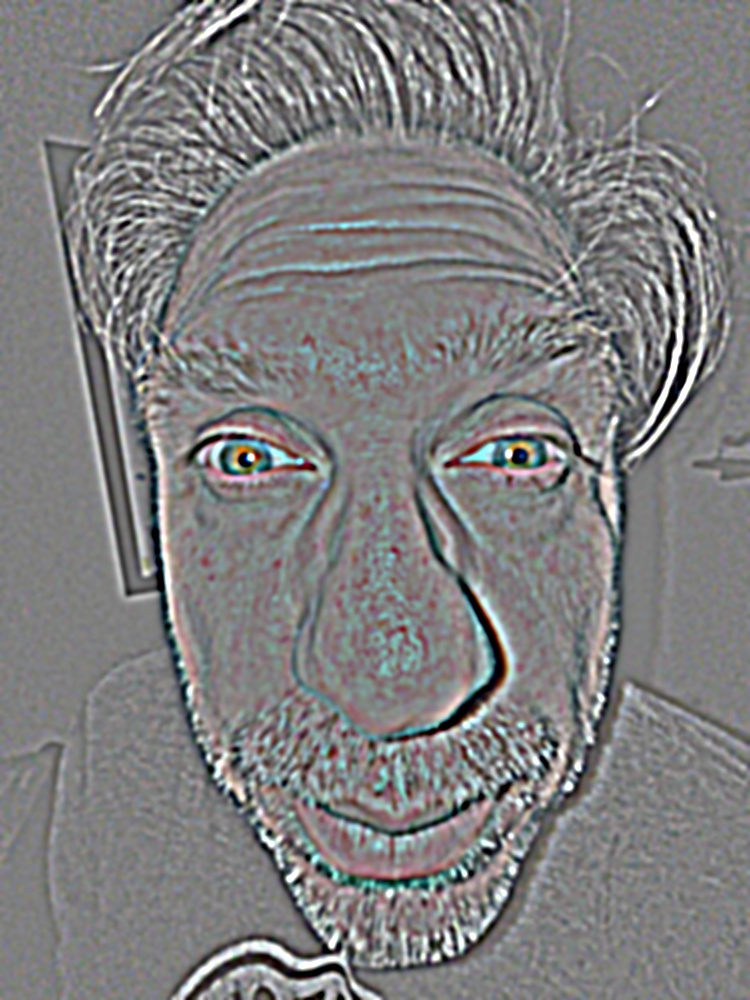
Sister 1
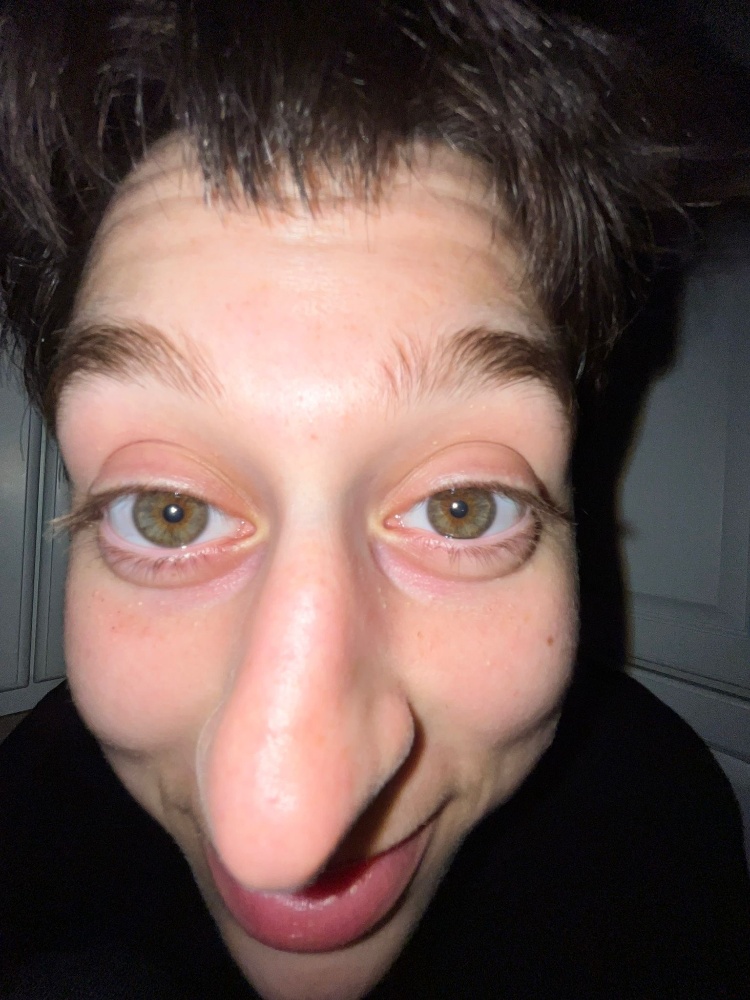
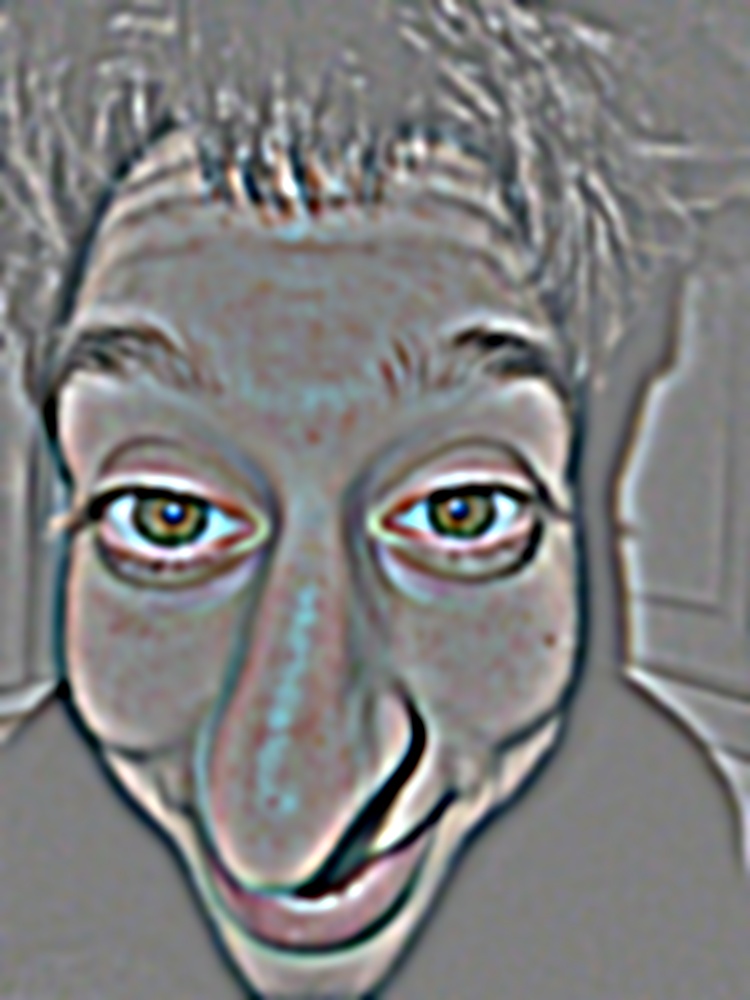
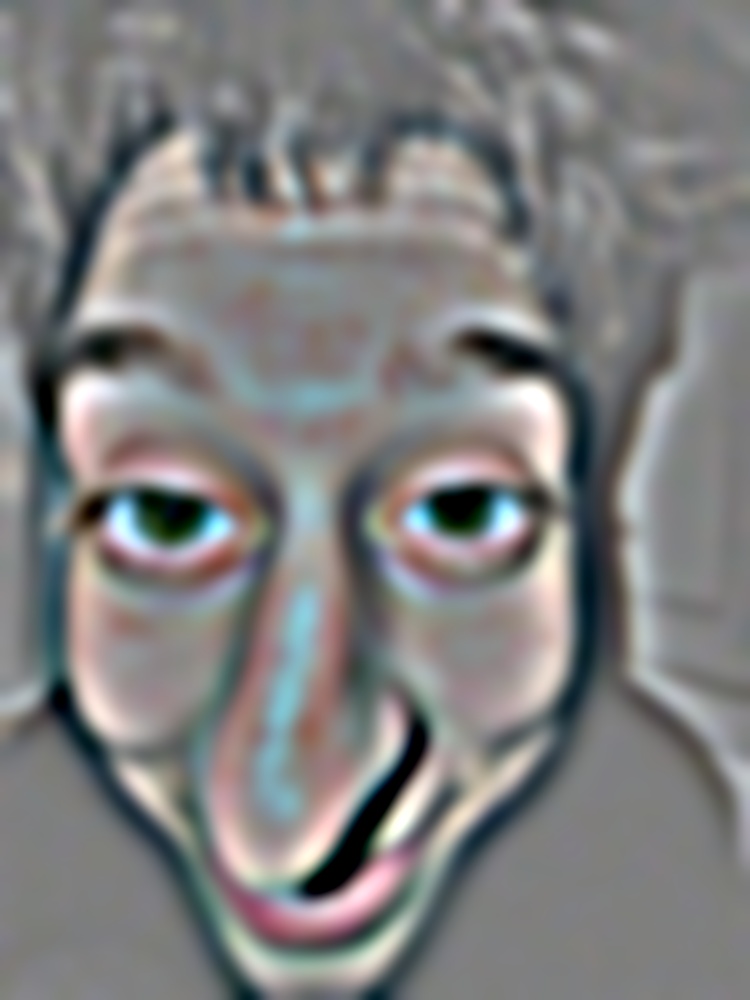
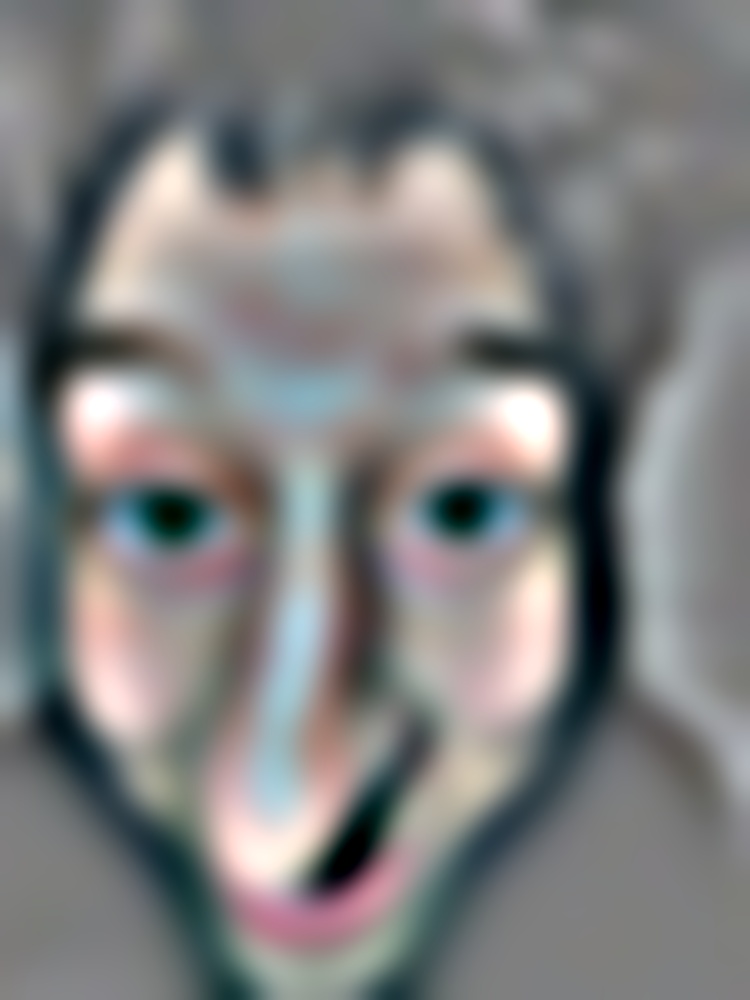
Sister 2
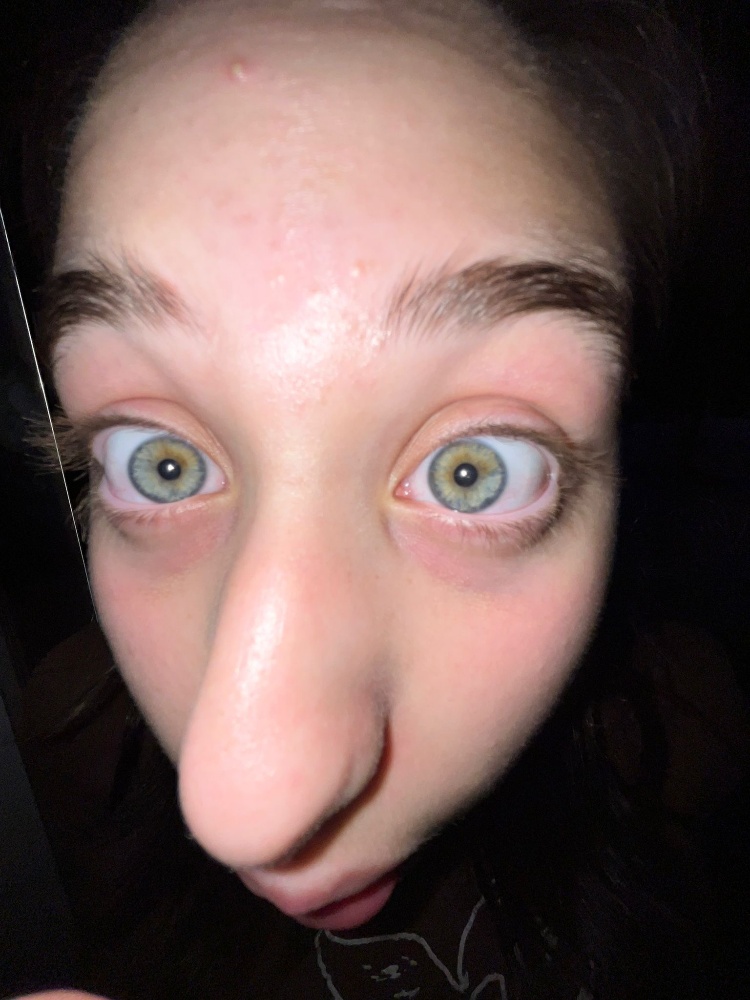
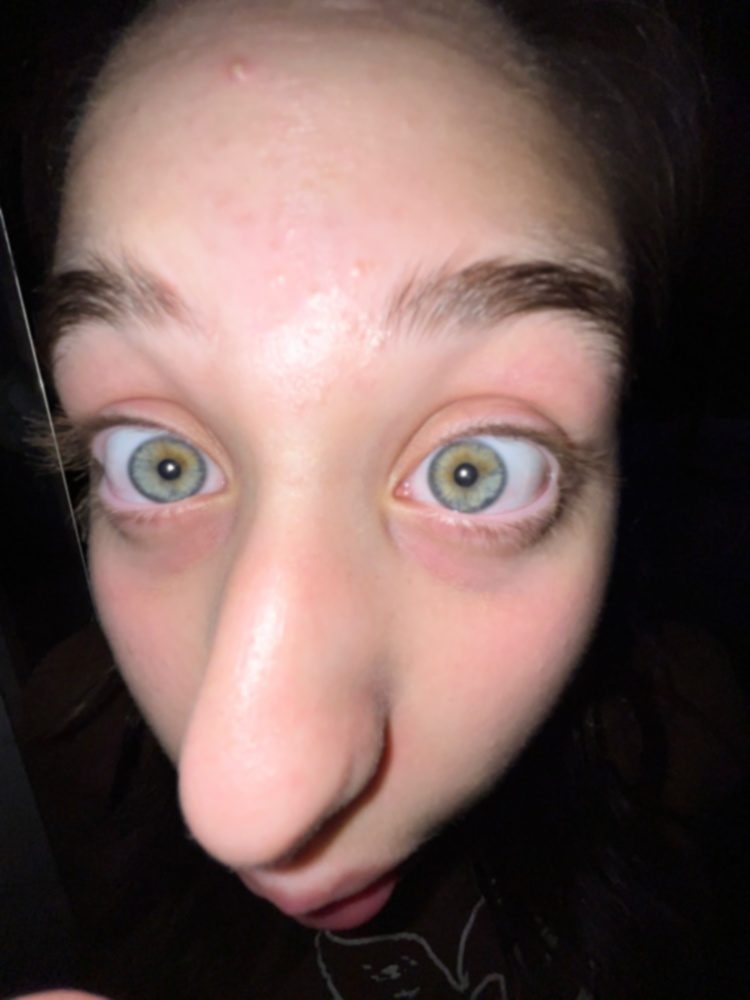
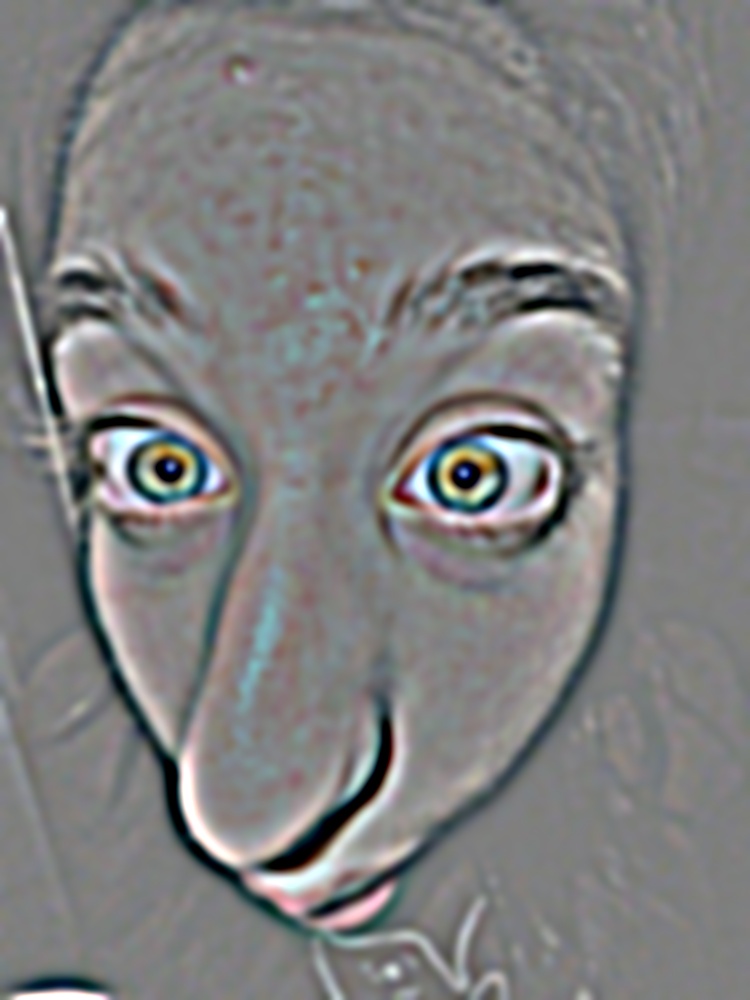
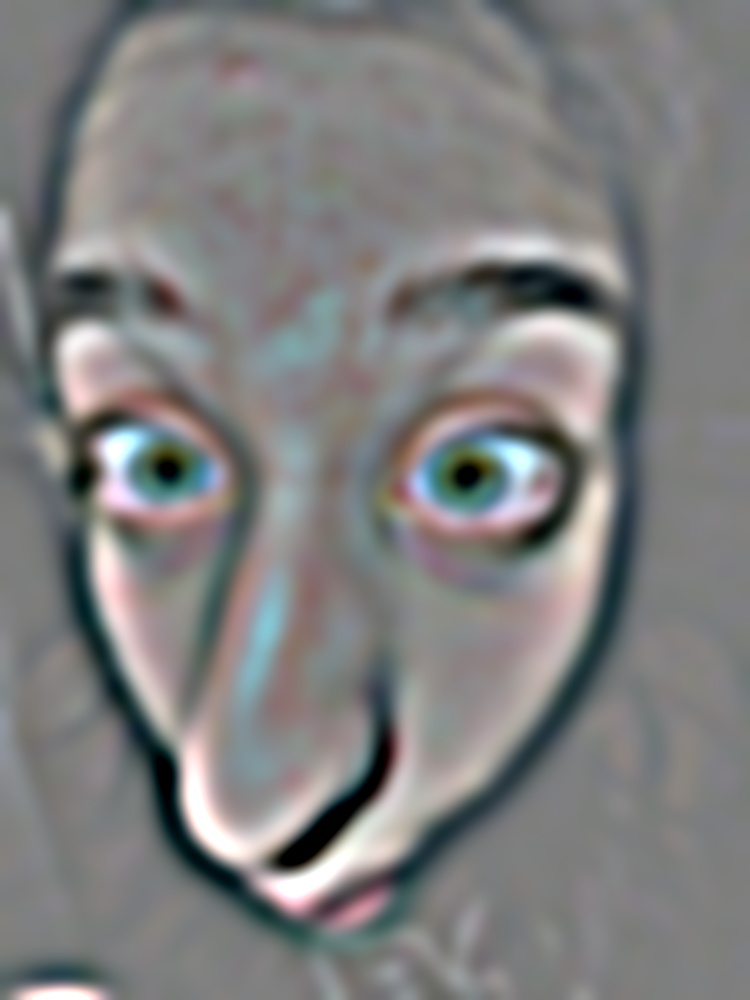
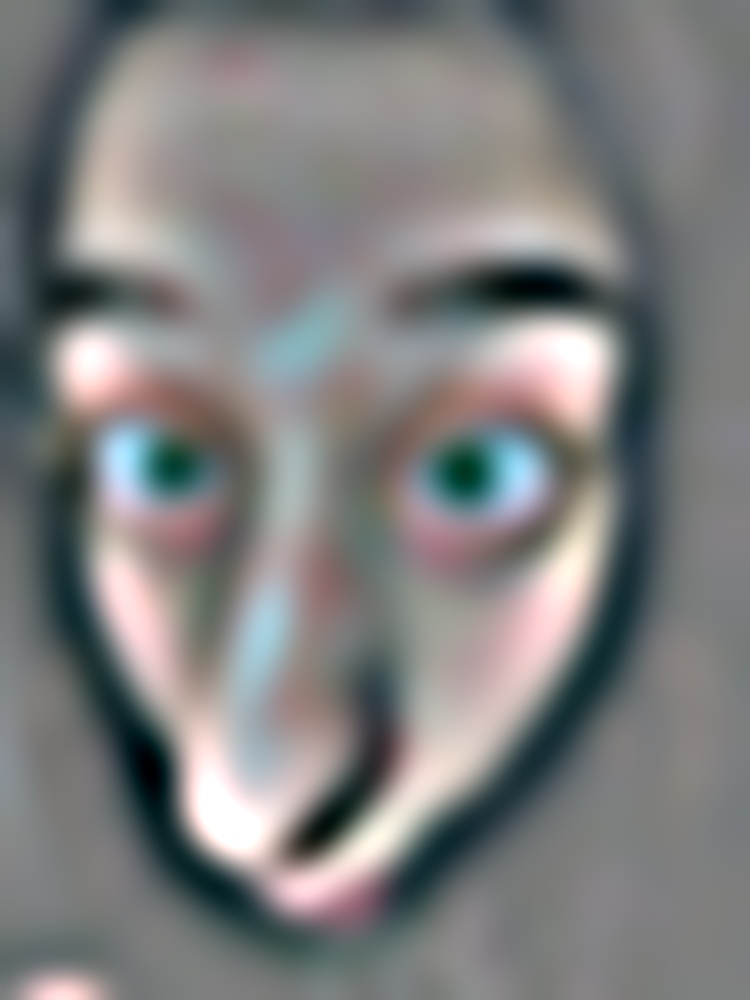
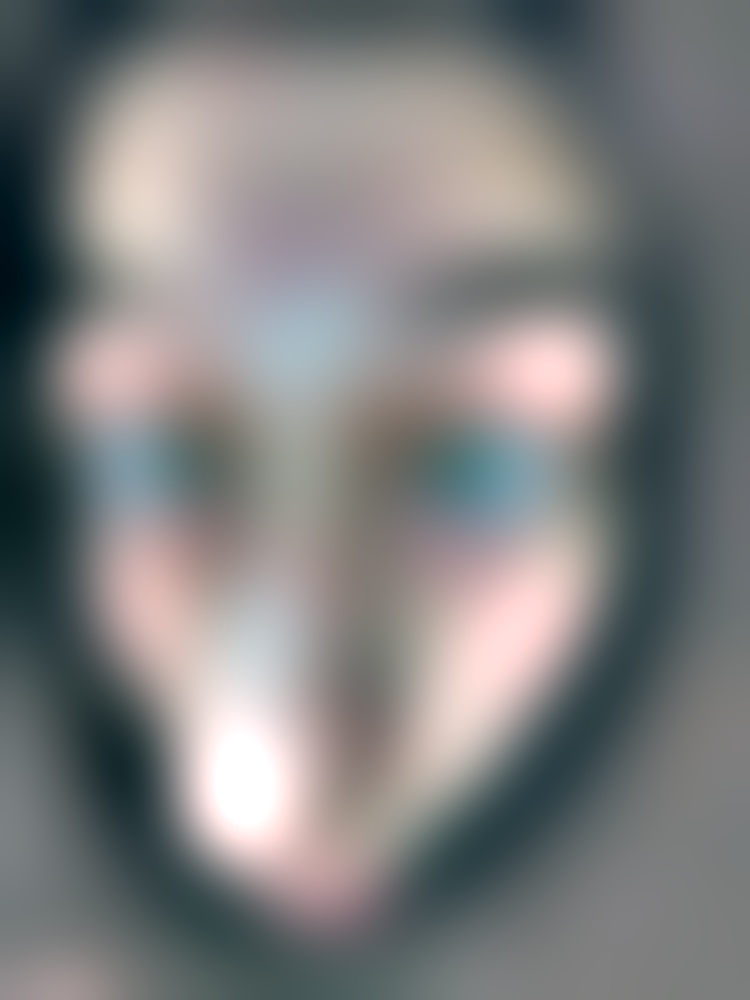
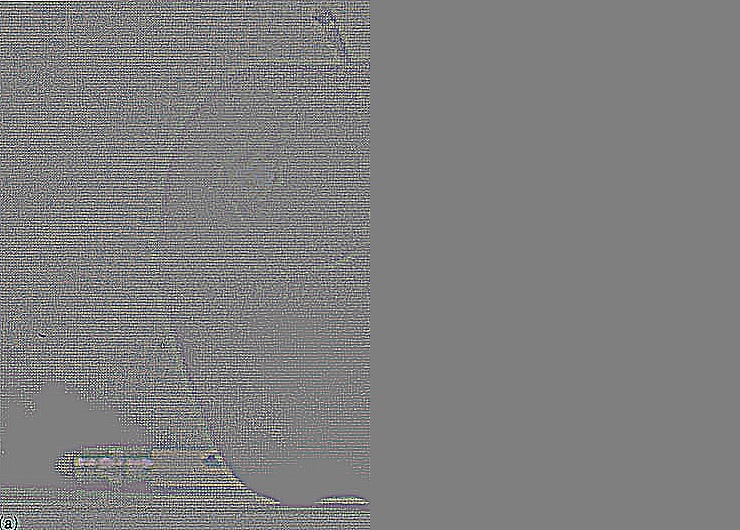
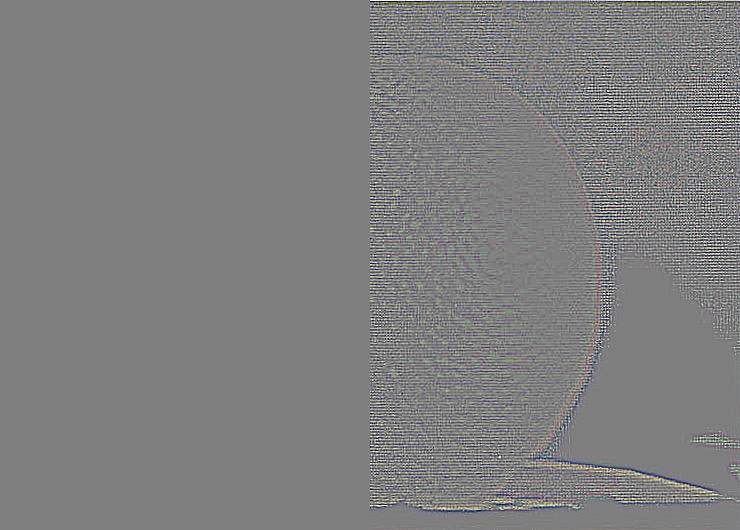
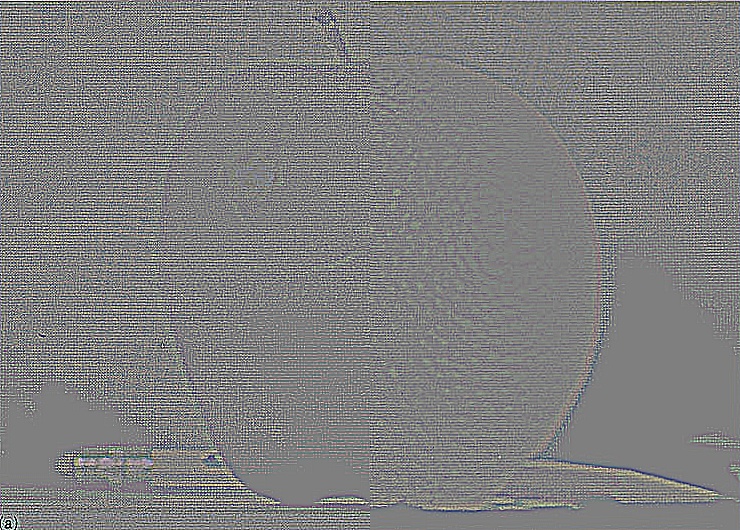
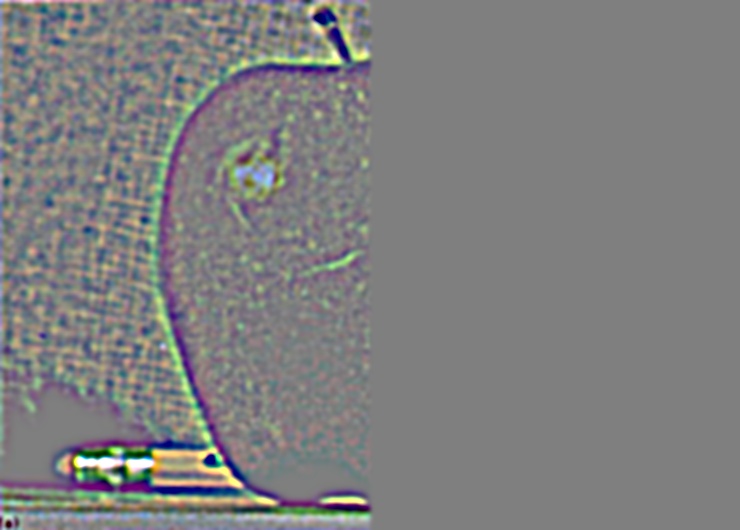
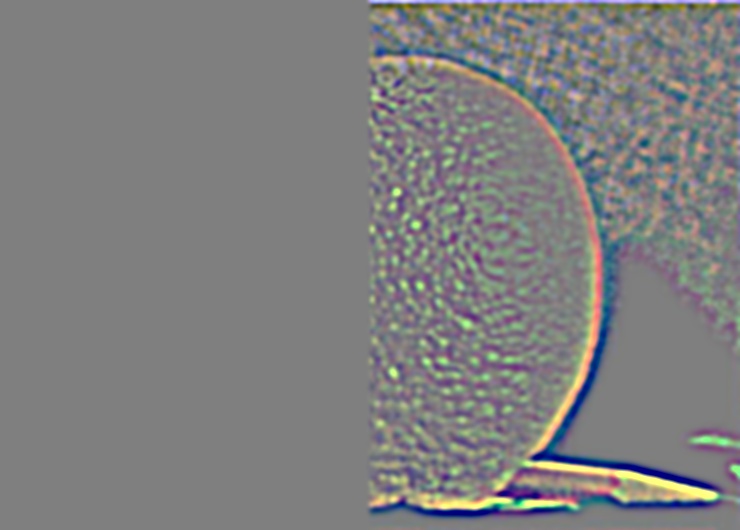
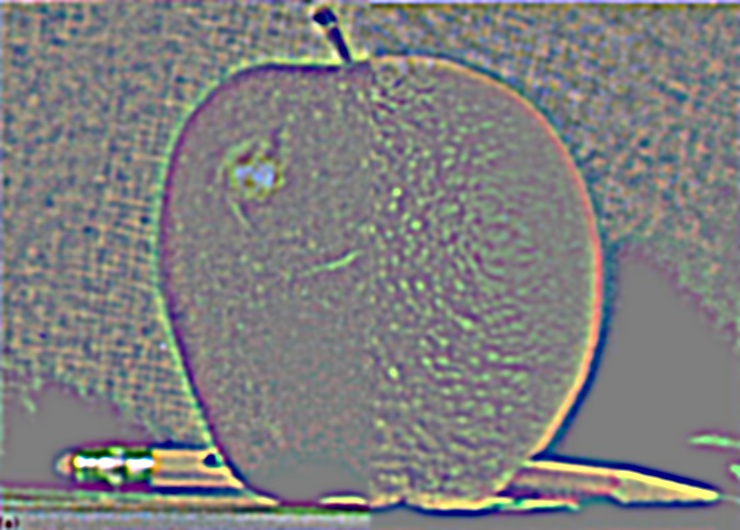
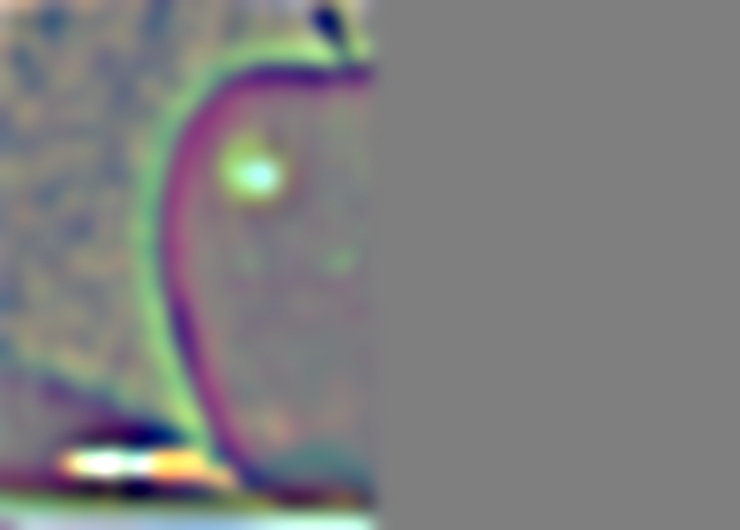
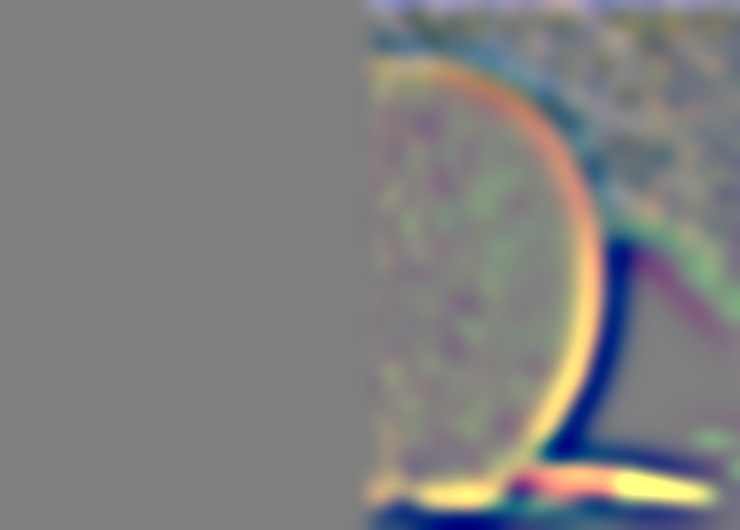
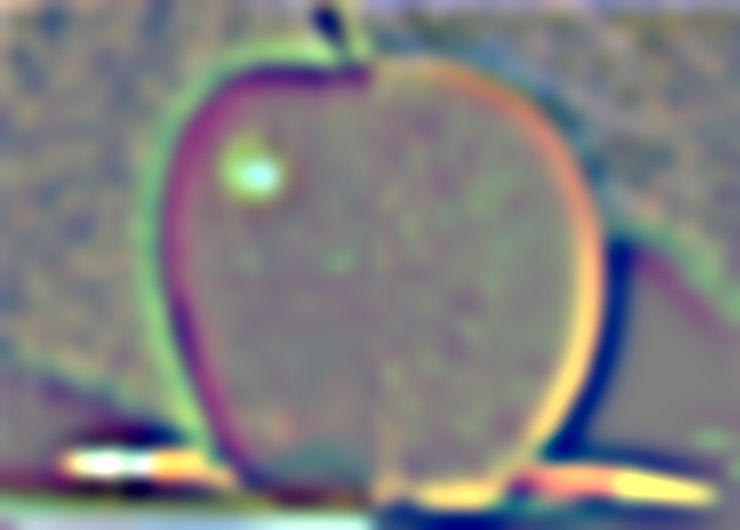
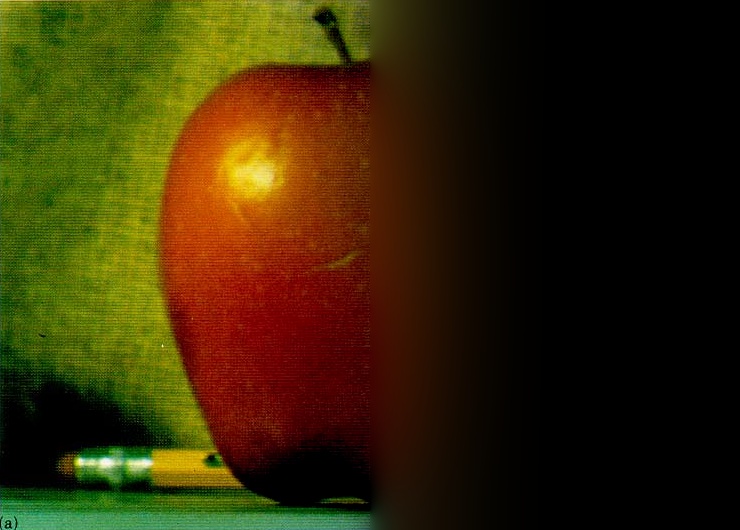
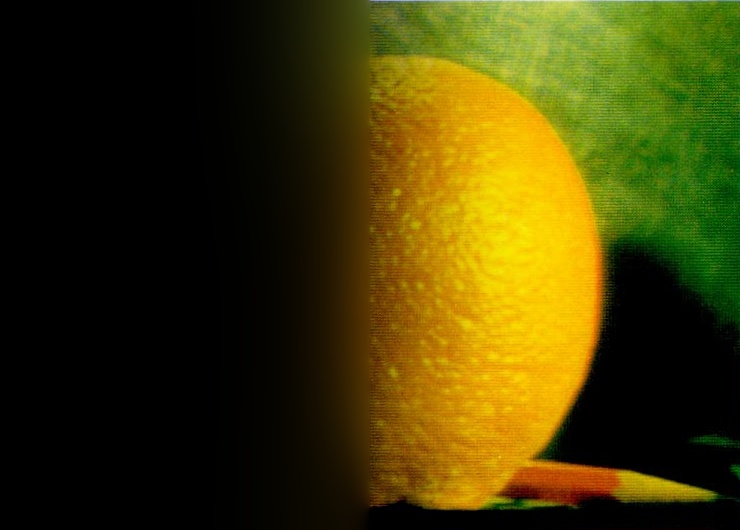
Recreating Szeliski figure 3.42
The figure uses the mask blending described in 2.4, with a vertical step mask. The masked apple is \(G^M_i L^A_i\), the masked orange is \((1 - G^M_i) L^B_i\), and the blended level is their sum. Within each of the first three rows, all three images share the same display scale. The bottom row adds up all 8 levels of each stack.
2.4 Multiresolution Blending
Blending follows the mask algorithm on page 230 of Burt and Adelson. A Laplacian stack is built for each image, and a Gaussian stack for the mask. Each level is blended using the mask blurred to the same level, and the blended levels are added up. Because the mask gets wider at coarser levels, low frequencies mix over a wide band while fine detail switches over sharply, so no single seam is visible. The stacks are the ones from 2.3 (8 levels). Code: Assignment 2/src/blend.py.
def blend_stacks(im1, im2, mask, levels):
    gm = gaussian_stack(mask, levels)
    l1, l2 = laplacian_stack(im1, levels), laplacian_stack(im2, levels)
    a = [m * x for m, x in zip(gm, l1)]
    b = [(1 - m) * x for m, x in zip(gm, l2)]
    return a, b, [x + y for x, y in zip(a, b)]


result = sum(blend_stacks(im1, im2, mask, 8)[2])
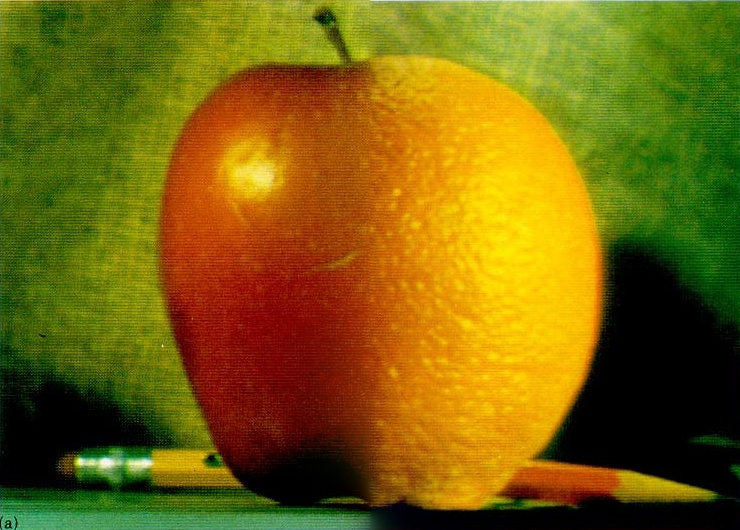
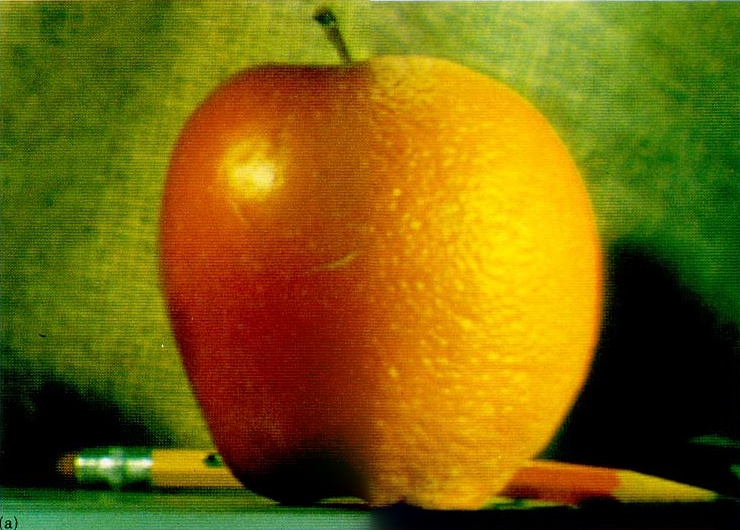
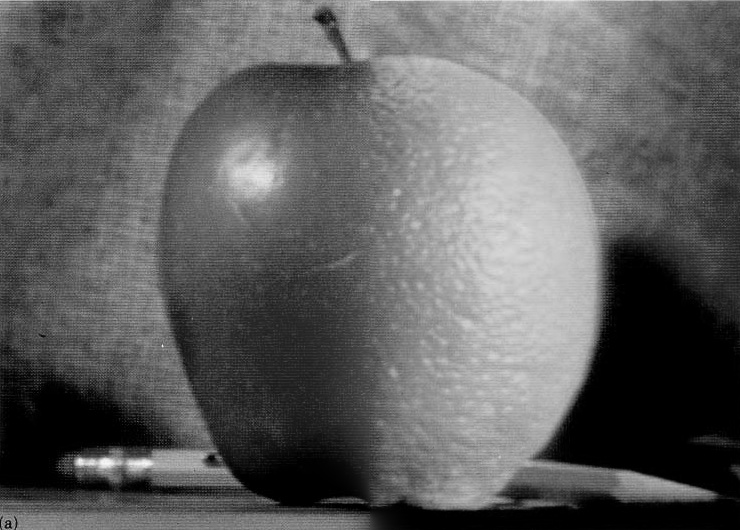
The oraple
The mask is a vertical step: 1 on the left half (apple), 0 on the right (orange).
Vertical seams: father and sisters
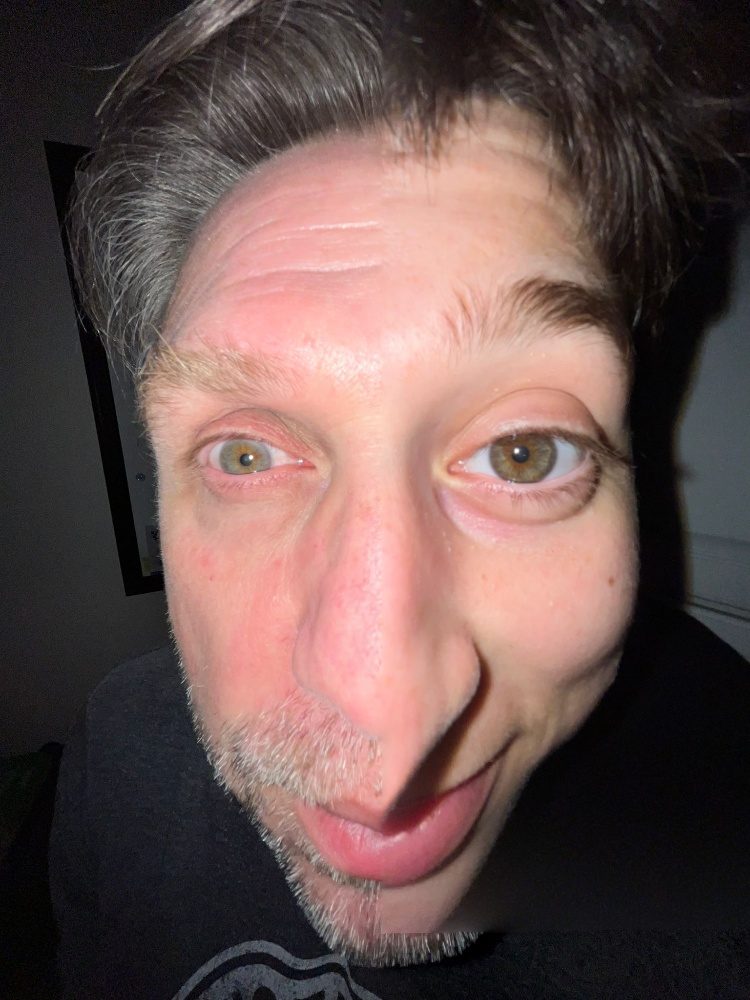
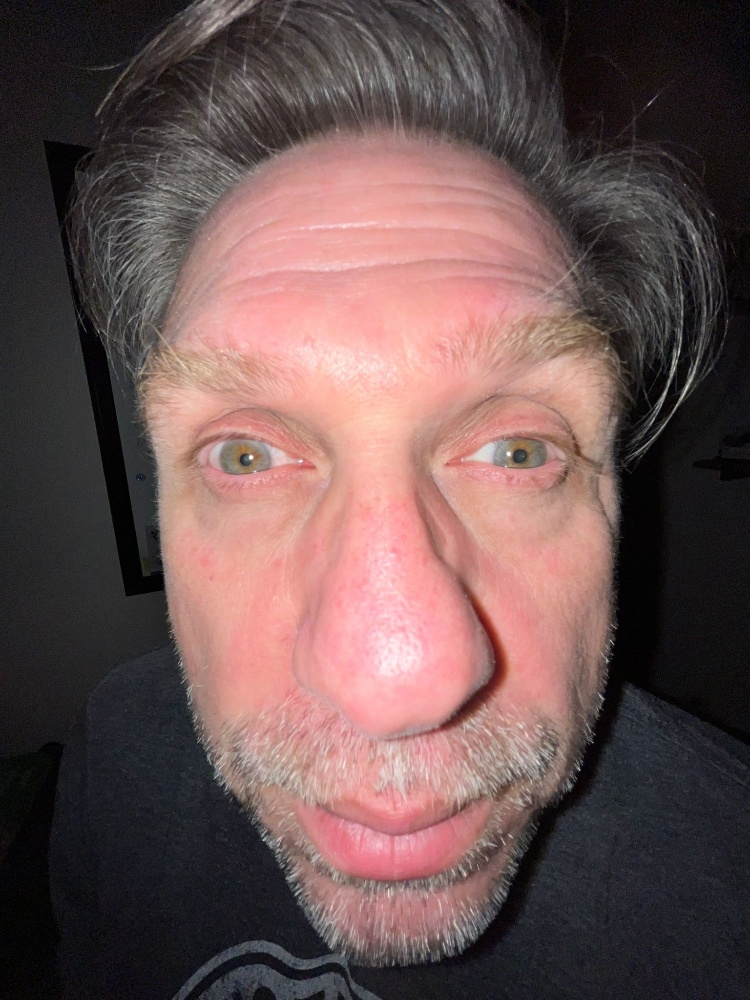
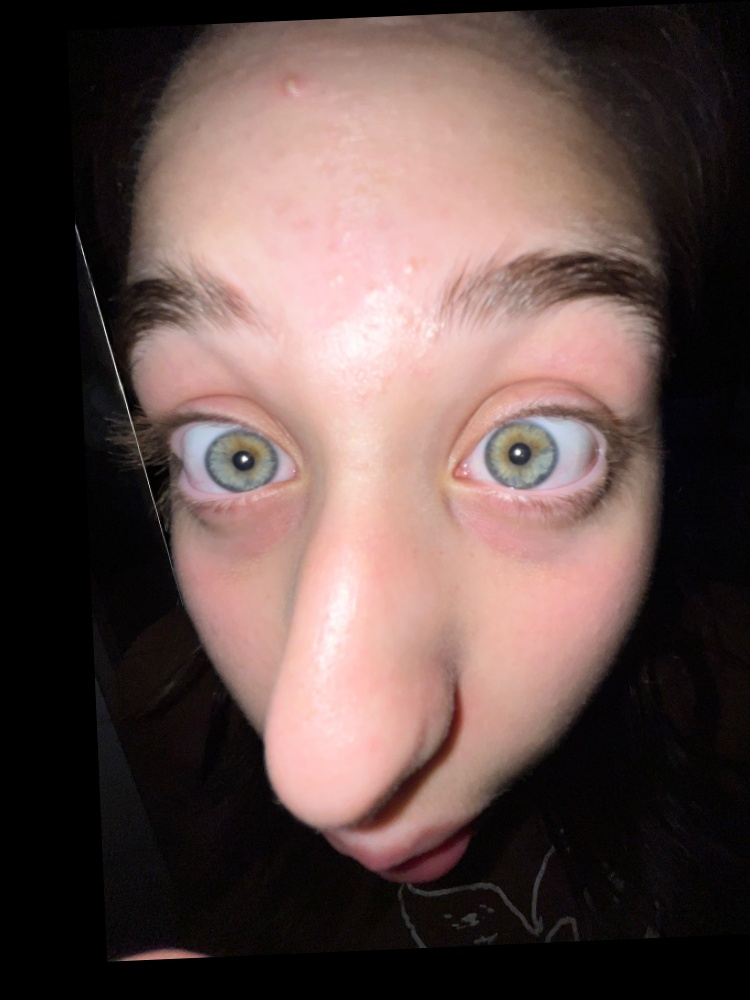
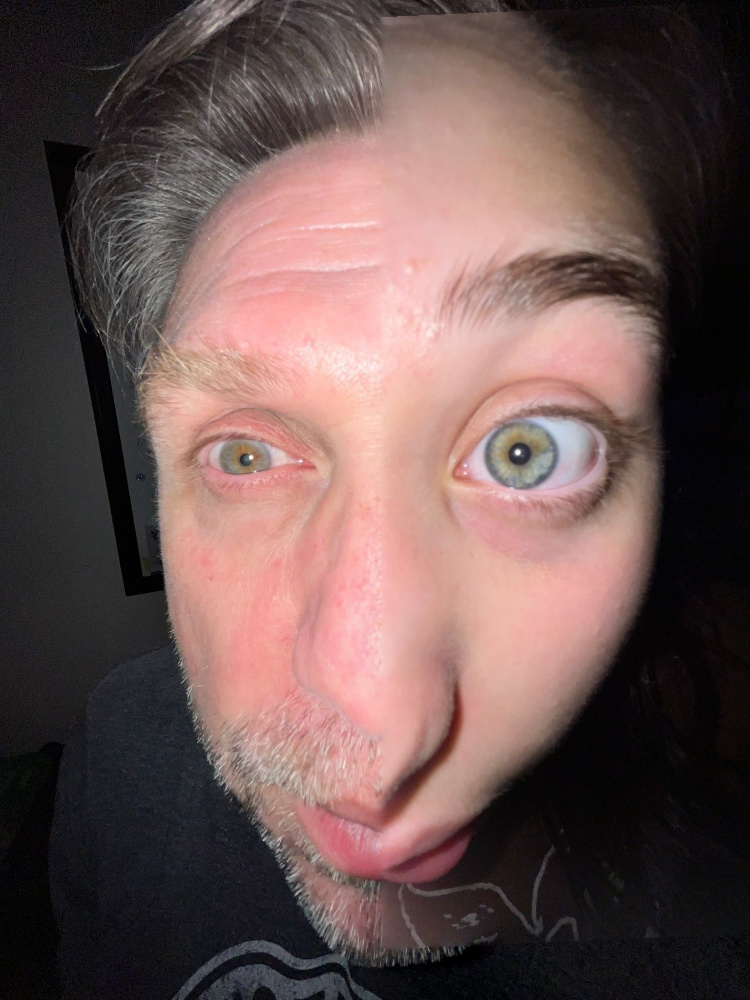
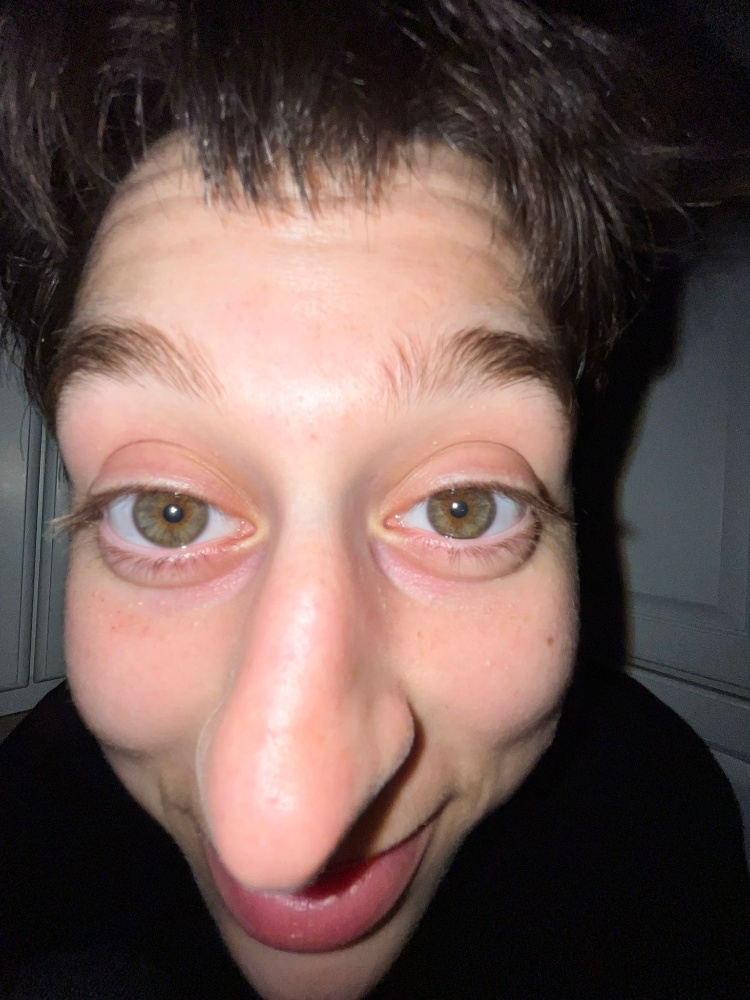
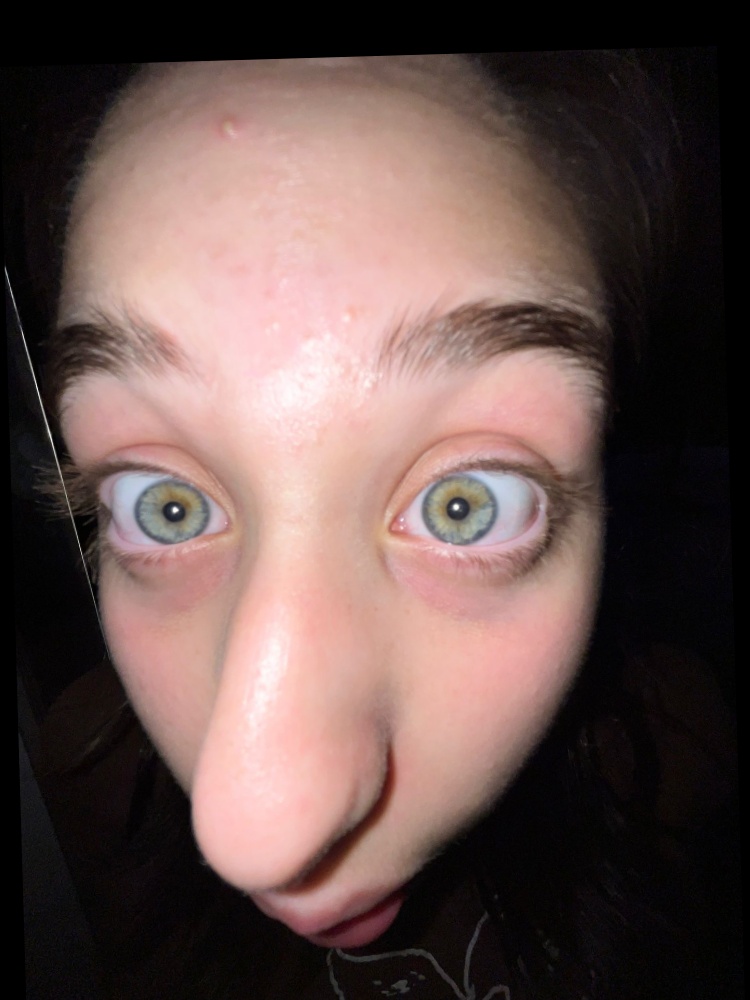
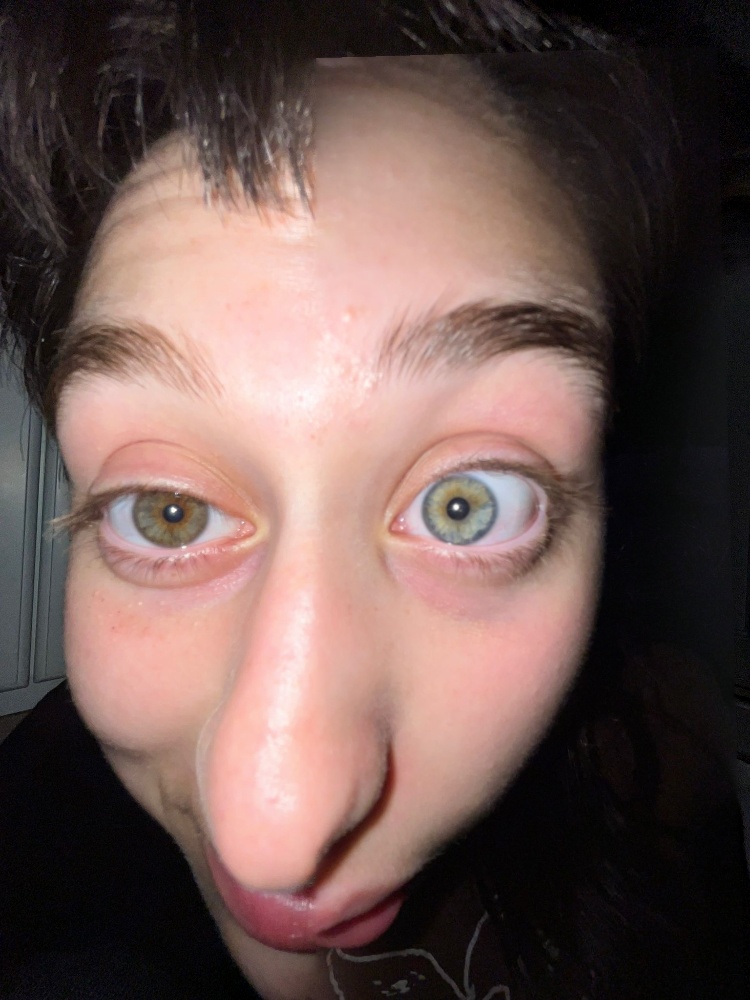
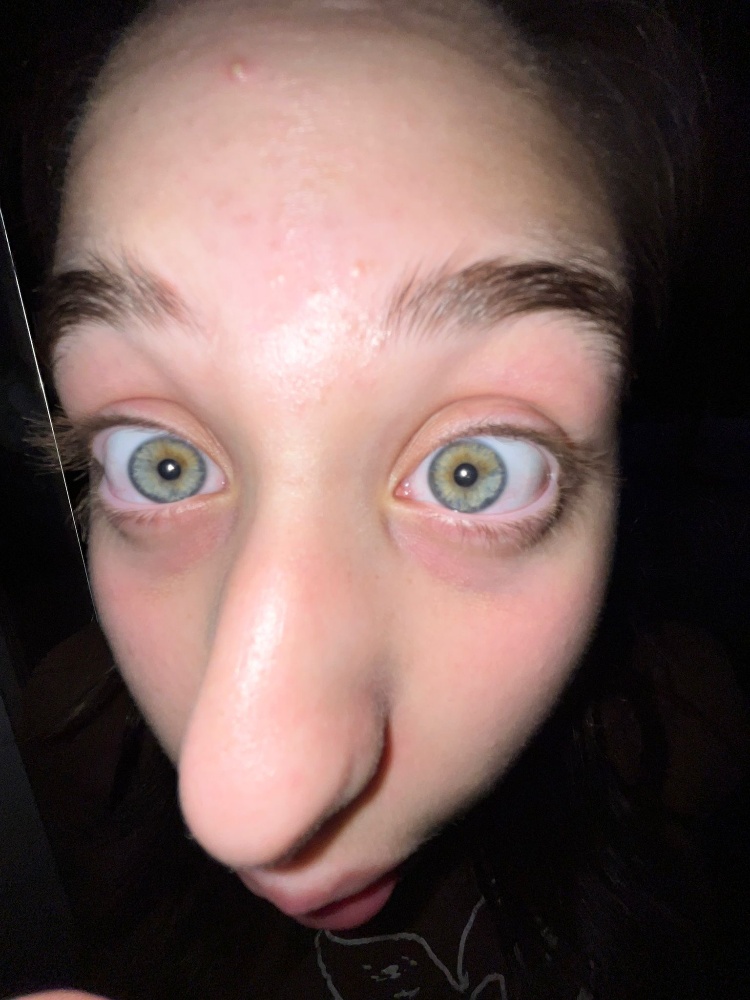
Each pair is aligned on the eyes: the second photo is warped onto the first with the same two-point transform used in 2.2. The seam runs vertically through the midpoint between the eyes, with the first person on the left. If the warped photo doesn’t cover part of the frame, the first photo is used there.
Irregular masks
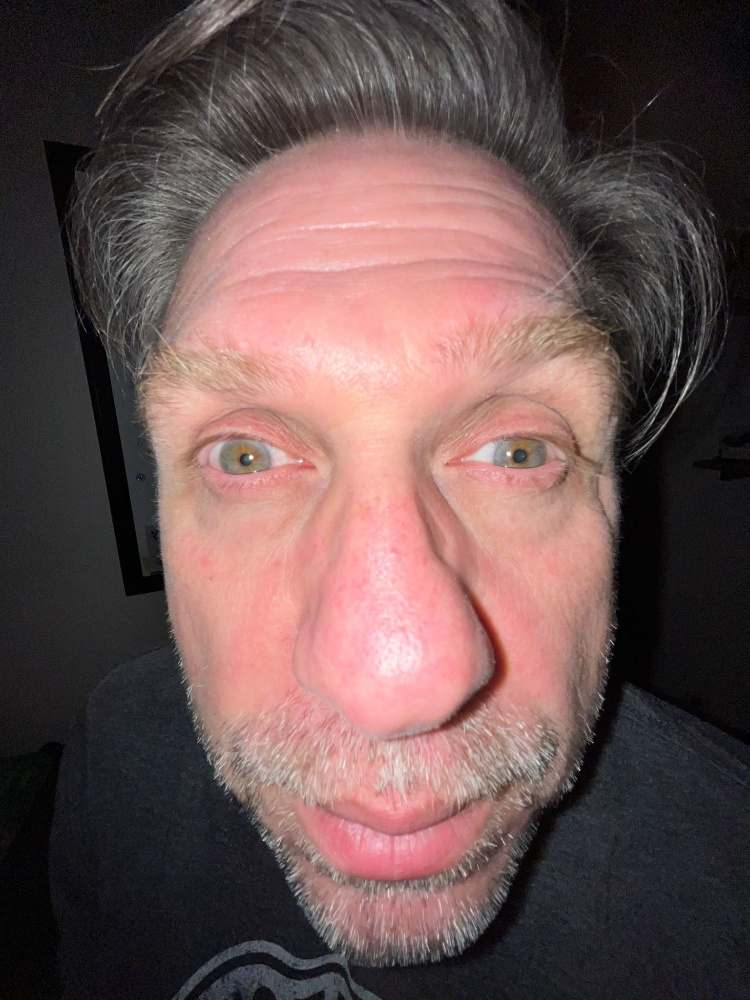
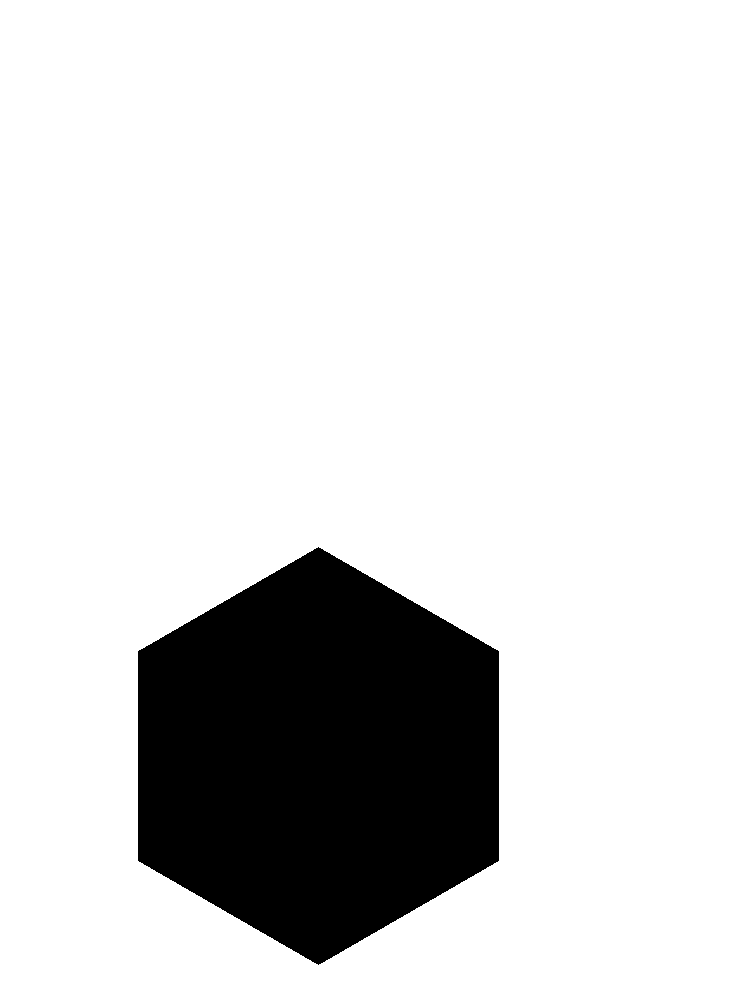
The masks are generated shapes placed relative to the eyes of the base image. They are positioned from the midpoint between the eyes and sized by the distance between them. Ellipses are filled with the ellipse equation, and polygons are filled with matplotlib’s Path.contains_points. In each mask, white keeps the base image and black brings in the second image.
def make_mask(kind, shape, pts):
    c, d = pts.mean(0), np.hypot(*(pts[1] - pts[0]))
    if kind == "eyes":
        return ellipse(shape, c, (0.95 * d, 0.4 * d))
    if kind == "face":
        return ellipse(shape, (c[0], c[1] + 0.45 * d), (1.1 * d, 1.6 * d))
    if kind == "nose":
        return polygon(shape, (c[0], c[1] + 0.95 * d), 0.7 * d, 6, np.pi / 6)
Eye swap (ellipse): sister 2’s eyes on father
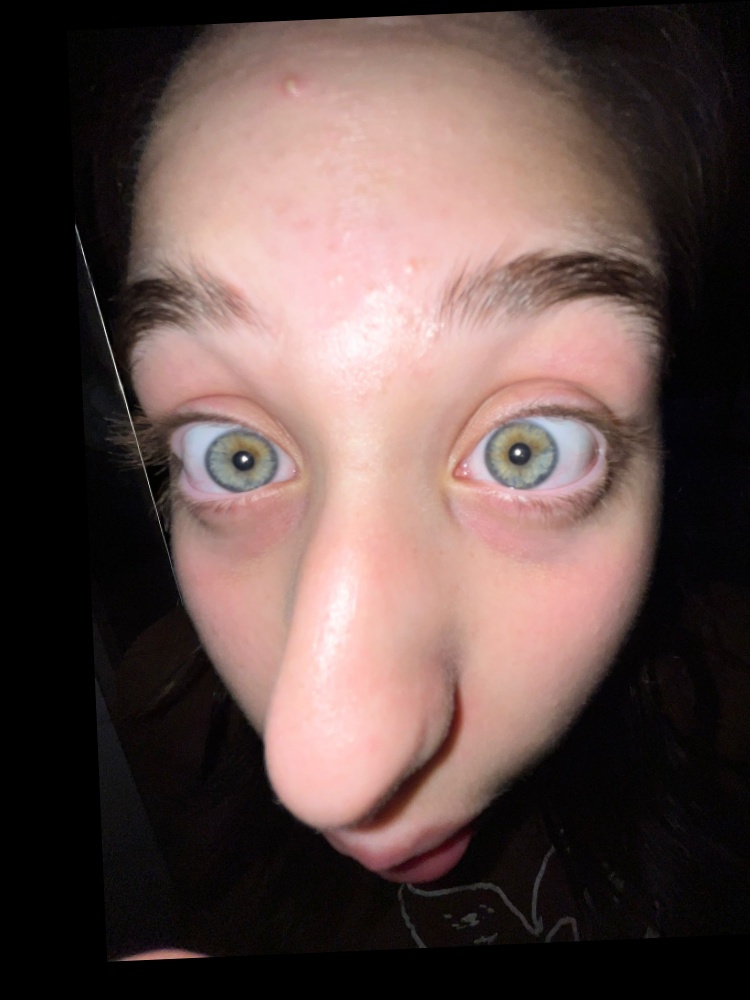
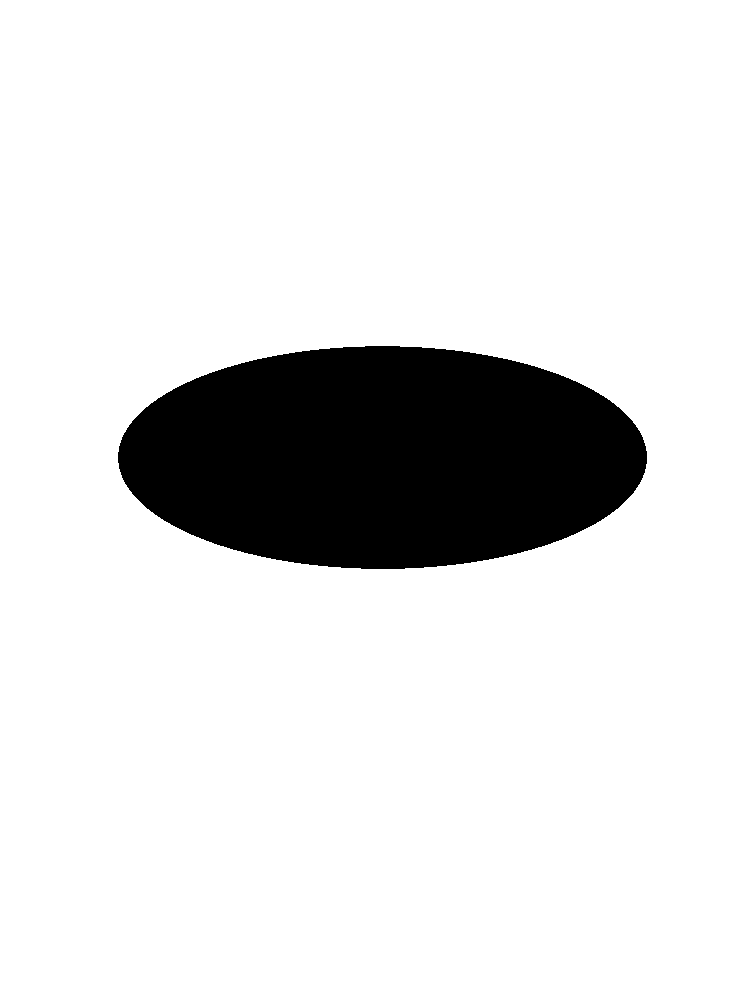
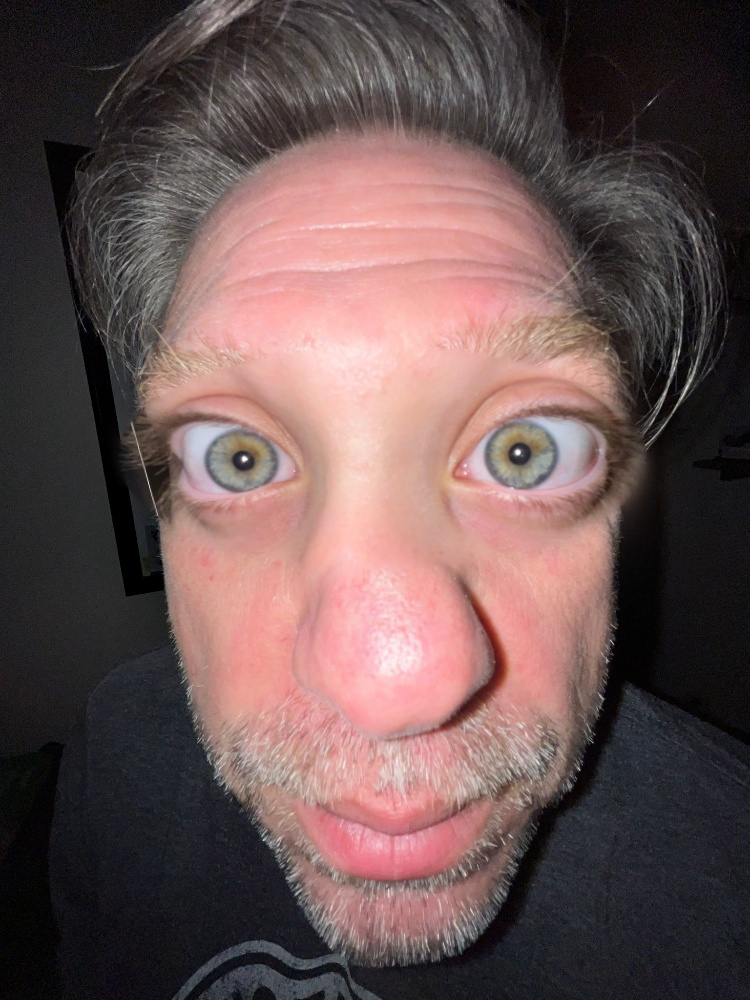
Face swap (ellipse): father’s face on sister 1
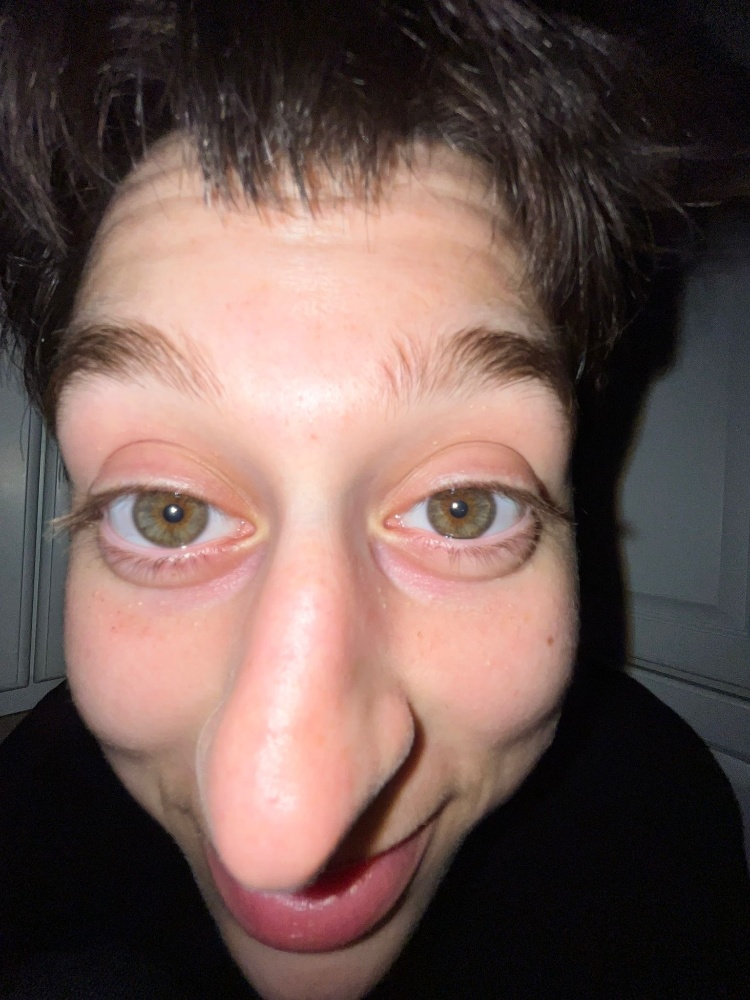
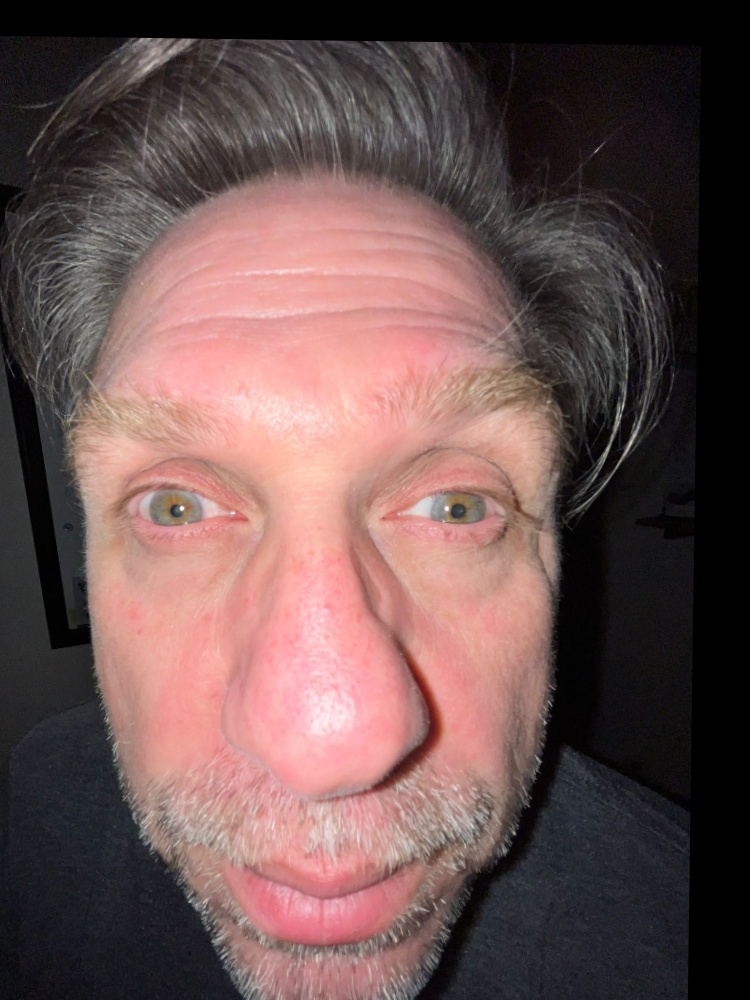
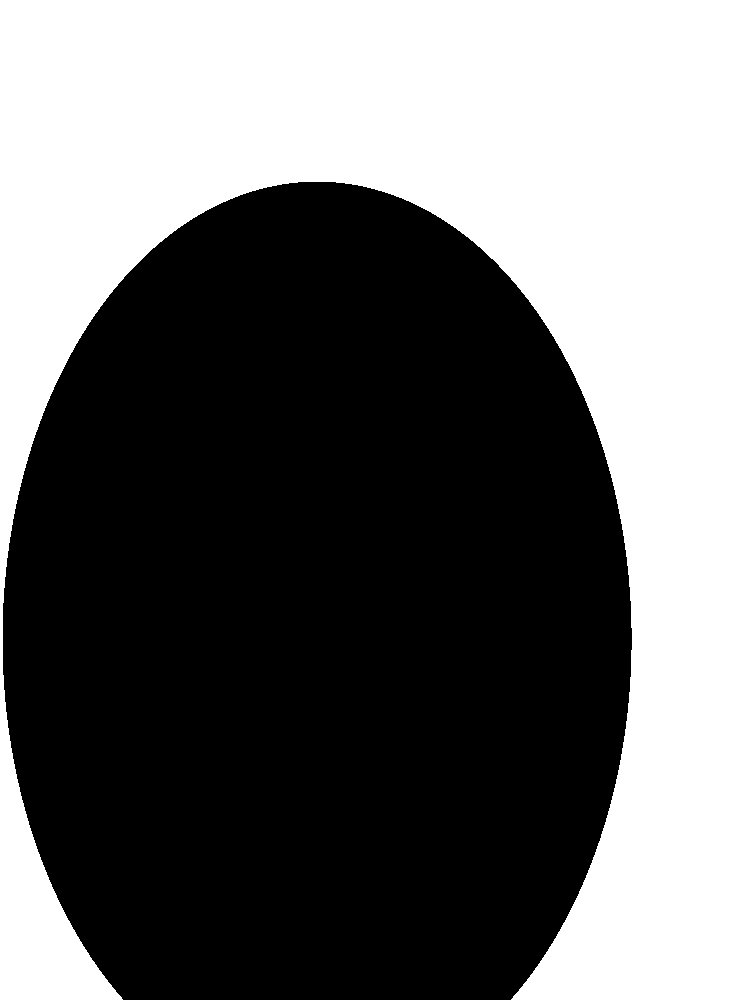
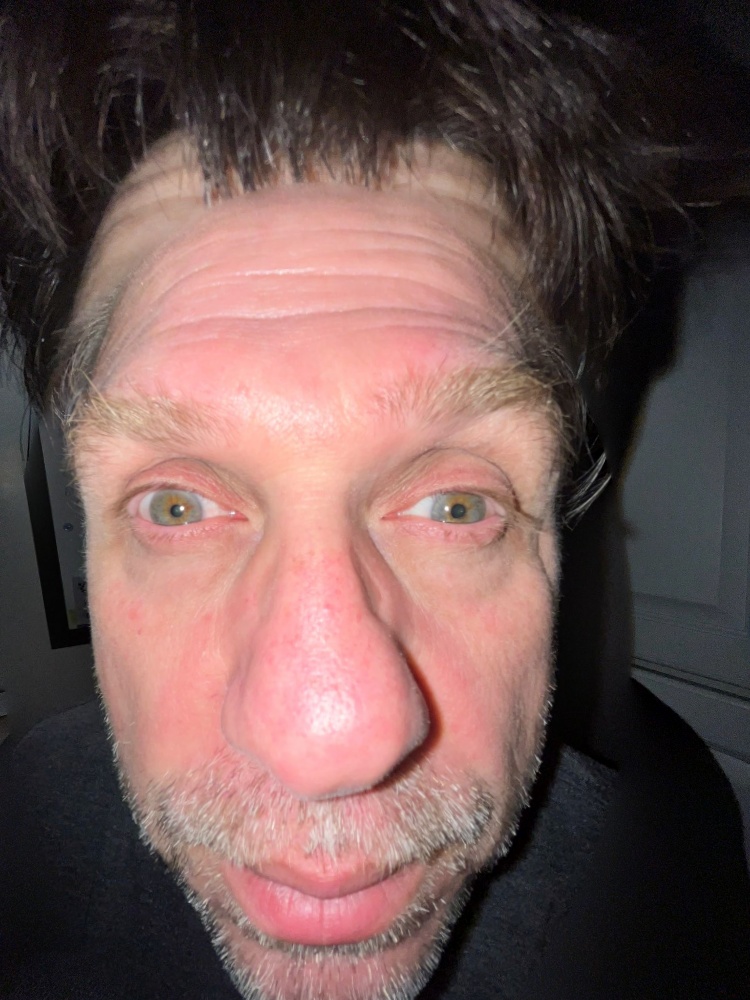
Nose and mouth swap (hexagon): father’s nose and mouth on sister 2
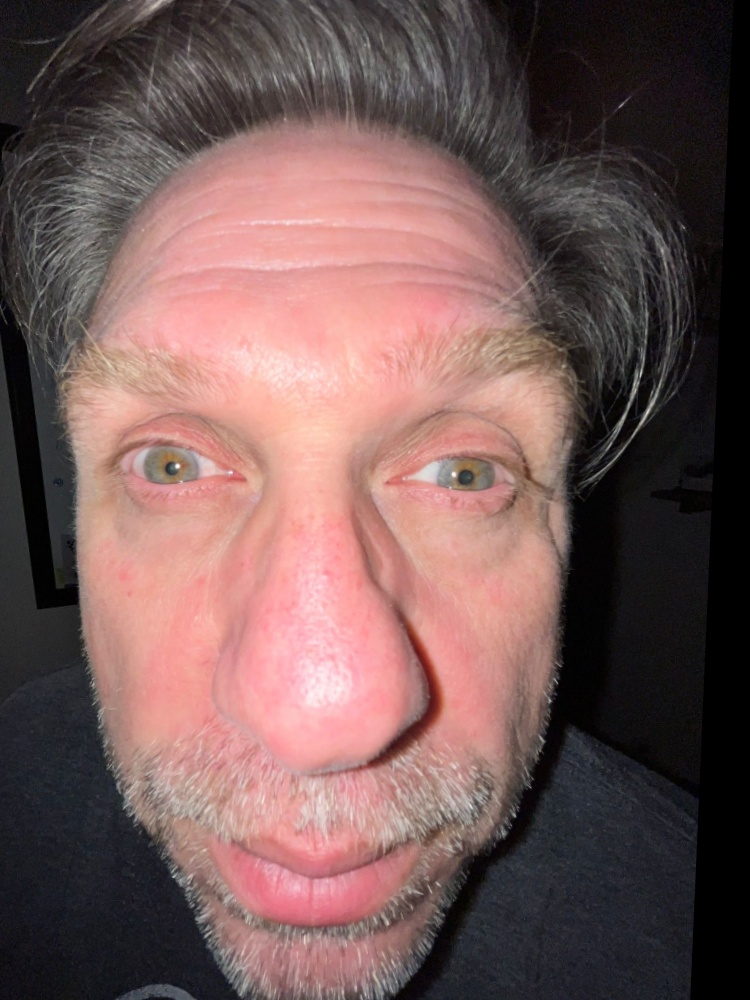
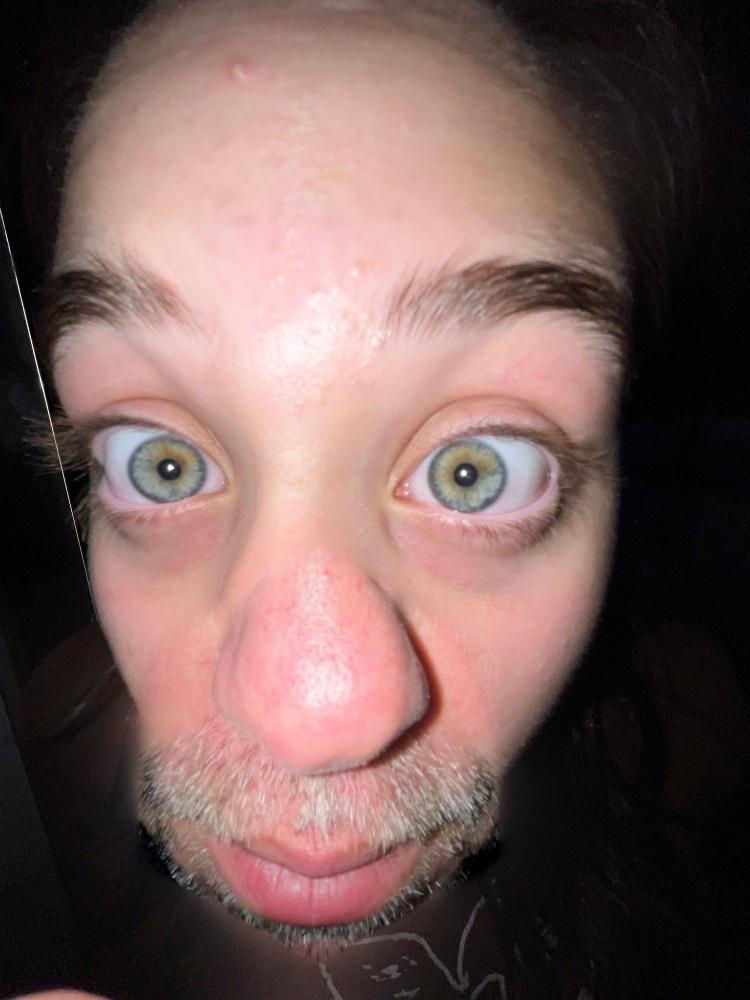
Something different: cats and pasta
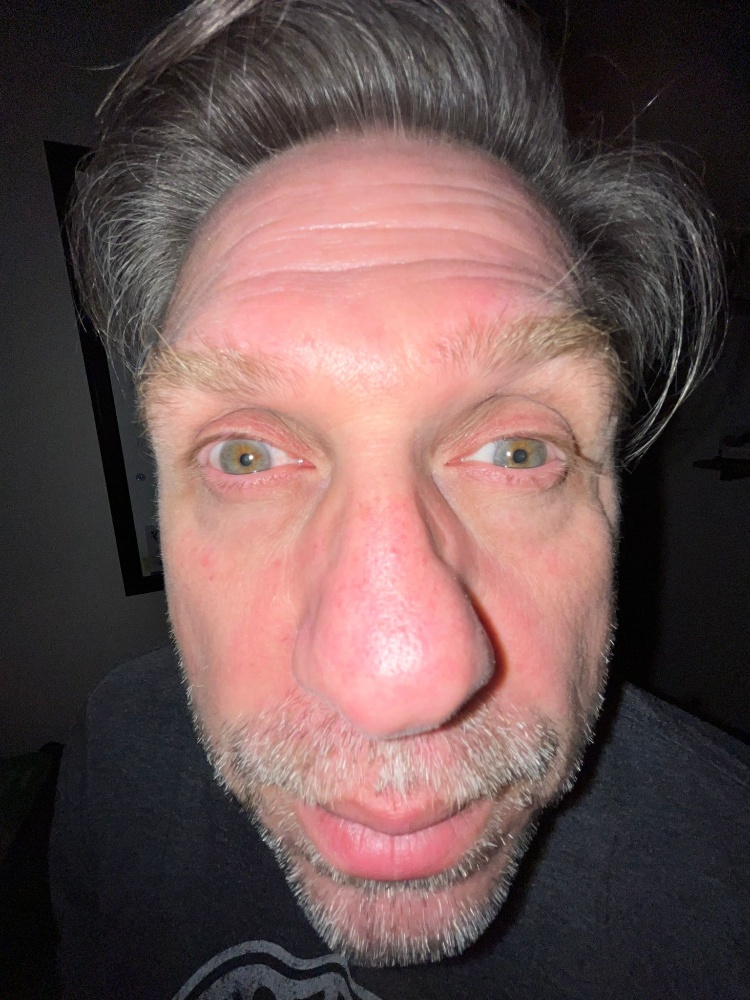
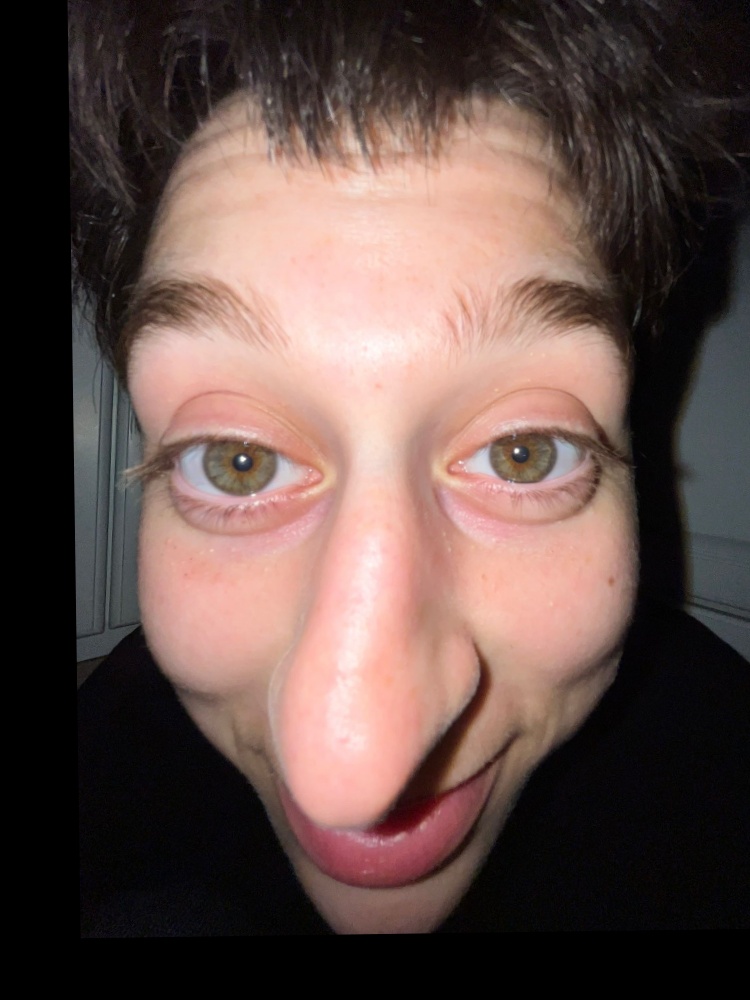
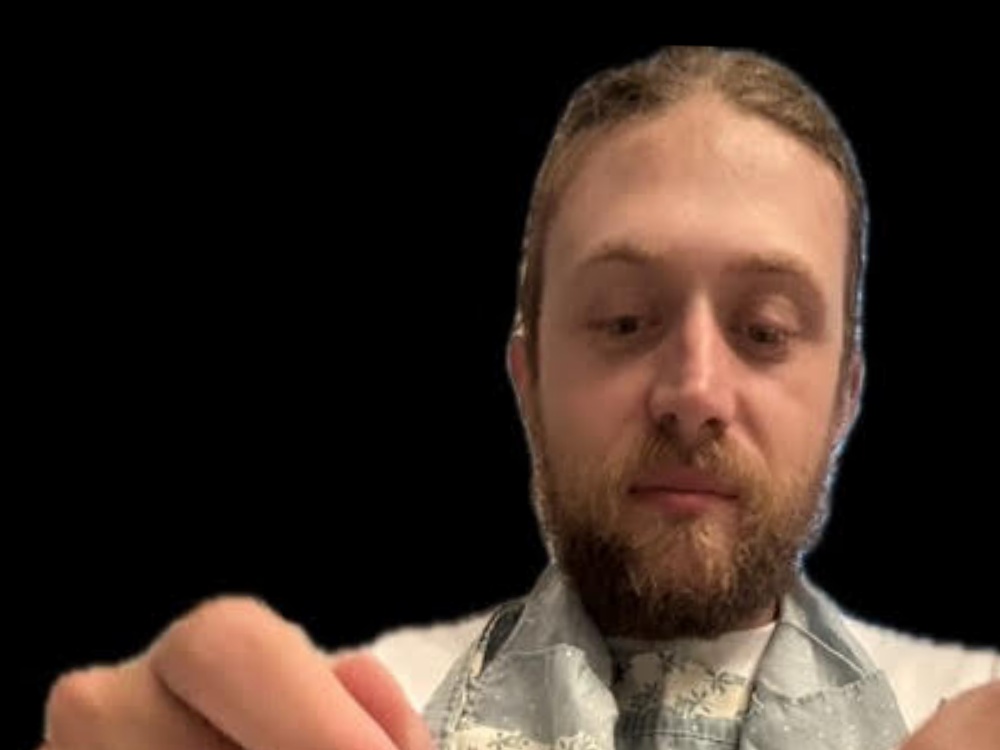
Little cat’s face on pasta boy
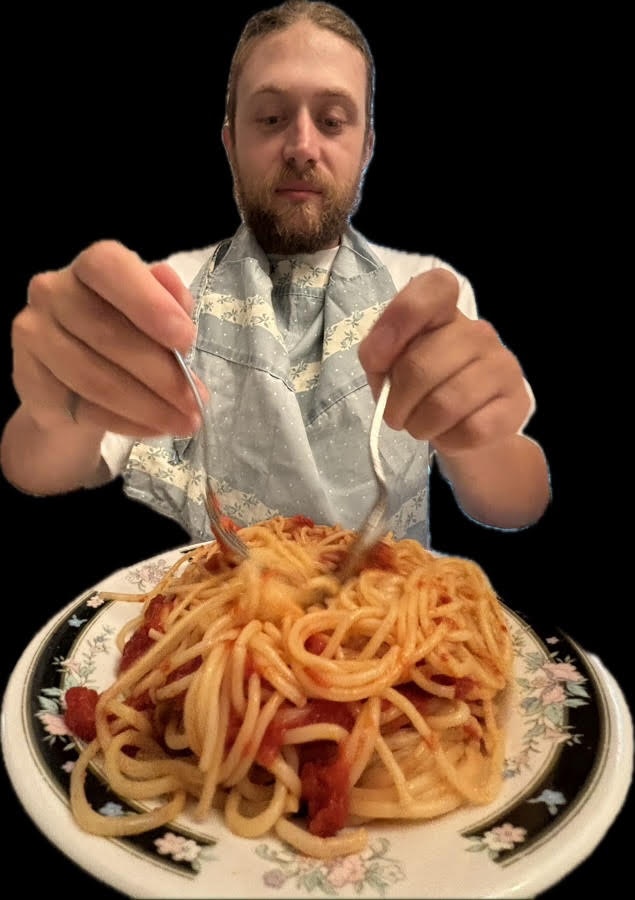
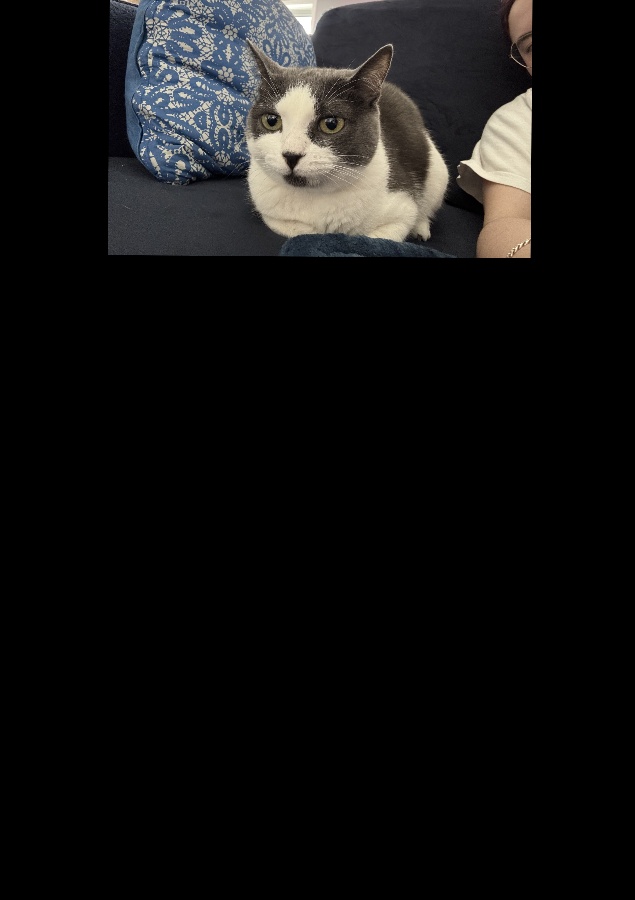
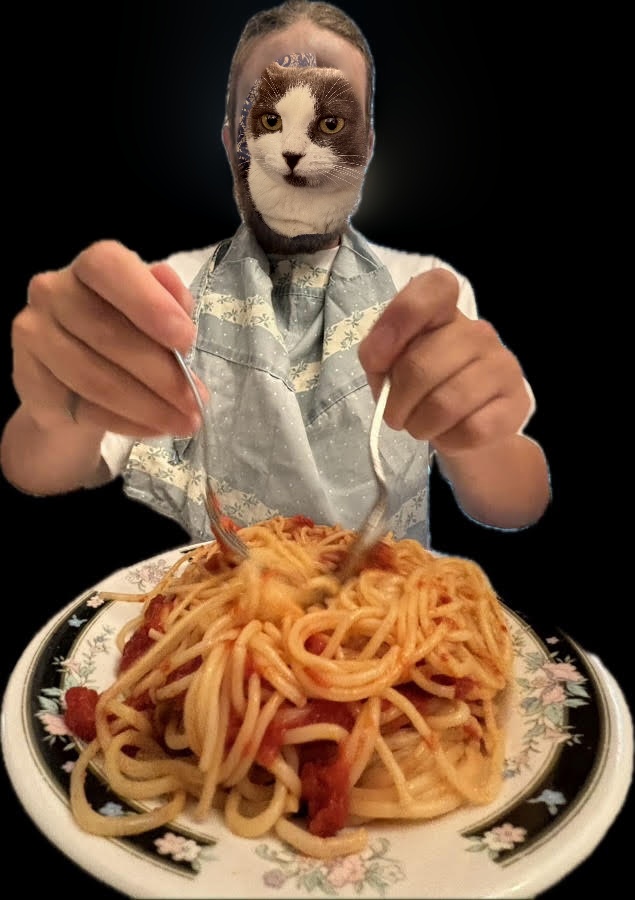
Pasta boy’s face on big cat

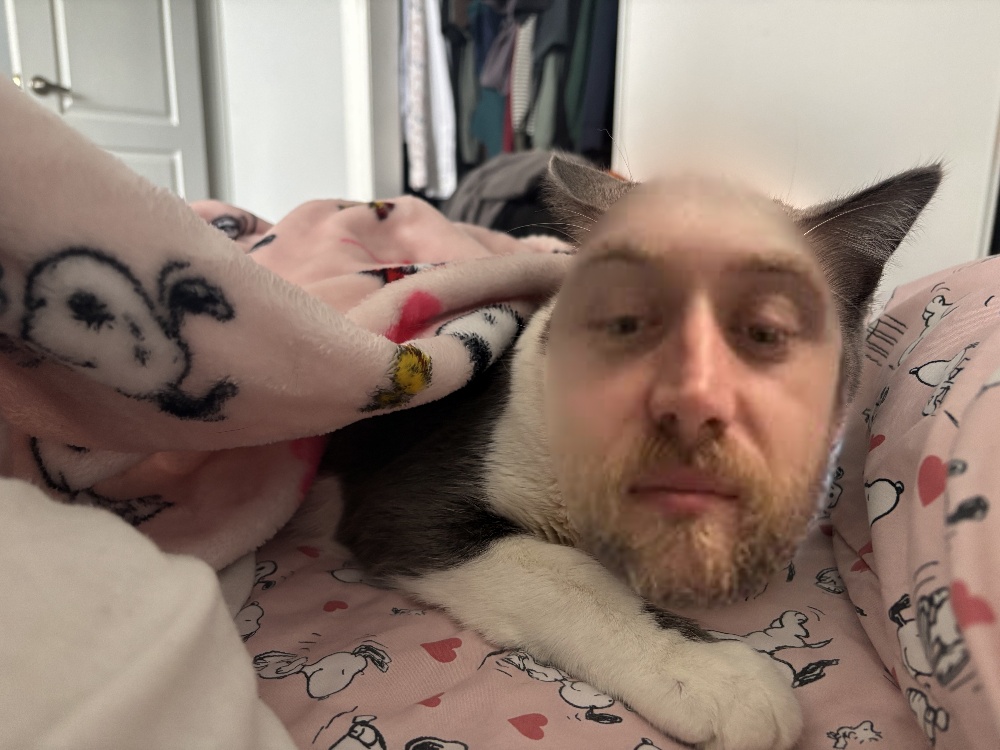
The process: eye swap
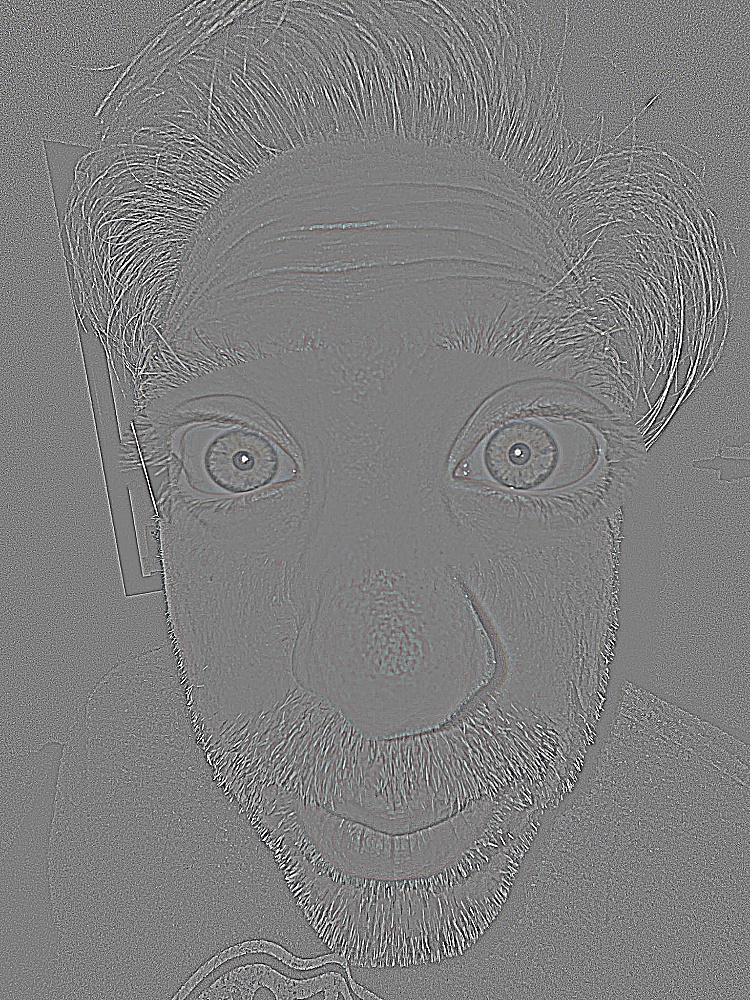
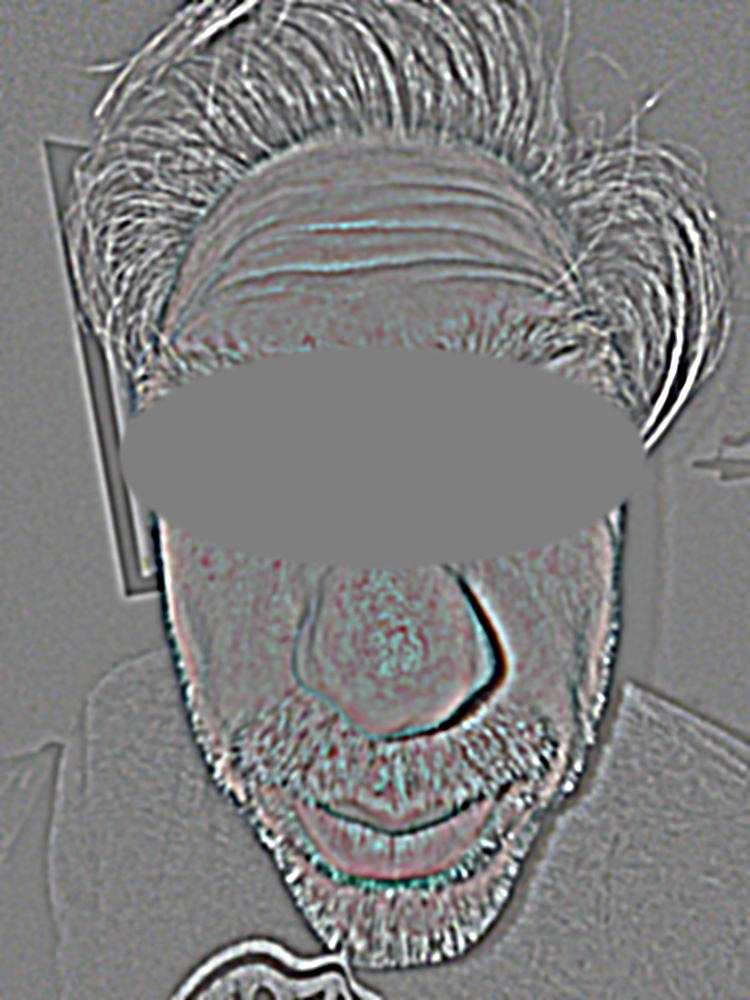
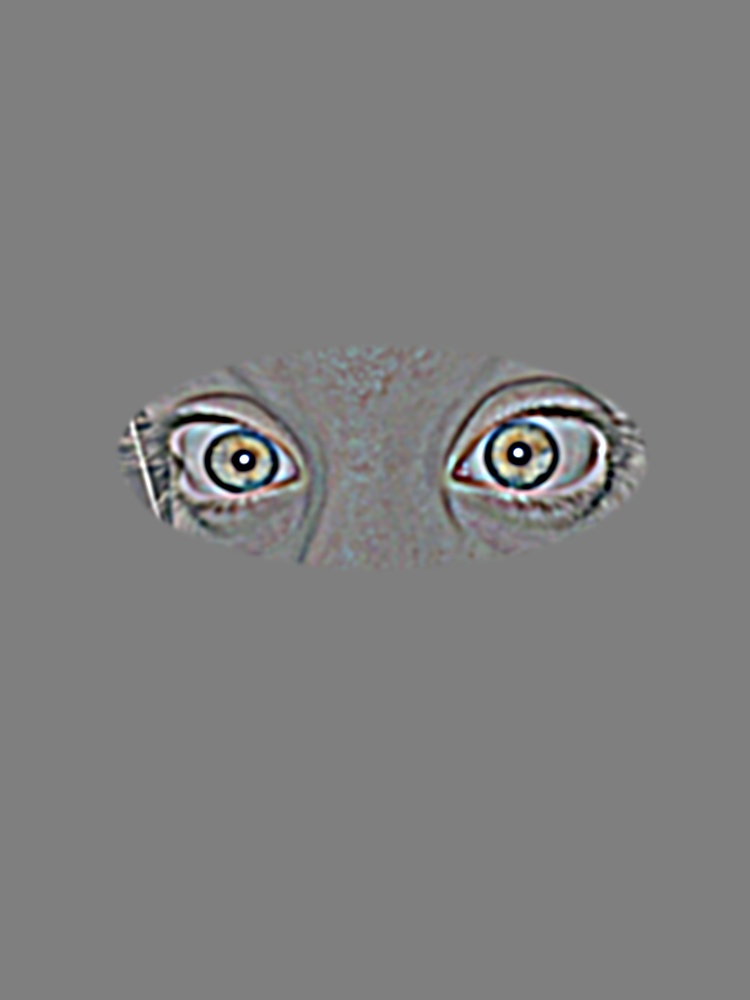
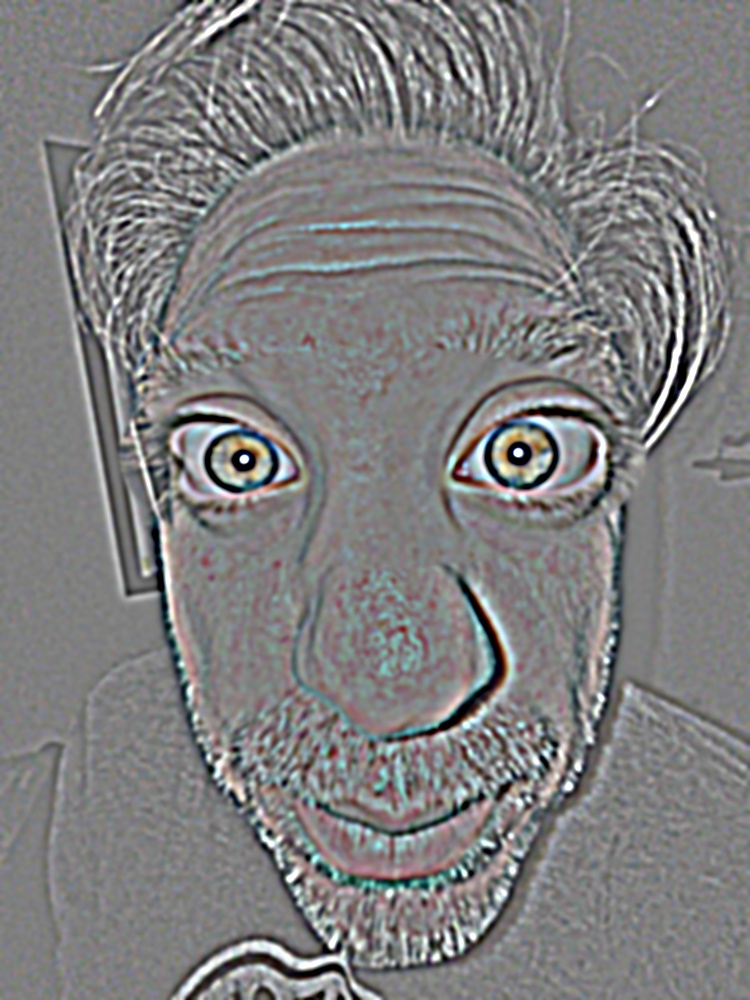
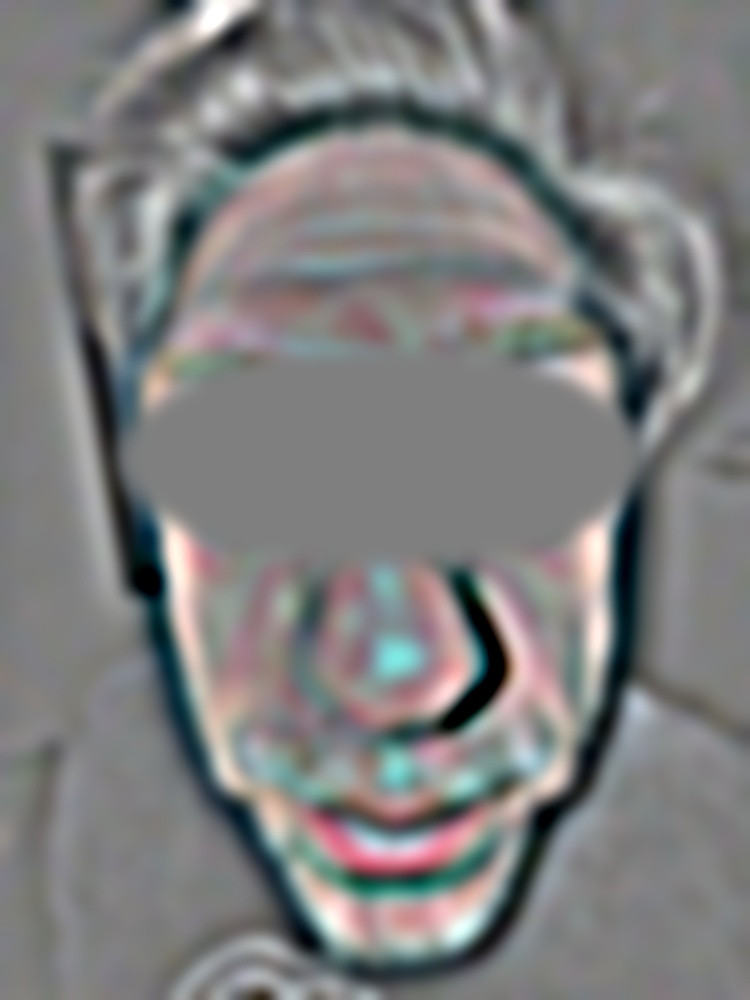
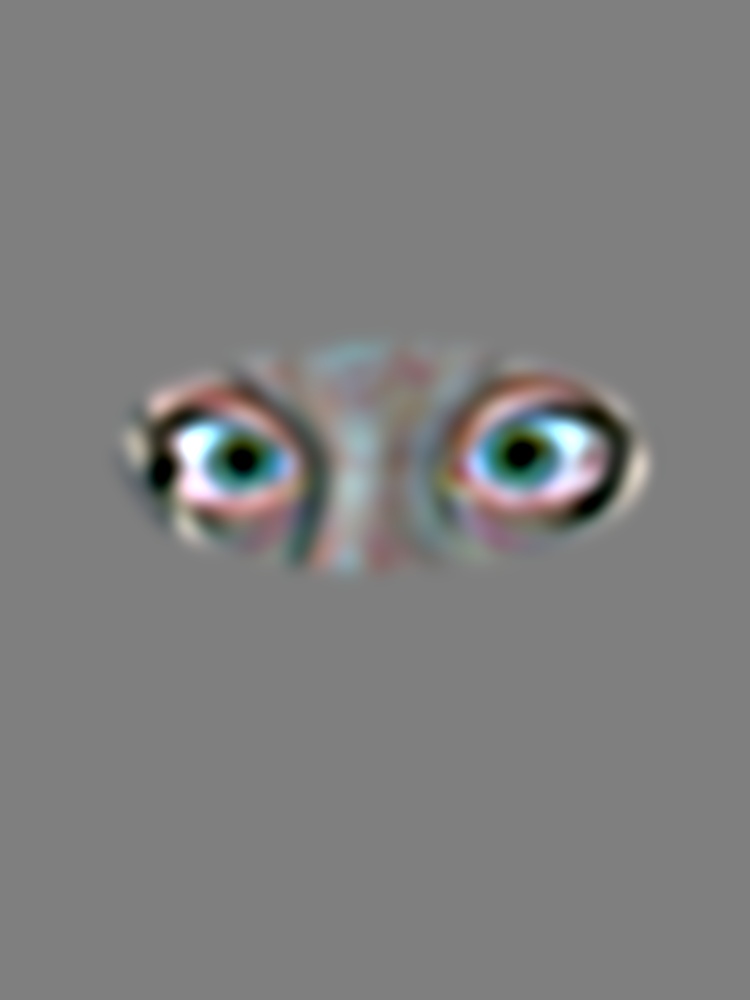
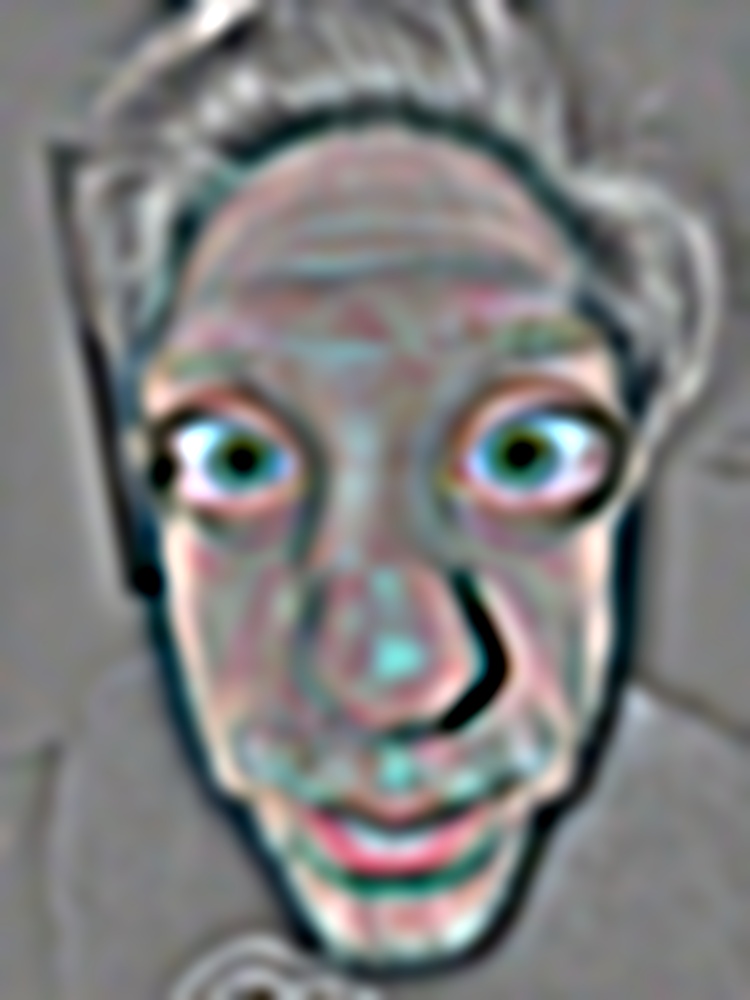
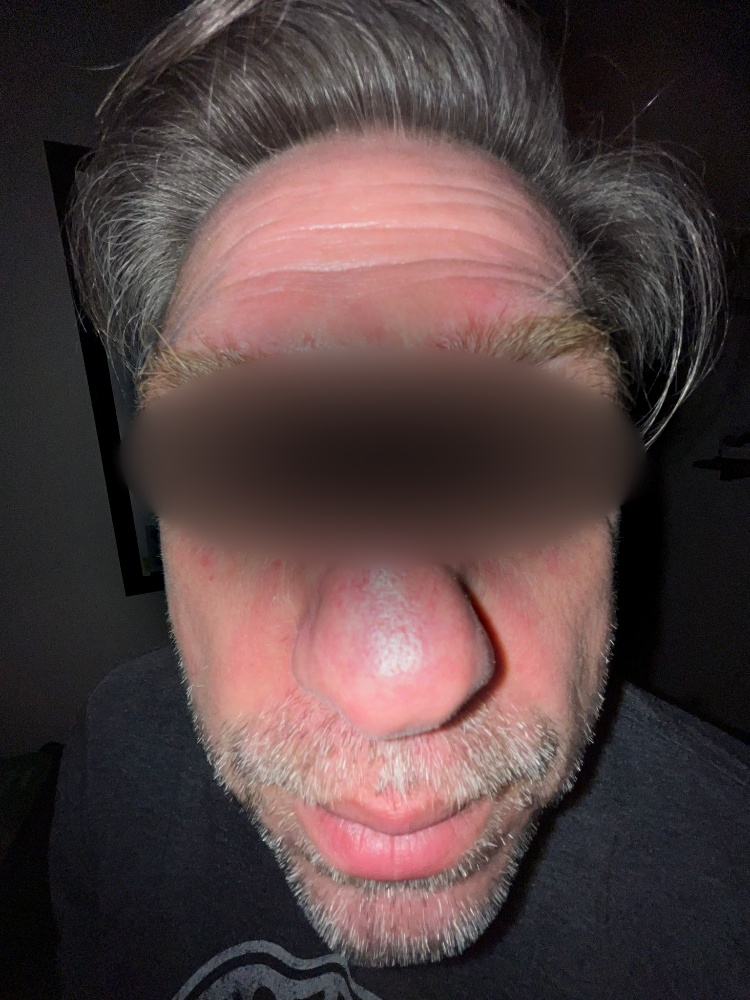
This follows Burt and Adelson figure 10 for the eye swap. The rows are Laplacian levels 0, 2, and 4, and the bottom row adds up all 8 levels. The columns are the masked father, \(G^M_i L^A_i\), the masked sister, \((1 - G^M_i) L^B_i\), and their sum. Within each row, all three images share the same display scale, around mid grey.
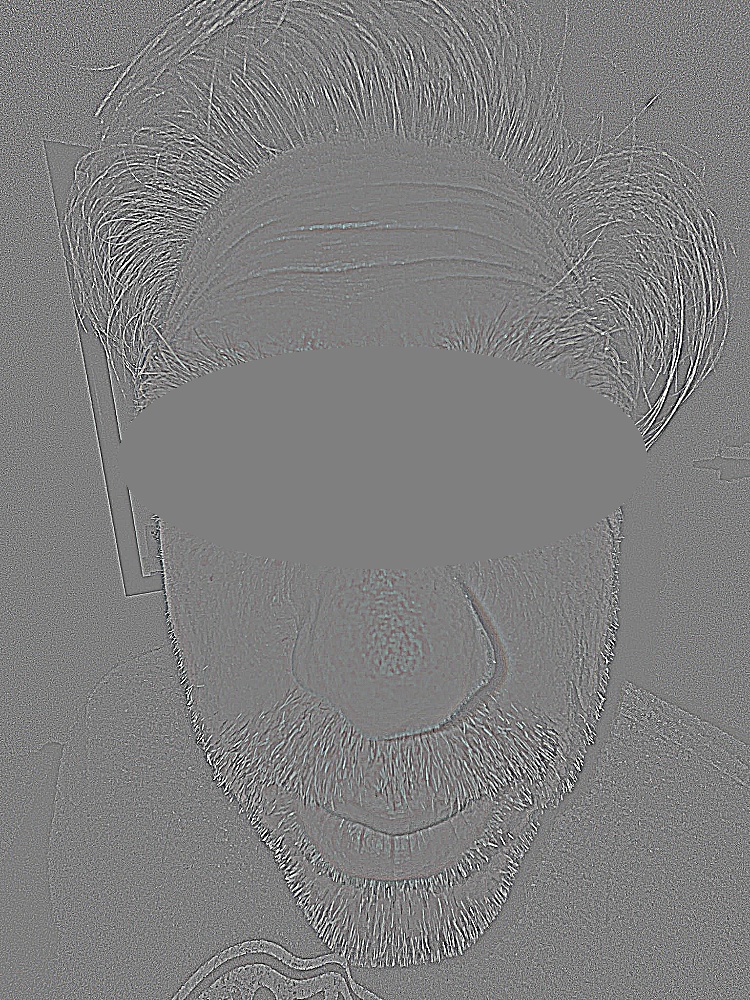
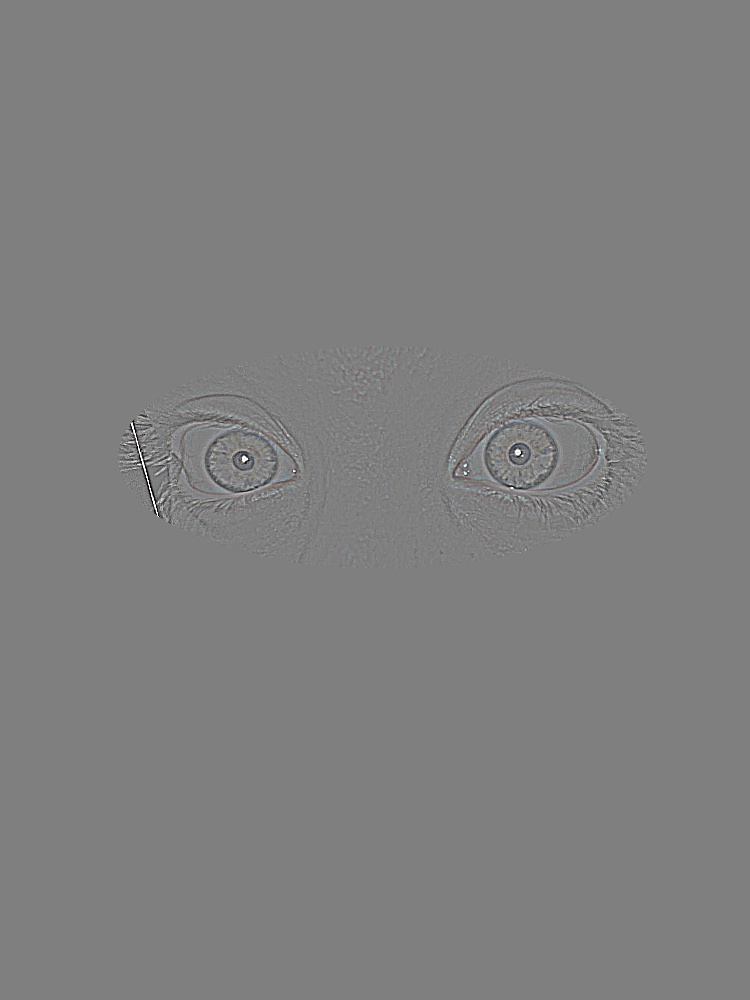
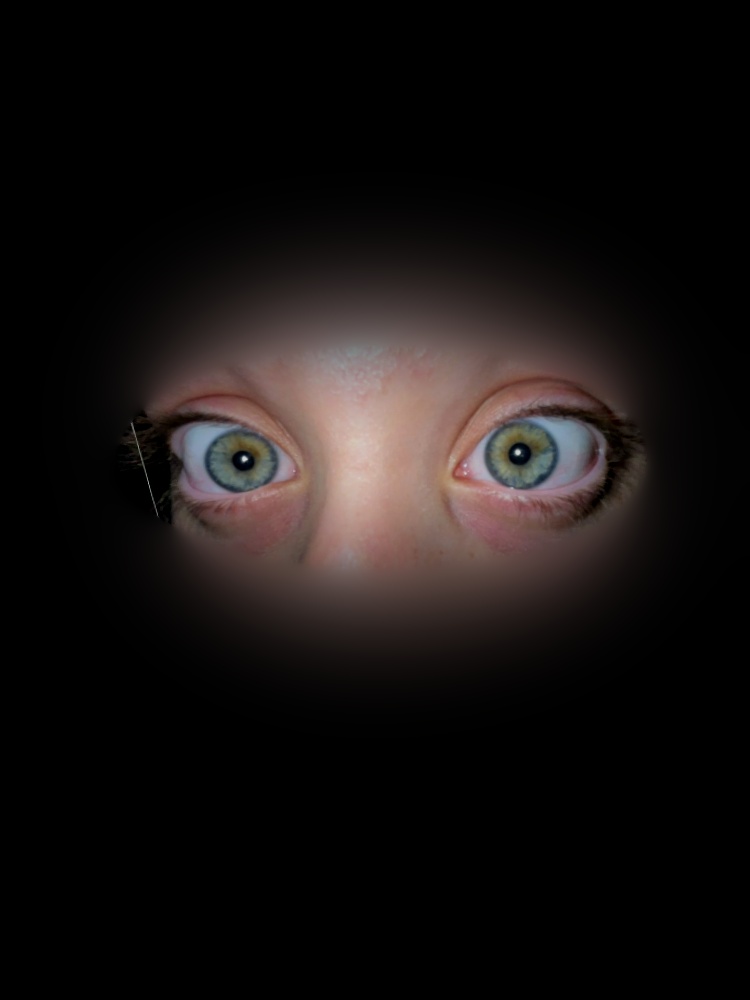
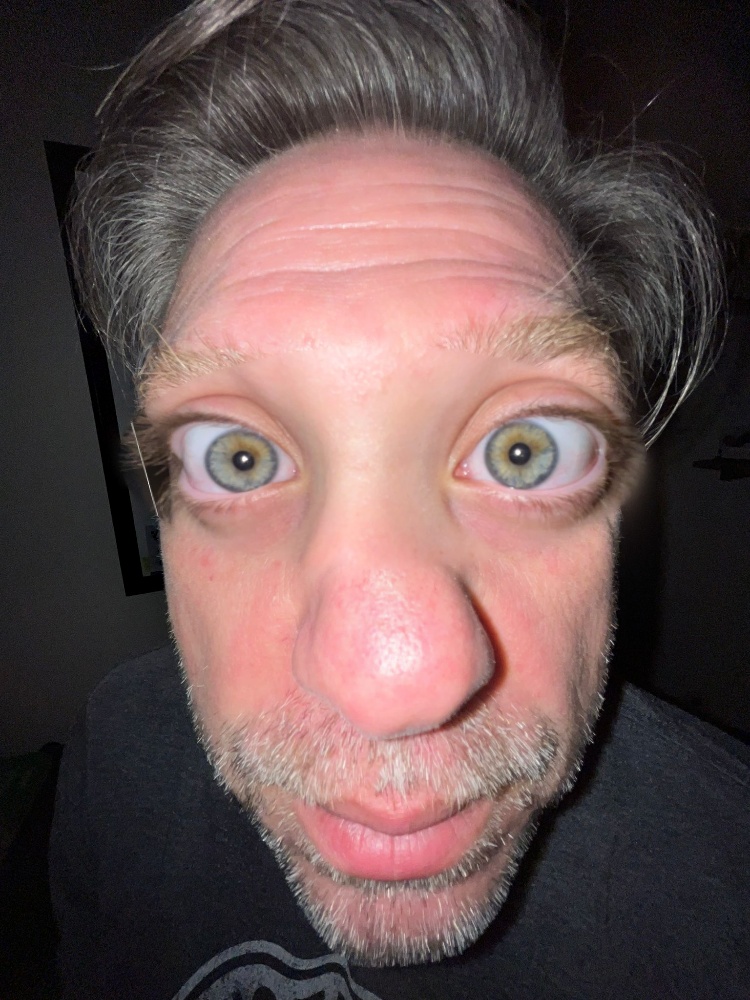
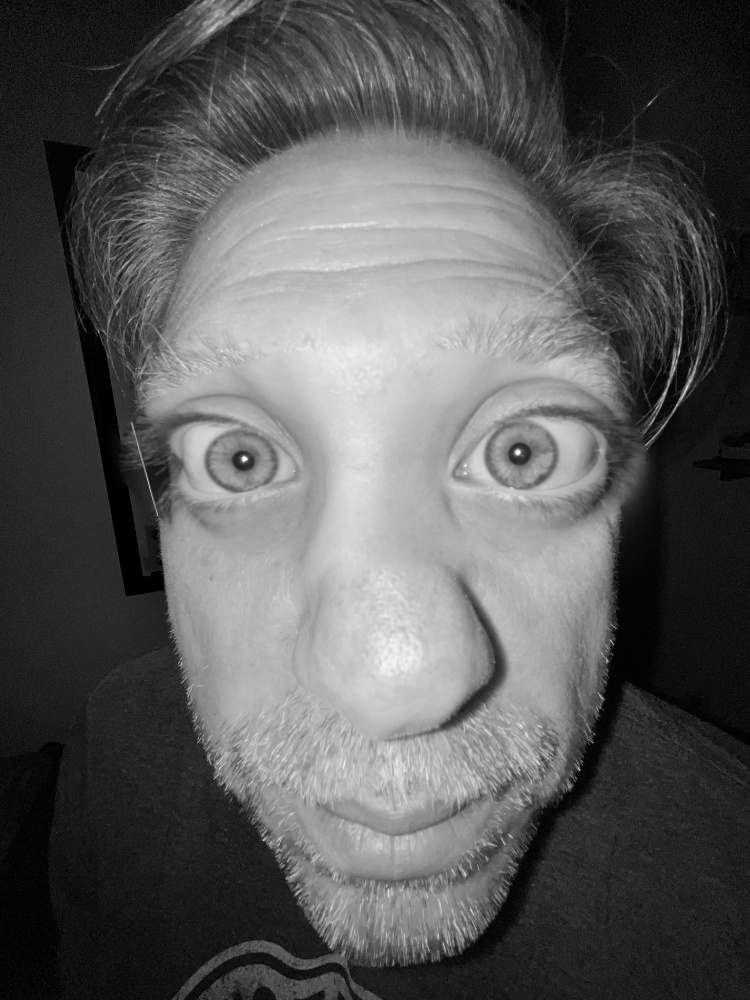
Bells & Whistles: Blending
The oraple and the eye swap blended in grayscale and in colour. For colour, every channel is blended separately with the same mask stack.
Tooling: Selecting Alignment Points
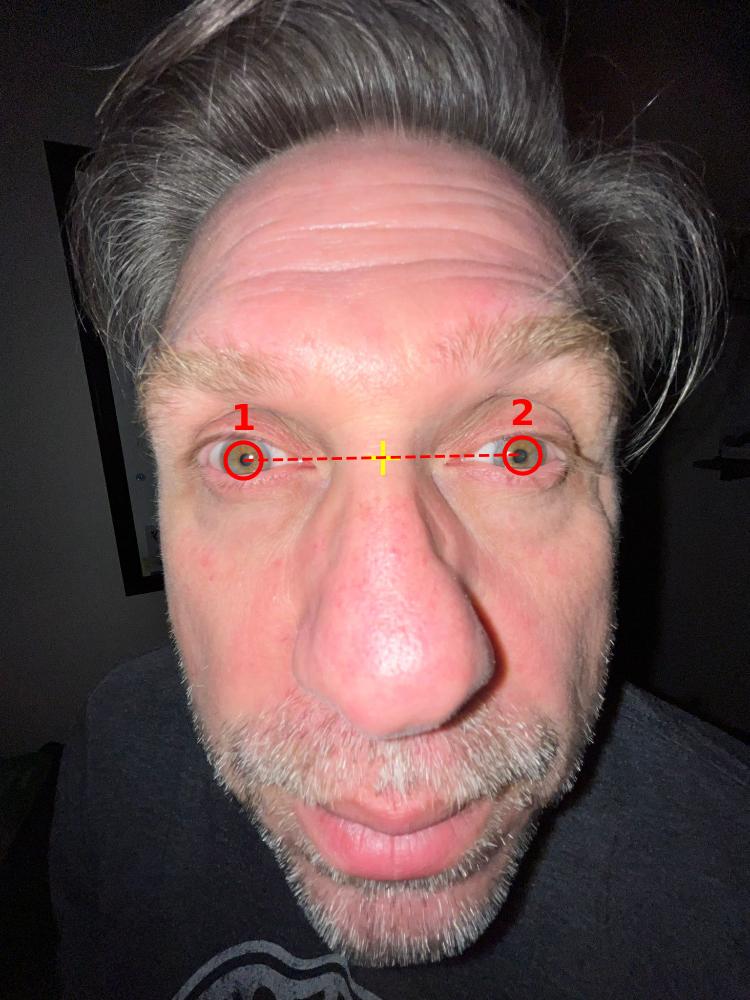
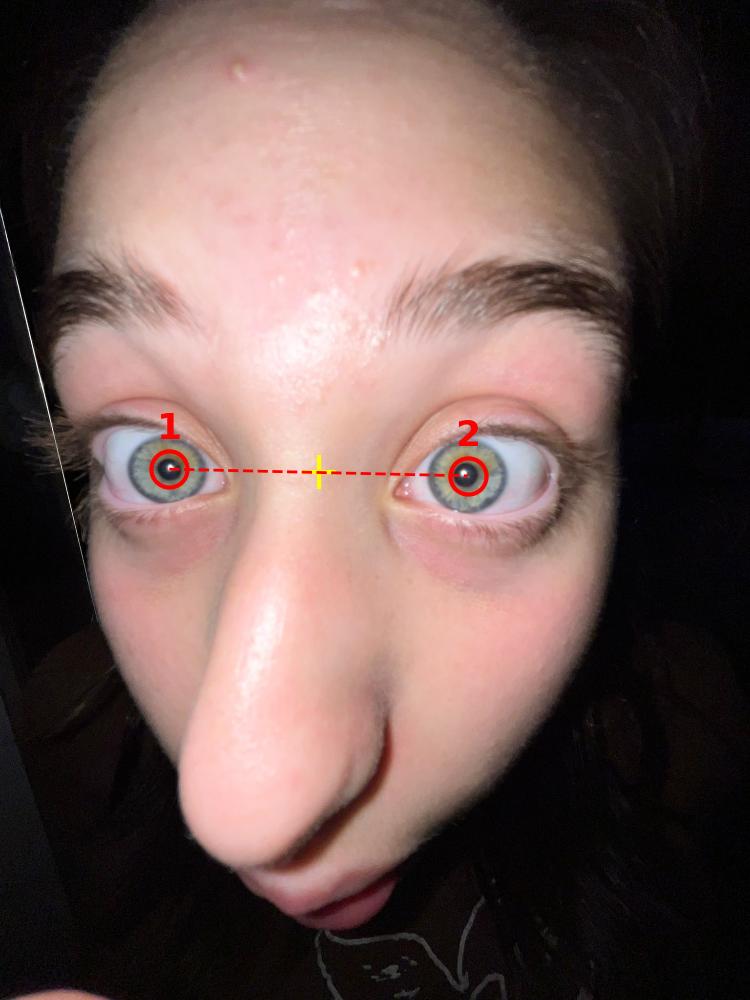
The hybrid images (2.2) and the blends (2.4) need two matching points on each photo, usually the centres of the eyes. They are picked with a small click tool modelled on ginput in the MATLAB starter. The image opens in a matplotlib window, and plt.ginput(2) waits for two clicks: first the left eye, then the right eye, as they appear on screen. The window closes after the second click.
def get_points(img, n=2):
    plt.imshow(img, cmap="gray")
    plt.title(f"Click {n} points")
    pts = plt.ginput(n, timeout=0)
    plt.close()
    return np.array(pts)
The points are saved per image in Assignment 2/data/points.json, in the coordinates of the full-resolution original, so each photo only has to be clicked once. When an image is loaded at a smaller size, its points are scaled to match. Those two points then define everything else:
- Alignment: the translation, scale, and rotation that map one pair of points onto the other (the midpoint, the distance between the points, and the angle of the line between them).
- Face crop: the cat hybrids are cropped to a box sized in eye distances around the midpoint.
- Masks: the eye, face, and nose shapes in 2.4 are positioned from the midpoint and sized by the eye distance.
The images below show the stored points. The red circles are the two clicks, in order. The dashed line sets the scale and rotation, and the yellow cross marks the midpoint that the images are aligned on.